

Automated forward acceleration in Ace Racer means your entire focus stays on steering, braking, and triggering three specific powerups: frequently replenishing Turbo, drift-charged Nitro, and Nitro-fueled Ultimate abilities. Achieving precise cornering lines requires bypassing rigid defaults in favor of a customized Manual Mode HUD that separates steering arrows from action buttons, enlarges high-frequency touch targets along the thumb's natural curve, and locks performance at 60 FPS to eliminate visual input lag.

Ace Racer
Manual Mode vs. One-Touch Layouts
Ace Racer provides two core default operational styles alongside full interface customization, as documented by Uptodown's gameplay overview:
- Manual Mode: Places left and right directional arrows on the lower-left section of the display, while clustering four distinct action buttons on the right edge.
- One-Touch Mode: Relocates direction buttons to opposite sides of the screen (left turn on the left edge, right turn on the right edge) with a single action button positioned directly above them.
(Note: Documentation across sources varies slightly regarding mode naming; while platform listings detail Manual and One-Touch modes, BlueStacks game guides categorize control assists under Auto Drift, Sliding Drift, and Manual Mode.)
For competitive ranked racing, One-Touch mode introduces a critical limitation: it strips away discrete input separation. Because advanced maneuvers require independent control over braking, drifting, and boost activation, Manual Mode serves as the only viable base for high-tier play.
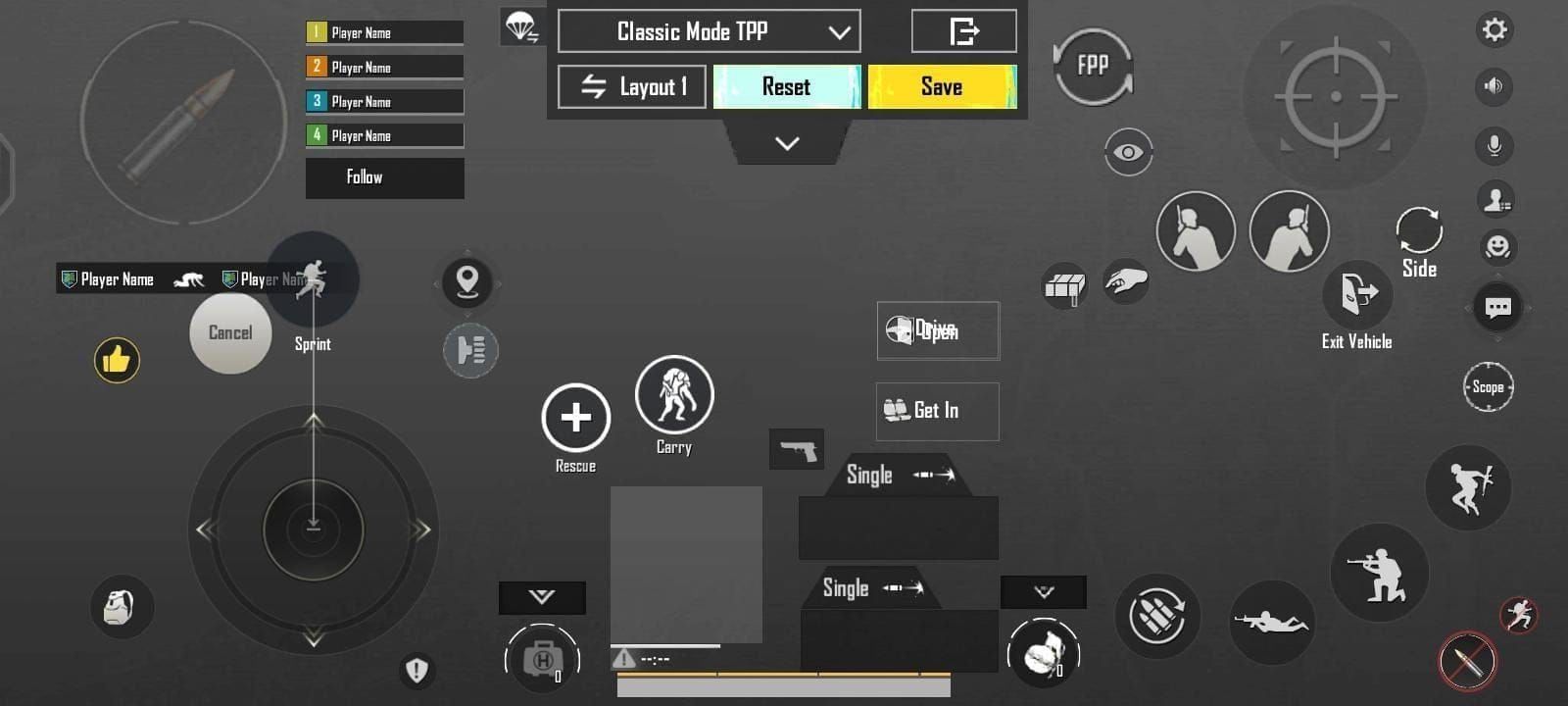
Custom HUD Configuration: Button Sizing and Placement
Default button sizes and spacing frequently lead to misclicks, particularly during rapid direction changes where the thumb misses a tight icon boundary. Competitive ergonomics rely on layout principles outlined by Racing Raftaar's control analysis:
- Expand Primary Touch Targets: Increase the scale of directional arrows, drift buttons, and brake controls. Larger buttons significantly reduce input misses during frantic turning sequences.
- Align to the Natural Thumb Arc: Do not place buttons in straight horizontal or vertical lines. Position your steering keys and drift triggers along the natural curved sweep your thumbs make when gripping your mobile device.
- Separate Boost Triggers from Cornering Inputs: Keep the brake pedal icon and drift key accessible without forcing your right thumb to stretch over your Turbo, Nitro, or Ultimate icons.
- Adjust HUD Element Opacity: Lower the opacity of large action buttons in the custom layout editor. Semi-transparent buttons prevent controls from obscuring oncoming track obstacles, braking markers, and apex lines.
While touchscreens demand custom screen ergonomics, players running the game on PC through an emulator can bypass touch constraints entirely by steering via a mapped gamepad, as confirmed by BlueStacks' beginner guide.
Drift Maneuver Inputs and Button Combinations
Executing tight turns without losing momentum requires coordinated multi-button sequences. Because forward acceleration is automatic, your hands only manage lateral trajectory, braking, and tactical boosts.
| Drift Technique | Button Input Combination | Tactical Purpose | Nitro Generation |
|---|---|---|---|
| Handbrake Drift | Arrow key + Drift key pressed simultaneously | Standard turns and foundational cornering. | Small to moderate nitro recharge. |
| Brake Drift | Tap Brake key to initiate + Arrow and Drift key combo | High-speed entries requiring tight adherence to inner track boundaries. | Sustained drift charge. |
| Pendulum Drift | Hold Drift key + slide immediately to opposite Arrow key | Flicks car orientation rapidly across tight S-curve transitions. | Fluid angle correction. |
| Thrust Drift | Drift initiated while boosted by Turbo, Nitro, or active skills | Powers through shallow bends without scrubbing high exit speed. | High nitro accumulation over short distances. |
Technique inputs verified via BlueStacks' Ace Racer tips guide.
If a car overshoots an apex, relying solely on directional arrows washes out the turning angle. Tapping the brake pedal alongside the drift key instantly tightens the turning radius on high-speed entries.
Display Calibration: The 60 FPS Requirement
Drifting responsiveness relies directly on display performance. In competitive lobbies, a dropping framerate creates perceptible touch latency, causing you to initiate or release a drift fractions of a second too late.
According to BlueStacks' features breakdown, setting visual options to lock the game at a stable 60 FPS minimizes input lag, eliminates stuttering, and prevents visual slowdowns during complex multi-car drift sections. Apex tracking becomes much cleaner when frame pacing remains steady.
If your vehicle collection needs competitive upgrades or visual customization, premium currency can be topped up through Ace Racer Tokens to acquire blueprints and unlock exclusive vehicle skins.
Frequently Asked Questions
How do you perform a Pendulum Drift on S-curves in Ace Racer?
To execute a Pendulum Drift, initiate a standard drift, maintain continuous pressure on the drift key, and slide your directional thumb immediately across to the opposing arrow key. This flicks the vehicle's chassis smoothly across consecutive opposing turns (BlueStacks Guide).
Can you manually control car acceleration in Ace Racer?
No. Ace Racer automates forward acceleration during races. Player inputs are dedicated strictly to steering arrows, halting via the brake pedal, and deploying Turbo, Nitro, and Ultimate actions (BlueStacks Beginner Guide).

Community
Comments