

Choosing between a dedicated Nintendo Switch Online Japan code and an eShop balance top-up comes down to whether you plan to keep your Nintendo Account locked to Japan. Overseas credit cards and foreign PayPal accounts fail across the Japanese storefront, making both prepaid methods essential workarounds. Redeeming a dedicated membership code applies subscription time directly without leaving fractional yen behind, whereas funding the account through general eShop gift cards deposits currency into your wallet that permanently blocks region switching until spent down to zero.
Players attempting to buy a Japanese Nintendo Switch Online plan directly using international payment methods face hard storefront restrictions. Nintendo stopped accepting credit cards issued outside of Japan as well as PayPal accounts registered overseas on both the Japanese eShop and the My Nintendo Store.
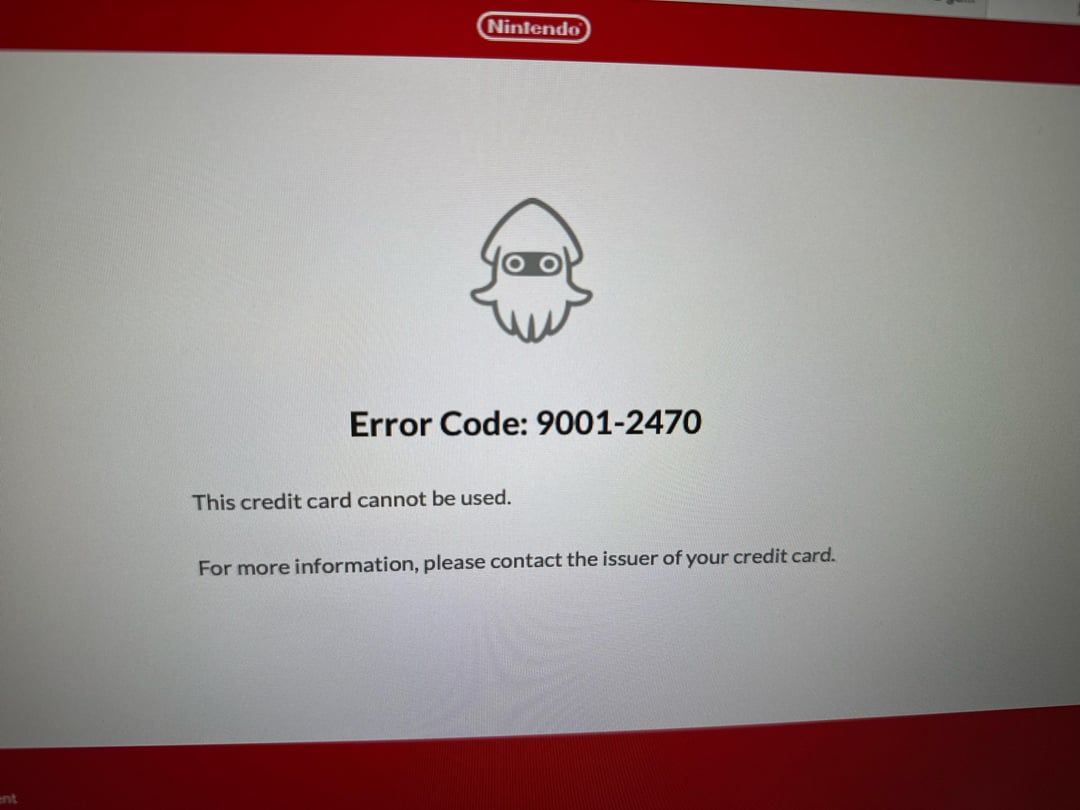
With international payment methods blocked, acquiring Japanese NSO access requires using either Japan eShop yen prepaid cards or dedicated regional subscription cards.
Third-party storefronts such as Amazon Japan, SEAGM, Eneba, Livecards, MyGiftCardSupply, and Nintendo Switch Online Membership (JP) provide overseas players with these Japanese digital codes to bypass regional checkout roadblocks.
Nintendo Switch Online Membership (JP)
The leftover balance trap: why yen gift cards can lock your account
Funding an account with Japan eShop gift cards enables subscription purchases through on-device menus, but it introduces a major obstacle: the leftover wallet balance lock.
Nintendo policies state that users cannot change their Nintendo Account country or region if any unspent eShop currency remains in the wallet or linked child accounts, as documented by Apartment 507. Unused yen cannot be transferred across regional storefronts and cannot be refunded. Because retail eShop cards are sold in fixed denominations, buying a yen card to pay for a subscription almost always leaves loose change in your account balance.
| Activation Method | Visual Example | Balance Impact | Auto-Renewal Behavior | Regional Lock Risk | Documented Source |
|---|---|---|---|---|---|
| Dedicated NSO JP Prepaid Code | 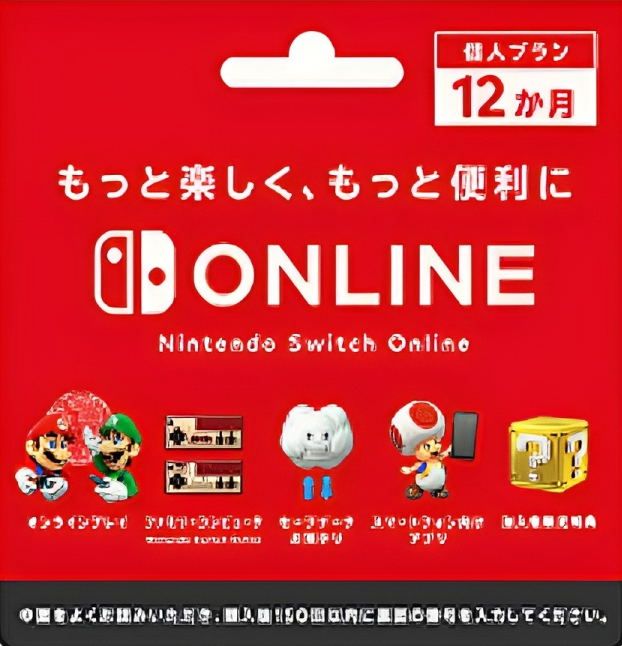 | Zero yen added to wallet balance | Enables auto-renewal for users 18+; keeps existing renewal term length | Zero. Preserves ability to switch account regions once auto-renewal is turned off | Apartment 507 |
| Japan eShop Yen Gift Card Top-Up | 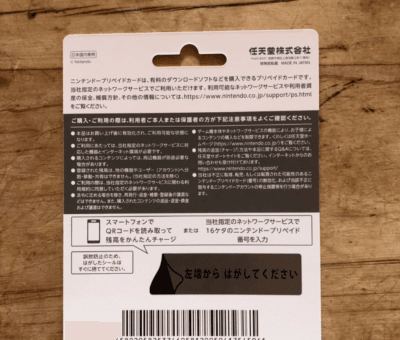 | Deposits fixed yen; leaves residual currency | Enables auto-renewal; updates renewal interval to match purchased pass | High. Traps account in Japan region until balance reaches exactly 0 yen | Nintendo Support |
A standalone Nintendo Switch Online Membership (JP) code adds subscription days directly without modifying the monetary wallet. This makes direct code redemption the cleaner method for single-account users who swap their account region between Japan and their home territory.
Auto-renewal rules, rollover intervals, and stacking limits
Both activation pathways trigger Nintendo's automated billing system, but each applies distinct renewal rules.
Per official documentation from Nintendo Support, if an account holder aged 18 or older redeems an NSO subscription card or digital code, automatic renewal turns on by default. To stop Nintendo from billing subsequent periods or to retain the ability to change regions, players must manually cancel auto-renewal at least 48 hours before the current term expires.
Renewal cycles also update differently based on the activation method:
- Paying with eShop balance: Purchasing a subscription pass on the storefront updates your future auto-renewal cycle to match the newly purchased pass.
- Redeeming a prepaid code: Applying a subscription code keeps existing auto-renewal intervals completely unchanged. For instance, if your account is currently set to a 1-month (30-day) auto-renewal cycle and you redeem a 12-month (365-day) code, your auto-renewal setting remains at 1 month. To align the renewal interval with the new pass, you must turn off auto-renewal before redeeming the code.
| Account Condition | Code Redemption Behavior | On-Store eShop Balance Behavior | Documented Requirement |
|---|---|---|---|
| Active 1-Month Plan rolling into 12-Month Pass | Auto-renewal remains set to 1-month intervals | Auto-renewal automatically updates to 12-month interval | Cancel auto-renewal before code entry if matching term is desired (Nintendo Support) |
| Multi-Year Stacking | Extends expiration date by pass length up to 1,095 days | Extends expiration date by pass length up to 1,095 days | Max stacking ceiling is 365 days × 3 (Nintendo Support) |
| Auto-Renewal Cutoff Deadline | Pushed back to 48 hours prior to new expiration | Pushed back to 48 hours prior to new expiration | Termination must execute at least 48 hours before expiry (Nintendo Support) |
Both individual codes and direct passes support stacking up to a maximum duration of 1,095 days (three 365-day terms). Stacking passes automatically extends the final expiration date along with the 48-hour auto-renewal cancellation cutoff.
How to redeem a Nintendo Switch Online JP code and manage wallet balances
Prepaid cards and digital membership codes issued for Japan use a 16-character alphanumeric string. According to Apartment 507, these keys deliberately omit hyphens as well as the ambiguous characters O, I, and Z to prevent entry errors.
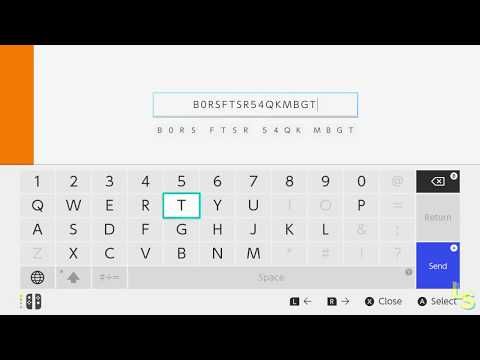
To redeem a code on your console, launch the Japanese eShop using your Japan-region profile, navigate to the bottom left menu item labeled 番号の入力 (Enter Code), input the 16-character key, and confirm the activation. Alternatively, you can redeem the code through the web-based Nintendo redemption portal while logged into your Japanese account.
| Specification Feature | Dedicated NSO JP Code | Japan eShop Wallet Top-Up |
|---|---|---|
| Key Character Format | 16 characters (excludes O, I, Z; no hyphens) | 16 characters (excludes O, I, Z; no hyphens) |
| Storefront Menu Location | 番号の入力 (Enter Code) | 番号の入力 (Enter Code) |
| Account Maximum Wallet Limit | Not applicable (wallet unchanged) | 120,000 yen ceiling (Nintendo Reporters) |
| Retail Term Availability | Primarily 3-month and 12-month passes | Fixed point cards (e.g., via MyGiftCardSupply) |
For general wallet funding, Japan eShop card redemptions are subject to a maximum credit limit of 120,000 yen, reported by Nintendo Reporters. While wallet funding provides broader purchasing flexibility across DLC and Japanese retail games, standalone codes remain the safest path if your sole goal is online play and cloud saves.
Disabling Japanese NSO auto-renewal
Disabling auto-renewal prevents unwanted renewal charges and removes one of the barriers to switching account regions later.
- Open the Nintendo Switch eShop using your Japanese user account.
- Select your profile icon in the upper-right corner to open account management.
- Navigate to the Nintendo Switch Online tab on the left.
- Locate the active subscription section and select 自動継続購入の更新停止 (Terminate Automatic Renewal).
- Confirm the cancellation prompt. Complete this step at least 48 hours prior to your subscription end date to ensure the system processes the cutoff.

Community
Comments