

Enrolling in the official WeTV beta grants access to experimental playback interfaces, subtitle tools, and pre-release client builds before public rollout. Android users join directly through the Google Play Store beta track if testing slots remain open, while iPhone and iPad users test via Apple TestFlight across up to 30 devices with a 90-day build lifespan. Joining requires zero extra fees, but testers must weigh occasional build instability against early access to upcoming features.

WeTV
1 Month VIP
Buy NowUSD 3.33
3 Months VIP
Buy NowUSD 9.79
12 Months VIP
Buy NowUSD 35.28
- -70%
We TV 25 Coins
Buy NowUSD 0.37
USD 0.63
- -70%
We TV 99 Coins
Buy NowUSD 0.94
USD 1.59
- -70%
We TV 199 Coins
Buy NowUSD 1.88
USD 3.19
- -70%
We TV 299 Coins
Buy NowUSD 2.83
USD 4.81
- -70%
We TV 699 Coins
Buy NowUSD 7.58
USD 12.88
- -70%
We TV 1099 Coins
Buy NowUSD 11.59
USD 19.70
- -70%
We TV 1599 Coins
Buy NowUSD 15.86
USD 26.96
- -70%
We TV 4199 Coins
Buy NowUSD 38.51
USD 65.47
- -70%
We TV 9999 Coins
Buy NowUSD 95.14
USD 161.73
- -70%
We TV 29999 Coins
Buy NowUSD 286.52
USD 487.09
Platform Tracks and Beta Requirements
WeTV distributes its international streaming application separately from domestic mainland releases. The international client, built by Tencent Video, carries the Android package name com.tencent.qqlivei18n as documented in version 5.39.5.18470, requiring a baseline of Android 6.0 or higher. Tencent Video's international platform (wetv.vip) is completely distinct from the American cable channel "WE tv" owned by AMC Networks. Joining the wrong preview program will surface cable drama clips instead of Asian dramas and anime.
| Platform / Track | Preview Visual | Enrollment Requirement | Build Validity & Device Limits | Verified Reference |
|---|---|---|---|---|
| Google Play Beta (Android) |  | Requires installed public release; opt-in through Play Store listing | Indefinite until opt-out; single active device seat | Google Play Help |
| Apple TestFlight (iOS/iPadOS) | 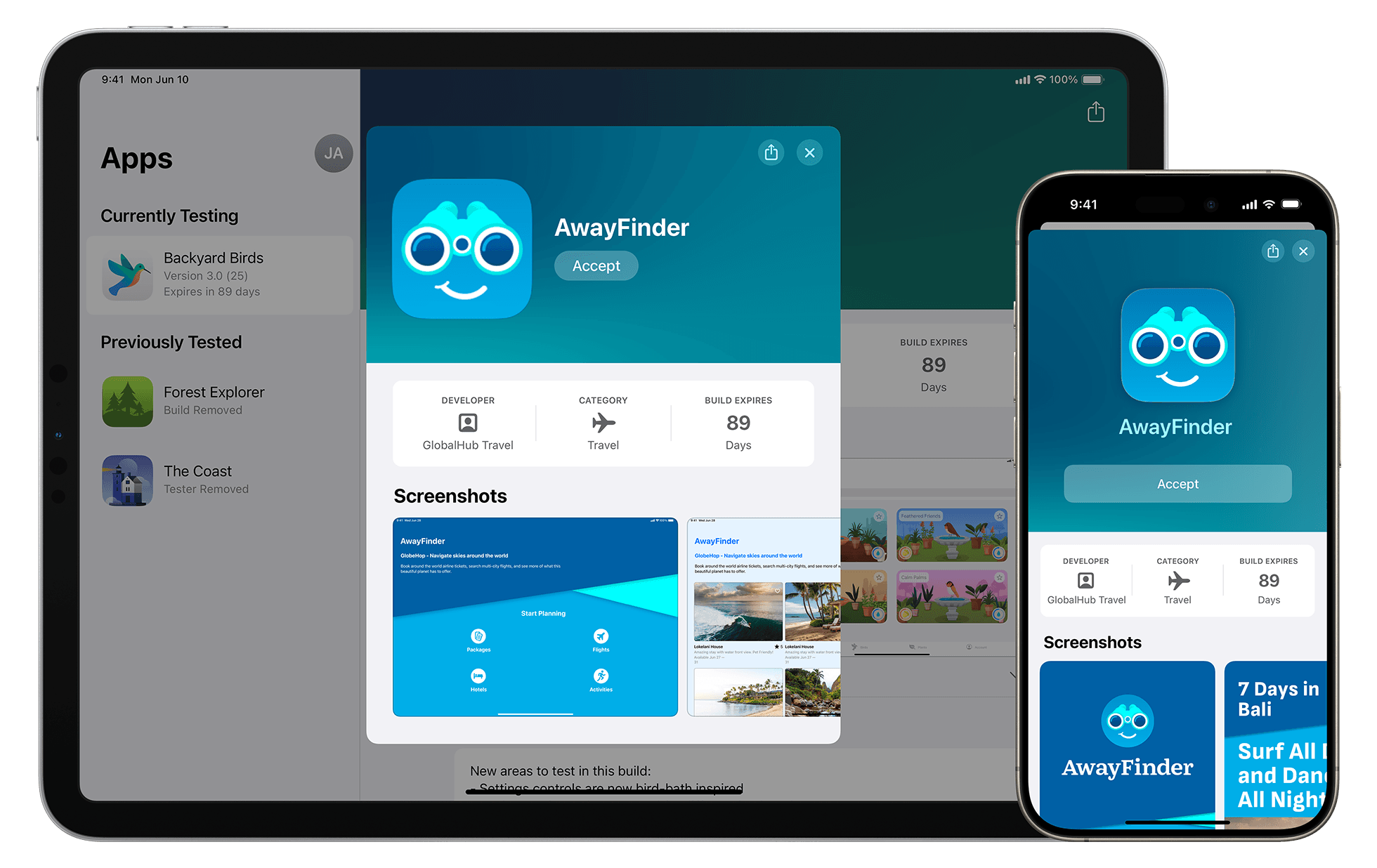 | Requires TestFlight app plus direct public link or email invitation | 90-day build expiration; up to 30 authorized devices | Apple TestFlight Support |
| Production Client (Baseline) | 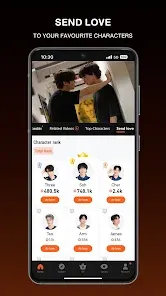 | Standard installation via Google Play or Apple App Store | Stable release; standard operating system constraints | Uptodown App Specs |
Step-by-Step: How to Join WeTV Beta on Android
Google Play operates developer testing through existing app listings. You cannot install a Google Play beta build onto a bare device without first meeting Google's dependency checks.
- Install the official public release of WeTV (
com.tencent.qqlivei18n) on an Android phone running Android 6.0 or higher. - Open the Google Play Store.
- Tap your Profile icon in the top right corner.
- Select Manage apps & devices, then tap the Installed tab.
- Scroll down to find and tap WeTV to open its store listing.
- Scroll past the developer details to the Join the beta section.
- Tap Join and confirm.

Google Play will take a few minutes to register your Google Account with the testing track. Once registered, the button on the store listing changes from "Open" to "Update." Tap Update to pull the latest beta release onto your handset.
If the "Join the beta" card displays a message saying the program is full, developer seat capacity has been reached. Google Play caps tester participation according to developer settings. You must wait until existing testers leave the beta or the Tencent engineering team raises the seat limit.
Step-by-Step: How to Join WeTV Beta on iOS via TestFlight
Apple distributes WeTV staging builds through its standalone TestFlight app rather than standard App Store product pages. These packages arrive directly from Tencent's pre-release testing track.
- Download and install TestFlight from the iOS App Store on your iPhone or iPad.
- Open the developer's public TestFlight invitation link or accept the invitation received by email.
- Tap Accept for the WeTV pre-release build inside TestFlight.
- Tap Install to overwrite the existing production app with the test version.
Under TestFlight rules, each uploaded test build remains functional for a maximum of 90 days. The countdown appears beneath the WeTV title inside the TestFlight dashboard. With TestFlight 3 or later, enabling automatic updates ensures your device downloads new test builds as soon as Tencent engineering pushes them.
TestFlight permits you to run the preview build on up to 30 authorized devices linked to your Apple ID. Any simulated in-app purchases initiated within a TestFlight sandbox build are completely free of charge. They do not debit your credit card, and they do not transfer into production releases.
Testing Preview Features and VIP Subscriptions
Beta testers evaluate UI revisions, player control changes, experimental subtitle tracks, and performance optimizations. However, preview builds do not bypass server-side account entitlements.
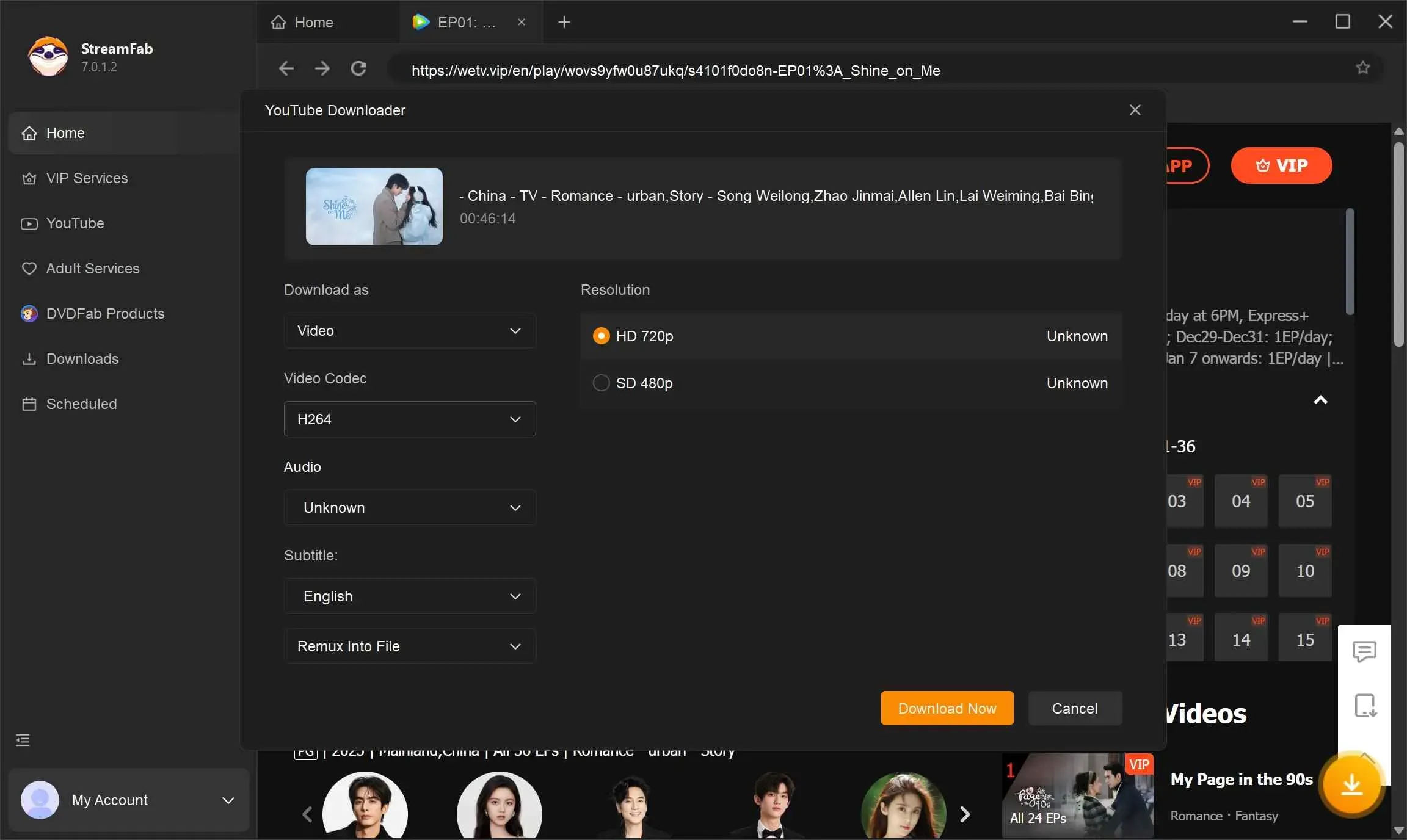
Core premium perks—such as ad-free playback, express early-access episode releases, Full HD and 4K streaming quality, and offline caching—are verified on WeTV's account servers. If you maintain an active WeTV VIP membership, logging into your WeTV account on a beta build preserves those privileges across mobile, web, and smart TV environments. Third-party digital marketplaces like SEAGM also retail subscription codes, but beta testing itself provides no server-side VIP status.
Beta testing primarily focuses on client-side functions:
- Testing revamped playback gestures and seek controls.
- Checking subtitle rendering speeds and font sizing options.
- Identifying UI overlap bugs on modern tablet and foldable displays.
- Evaluating video buffer caching on high-latency mobile data networks.
Submitting Bug Reports and Telemetry Diagnostics
Beta builds route bug tracking through dedicated private channels rather than public app store listings. Public store reviews rarely reach QA teams handling pre-release staging builds.
On Android, leave private feedback inside Google Play by going to the WeTV store page, finding Private feedback to developer, entering a star rating, and typing out reproduction steps. These comments remain strictly visible to Tencent developers.
On iOS, capture a screenshot whenever you hit an error. TestFlight prompts you to submit the screenshot directly to the developer alongside crash logs and notes.
Whenever you submit diagnostic reports or support tickets through WeTV's built-in customer service interfaces, the app automatically packages client telemetry. As outlined in WeTV's diagnostic privacy documentation, submitted logs capture:
- Account and Device Identifiers: Open ID, device ID, application version, and operating system build.
- Hardware Metrics: Battery percentage and remaining free device storage.
- Network State: Connection type (cellular or Wi-Fi), carrier identity, country code, and Wi-Fi signal strength.
- Diagnostic Context: Exact timestamp, transcript details, error stack traces, and user-attached screenshots.
Comparing Beta and Stable Release Management
Before enrolling, compare how stable builds and preview builds handle updates, feedback, and user data.
| Operational Factor | Stable Public Release | Beta Preview Release | Technical Authority |
|---|---|---|---|
| Installation Source | Public Google Play / iOS App Store | Play Store Beta Track / TestFlight | Google Play Help |
| Build Expiration | Never expires; updates when superseded | 90 days maximum on TestFlight | Apple TestFlight Docs |
| Feedback Channel | Public star rating and App Store reviews | Private developer feedback; direct crash logs | Google Play Feedback |
| Rollback Requirement | Simple app update | Full app uninstall, reinstallation of public build | Google Play Help |
| Data Retention on Rollback | Preserved across minor version updates | Saved offline videos and custom settings wiped | Google Play Help |
How to Leave the Beta and Revert to the Stable Build
If a test build introduces playback stutter or persistent crashes, you can leave the preview track and return to production software.
Leaving on Android
- Open Google Play and navigate to Manage apps & devices > Beta.
- Tap WeTV to open the listing.
- Locate "You're a beta tester" and tap Leave.
- Uninstall the WeTV application from your device.
- Return to the public Google Play listing and install the stable public build.
Do not skip the uninstallation step. Android will not downgrade your installed files from a higher beta version number to a lower production build number without a fresh installation. This process wipes local cache files, meaning downloaded offline episodes will need to be downloaded again.
Leaving on iOS
- Open the TestFlight app.
- Tap WeTV.
- Scroll down and tap Stop Testing.
- Delete the beta app from your home screen.
- Open the standard App Store and download the public version of WeTV.

Community
Comments