

To redeem an MYR voucher in Steam Big Picture mode, launch the interface using your controller home button, open the Store section's account menu, and enter the 15-character code via the on-screen keyboard. The transaction credits funds immediately, provided the Steam account is set to Malaysia with matching local currency settings.

Steam Wallet Code (MYR)
- -10%
Steam Wallet Code RM5 MY
Buy NowUSD 1.34
USD 1.47
- -10%
Steam Wallet Code RM8 MY
Buy NowUSD 2.14
USD 2.35
- -10%
Steam Wallet Code RM16 MY
Buy NowUSD 4.12
USD 4.53
- -10%
Steam Wallet Code RM24 MY
Buy NowUSD 6.17
USD 6.79
- -10%
Steam Wallet Code RM48 MY
Buy NowUSD 12.35
USD 13.58
- -10%
Steam Wallet Code RM50 MY
Buy NowUSD 13.23
USD 14.55
- -10%
Steam Wallet Code RM80 MY
Buy NowUSD 20.57
USD 22.63
- -10%
Steam Wallet Code RM100 MY
Buy NowUSD 26.62
USD 29.28
- -10%
Steam Wallet Code RM200 MY
Buy NowUSD 53.95
USD 59.35
Malaysia Store Verification and Regional Rules
Steam applies regional restrictions to wallet vouchers. A prepaid Steam Wallet Code (MYR) activates only on accounts assigned to the Malaysia region with Malaysian Ringgit selected as the wallet currency, as detailed by NXPGame. Attempting to load an MYR voucher onto an account configured for another country triggers a regional mismatch error.
Store country changes face strict platform restrictions. Valve allows store updates only once every 3 months, according to Eneba's account guide. Updates also require a local IP address and a payment method registered in that country, making short-term region swaps to redeem mismatched currency vouchers unworkable.
| Technical Requirement | Specification | Source Documentation |
|---|---|---|
| Code Structure | 15 alphanumeric characters (5-5-5 format) | MyGiftCardSupply Voucher Guide |
| Regional Requirement | Malaysia store region with matching currency | NXPGame Product Terms |
| Region Switch Lockout | Once every 3 months | Eneba Regional Settings |
| Balance Expiration | None (funds remain indefinitely) | Rewordin Balance Guide |
| Account Balance Cap | Platform ceiling limit | Rewordin Balance Guide |
Entering the Code with a Gamepad
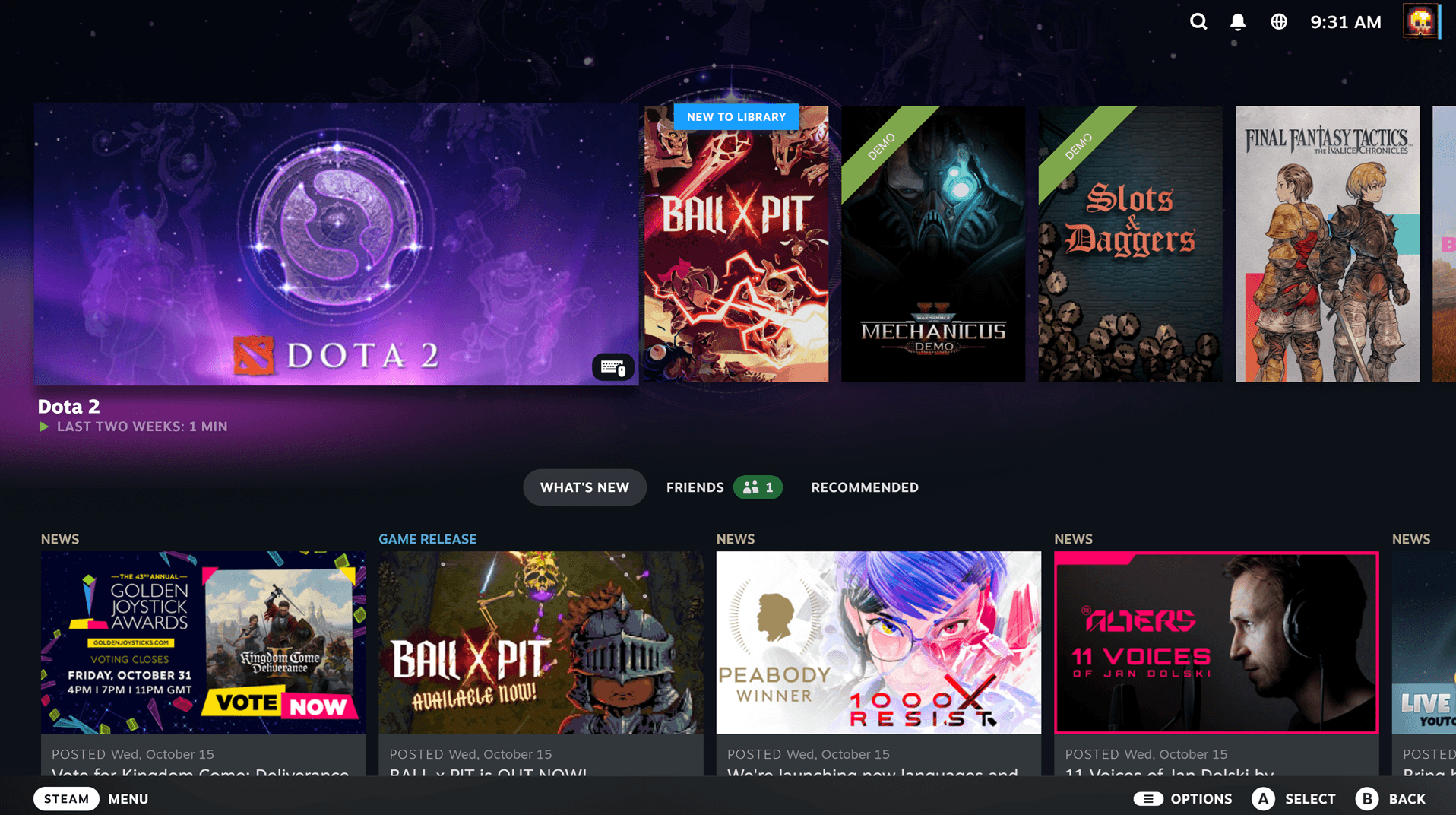
To open Big Picture mode on a desktop PC or TV setup, press the Guide or Home button on your controller, or launch the Steam executable with the -tenfoot argument, as highlighted by TheWindowsClub. Handhelds like the Steam Deck run this interface natively in Game Mode.
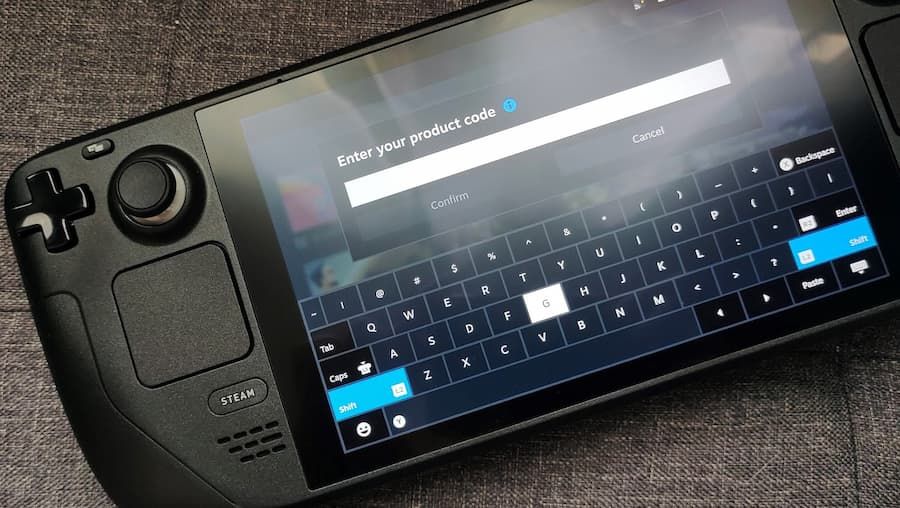
Follow these controller steps to complete the voucher redemption:
- Press the home button or click the monitor icon in the top right to start Big Picture mode.
- Use the left stick or D-pad to select Store from the primary menu.
- Open your profile avatar in the upper right to access the account menu.
- Select Account details to load the wallet overview.
- Highlight and select the option to redeem a Steam Wallet card or wallet code.
- Press your controller's primary confirm button to bring up the on-screen virtual keyboard.
- Enter your 15-character key carefully and confirm the submission.
Steam wallet balances do not expire. Once credited, funds stay on the profile indefinitely.
Valve does enforce an aggregate wallet cap across all accounts. Redemptions that would exceed this ceiling are blocked until existing credit is spent, as documented by Rewordin. For specific voucher values or current denominations, check the live Steam Wallet Code (MYR) page.
Resolving Virtual Keyboard and Interface Errors
Gamepad typing frequently causes character misreadings. Steam Wallet codes use capital letters and digits arranged in five-character blocks. According to MyGiftCardSupply's troubleshooting documentation, the most common input errors involve mistaking 0 for O, 1 for I, or 8 for B. Dashes do not need to be typed manually because Steam formats the spacing automatically.
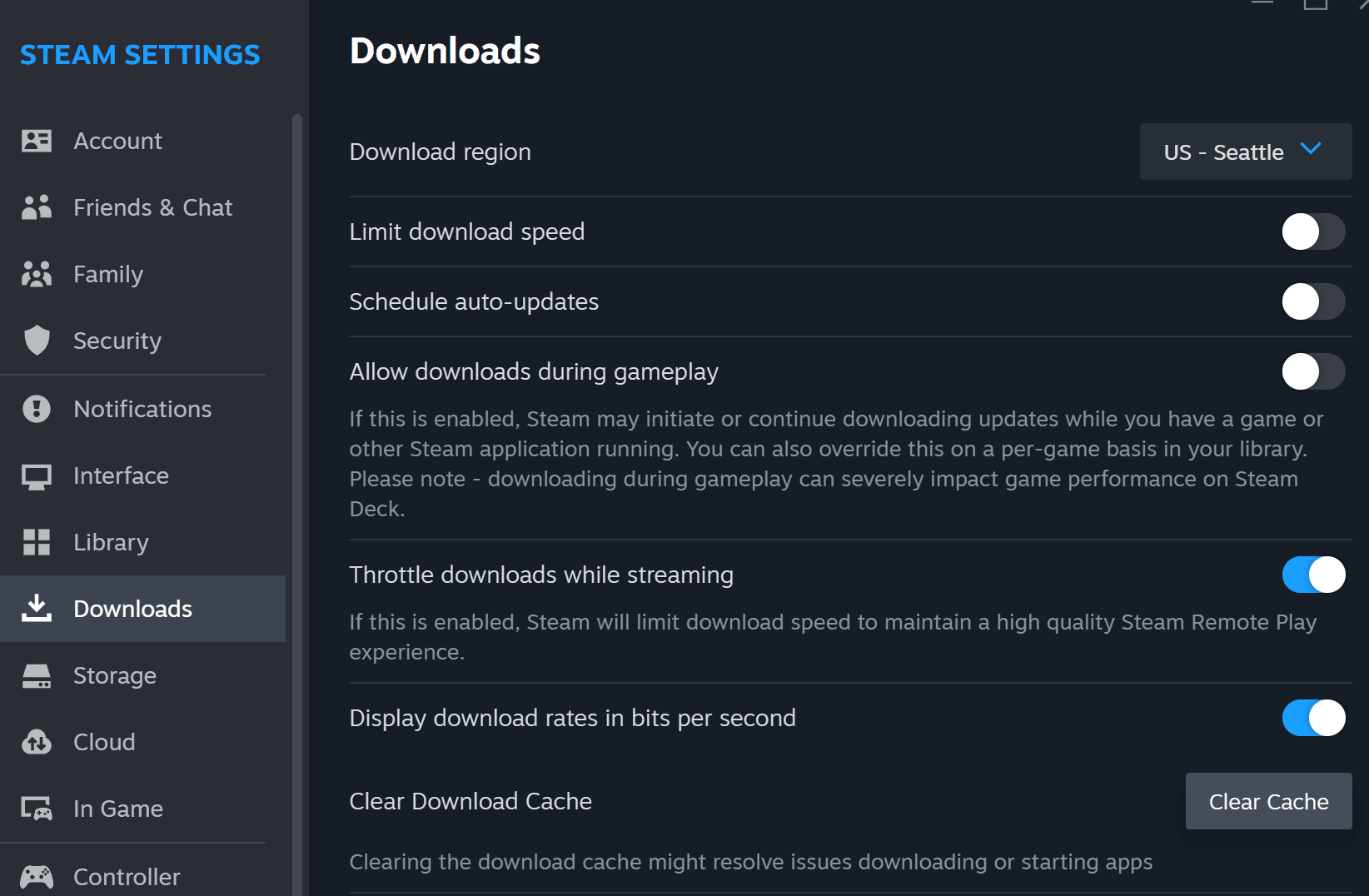
If the Big Picture overlay freezes when opening the virtual keyboard, restart the interface. For persistent UI hangs or unresponsive input fields, clear the Steam download cache in client settings and opt out of beta client builds, as noted by TheWindowsClub.
Checking Your Updated Wallet Balance
After confirming the input, Steam updates your credit instantaneously. To verify the funds:
- Return to the Big Picture main menu.
- Navigate to Store, then open your account icon.
- View your current balance directly beside your profile display name.
- Select Account details to inspect your complete transaction and wallet history.
If your balance does not reflect the newly entered code immediately, log out of Big Picture mode and log back in to force an account profile refresh.

Community
Comments