

To complete a Badlanders top up without Google Play, enter your Player ID and server selection directly on an independent web recharge platform. These external direct ID portals credit in-game currency within minutes of verified payment while completely bypassing Google's default billing restrictions and card requirements.
Google Play handles in-app purchases smoothly right up until it doesn't. A sudden regional billing flag, an unverified card prompt, or your bank declining an overseas microtransaction can immediately lock you out of Badlanders' seasonal battle passes and market liquidity. Bypassing Google through direct User ID top-ups is straightforward, but you need to know how third-party storefronts route orders, where to grab your exact account digits, and how to chase down an order if your currency delivery lags.
Badlanders
App Store Billing Rules and External Recharge Channels
Google maintains strict platform rules for mobile apps distributed through its storefront. By default, Google Play requires developers to process transactions for digital goods and virtual currencies using Google Play's native billing system (Google Play Policy Support). Developers can only offer alternative in-app billing systems if they participate in specific regional programs approved by Google for select countries.
Those operating boundaries explain why players turn to web storefronts. External top-up sites run entirely outside Android's native billing stack. You bypass Google Play's regional card gates, dodge account checkout errors, and pay through localized web rails instead.
| Channel Route | Platform Interface | Account Input Required | Fulfillment & Security Model | Reference Link |
|---|---|---|---|---|
| NXPGame Direct Recharge | 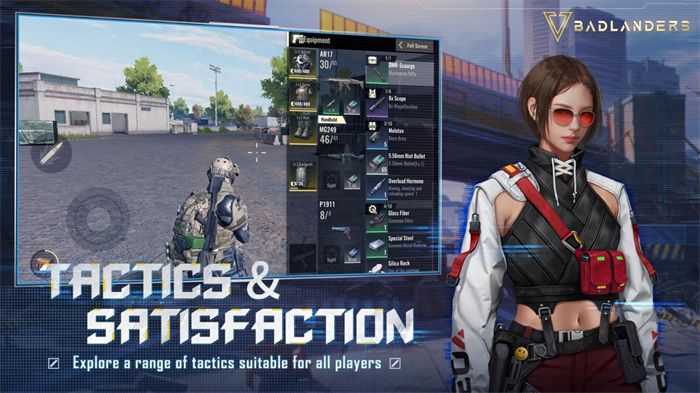 | Player ID and Server | Fulfilled within minutes post-payment; zero password collection | NXPGame Badlanders |
| Game Lover BD Web Store |  | Badlanders User ID | Denomination selection with direct User ID submission | Game Lover BD |
| Google Play Native IAP | 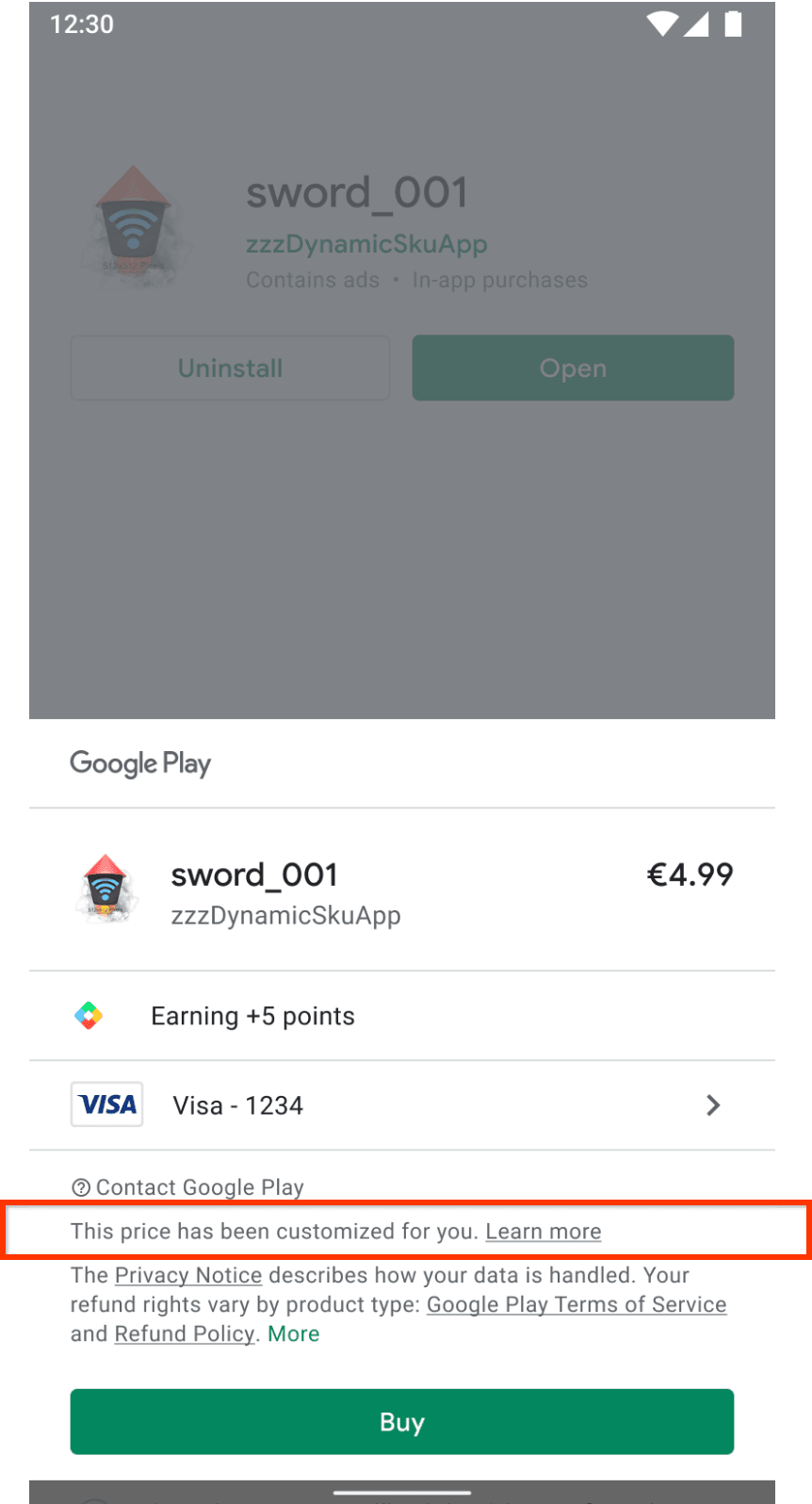 | Google Account credentials | Requires on-device Google Play authentication and linked payment profiles | Google Play Support |
Badlanders Web Shop vs In-App Purchase: Core Differences
Choosing between in-app checkout and an independent web shop comes down to three factors: account security, regional payment support, and how each portal labels its currency.
When buying directly inside the Android client, your purchase binds directly to your Google profile (Google Play Help). If Google rejects your payment method, your game progress remains untouched, but your recharge stops cold. External shops avoid this bottleneck because they do not interact with your Google Account.
Naming conventions also differ between stores, and catching the distinction saves headaches. While NetEase structured Badlanders around scavenging gear and upgrading weapons via Battle Passes, storefront catalogues do not always use identical terms. NXPGame's direct top-up service labels packages as Badlanders Gold, while regional vendor Game Lover BD lists inventory as Badlanders Coupons (Game Lover BD). Check whether the package supplies coupons or gold before you hit pay.
| Purchase Channel | In-Game Currency Terminology | Sensitive Credential Requirement | Checkout Rail Dependency | Source Documentation |
|---|---|---|---|---|
| App Store In-App Purchase | In-game Coupons / Pack items | Google Account sign-in required on device | Google Play billing system | Google Play Support |
| NXPGame Direct Top-Up | Badlanders Gold | Player ID and Server only | Independent web payment rails | NXPGame Badlanders |
| Game Lover BD Portal | Badlanders Coupons | Badlanders User ID only | Regional independent checkout | Game Lover BD |
Where to Find Badlanders User ID for Top Up
Direct recharging requires your exact account coordinates. Because legitimate storefronts never ask for your account password, your numeric Player ID serves as the sole routing address that directs currency straight to your character.
- Launch Badlanders on your mobile device or emulator.
- Open your character profile by tapping your avatar icon in the main lobby menu.
- Locate the numeric string labeled Player ID or User ID alongside your designated server region.
- Copy or record this number exactly as shown.
External top-up platforms deliver currency directly to your NetEase account using this identifier (NXPGame Badlanders). Never share your account login credentials, email passwords, or two-factor authentication codes. A legitimate badlanders direct user id recharge only demands public routing data: your ID and server.
Badlanders Coupon Payment Methods: Top Up with E-Wallet
If you lack an internationally enabled credit card, Google Play's standard checkout stops you cold. Independent portals bridge that gap. Portals like Game Lover BD and NXPGame plug into local payment channels outside Google's walled garden (Game Lover BD).
Running a Badlanders top up via e-wallet works through your standard web browser. Instead of linking sensitive bank credentials to your Android profile, you complete checkout directly through regional digital wallets or local mobile banking options.
Keep in mind that payment rails depend on your region and the specific vendor you use. Settlement times and active wallet gateways belong to the third-party storefront, not NetEase. Check the shop's active checkout drawer before committing funds.
Currency Utility in the Badlanders Open Market Economy
Why bother routing around Google Play for currency? Badlanders doesn't treat microtransactions like a disposable shooter does.
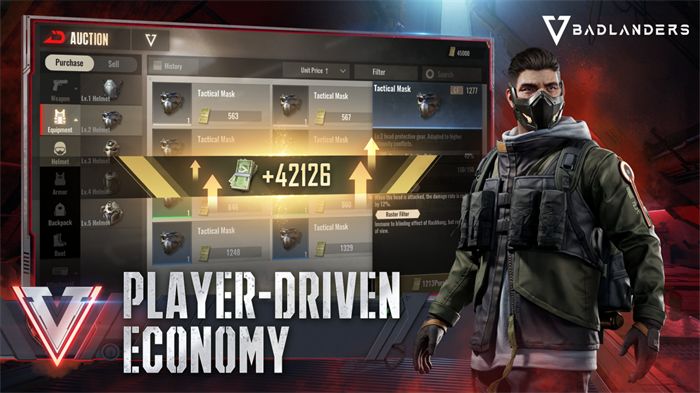
NetEase designed Badlanders around an open player economy. In this wasteland setting, players extract equipment, upgrade weaponry, and buy premium Battle Passes. Crucially, items acquired via microtransactions can also be resold on the player marketplace for marked prices (MuMu Player Badlanders Overview). Recharging Coupons or Gold fuels your initial inventory setup, providing the capital necessary to trade gear or claim seasonal cosmetics.
Resolving Delivery Delays and Top-Up Issues
Direct top-up platforms typically credit your balance within minutes once payment clears (NXPGame Badlanders). When orders do get stuck, you are usually dealing with one of two bottlenecks: a mistyped Player ID or synchronization lag on the server side.
Before you panic, check your order receipt against your game screen to spot any swapped digits or mismatched server regions.
| Order Condition | Documented Root Cause | Immediate Verification Action | Primary Escalation Route | Source Link |
|---|---|---|---|---|
| Currency not visible after 10+ minutes | Typographical error in User ID or Server | Compare the receipt's recorded ID with your in-game profile | Retailer Customer Support | NXPGame Badlanders |
| Payment debited but pending on site | Gateway verification lag | Check payment confirmation receipt for approved transaction status | Retailer Payment Gateway Desk | Game Lover BD |
| Unresolved transaction discrepancy | Server delivery disruption | Verify in-game mailbox and inventory balances | [email protected] | NetEase Games Support |
If your Player ID is accurate and your payment went through, give the server a few minutes to sync your profile. If the balance still does not update, open a ticket with the merchant's customer support. If the seller shows the transaction as completed on their end but your game mailbox stays empty, contact NetEase directly via their in-game help menu or email [email protected] (NetEase Games Support).
Checking Out Safely
Direct User ID top-ups give you a clean workaround when Google Play billing drops the ball. You keep your account credentials private, side-step mandatory card links, and fund your balance in minutes. Verify your numeric Player ID before submitting payment, watch out for regional naming quirks between Gold and Coupons, and never buy through a site that asks for your account password.
Follow NXPGame for more Badlanders news~

Community
Comments