

To clear seasonal milestones and secure all free rewards in Blood Strike, focus your daily play on high-density combat modes before the midnight UTC reset. Completing daily missions takes roughly 15 to 20 minutes and rewards between 150 and 250 Gold each day, while stacking objectives in Hot Zone adds 450 to 600 Gold in weekly bonuses. Every unlocked reward on event tracks and the Strike Pass must be claimed manually before the seasonal rollover timer expires, as unclaimed items do not persist into the next season or transfer to your in-game mailbox.

Blood Strike
- -50%
105 Golds
Buy NowUSD 0.81
USD 1.22
- -50%
320 Golds
Buy NowUSD 2.44
USD 3.66
- -50%
540 Golds
Buy NowUSD 4.07
USD 6.11
- -50%
1100 Golds
Buy NowUSD 8.14
USD 12.21
- -50%
2260 Golds
Buy NowUSD 16.31
USD 24.46
- -50%
5800 Golds
Buy NowUSD 40.76
USD 61.13
- -50%
5800 Golds * 2
Buy NowUSD 81.51
USD 122.27
- -50%
5800 Golds * 4
Buy NowUSD 163.02
USD 244.53
- -50%
5800 Golds * 8
Buy NowUSD 326.04
USD 489.06
Daily mission resets and reward progression tracks
Missing a single reset permanently forfeits that day's payout, as progress does not roll over. Rather than wandering through extended Battle Royale survival matches, clearing daily goals through fast match completions maximizes your hourly returns.
| Reward Track | Typical Time / Requirement | Value / Return | Progression Notes | Source Reference | Track Preview |
|---|---|---|---|---|---|
| Daily Missions | 15–20 minutes daily | 150–250 Gold per day | Resets daily at midnight UTC; focus on match completion over slow survival | U7BUY Guide | 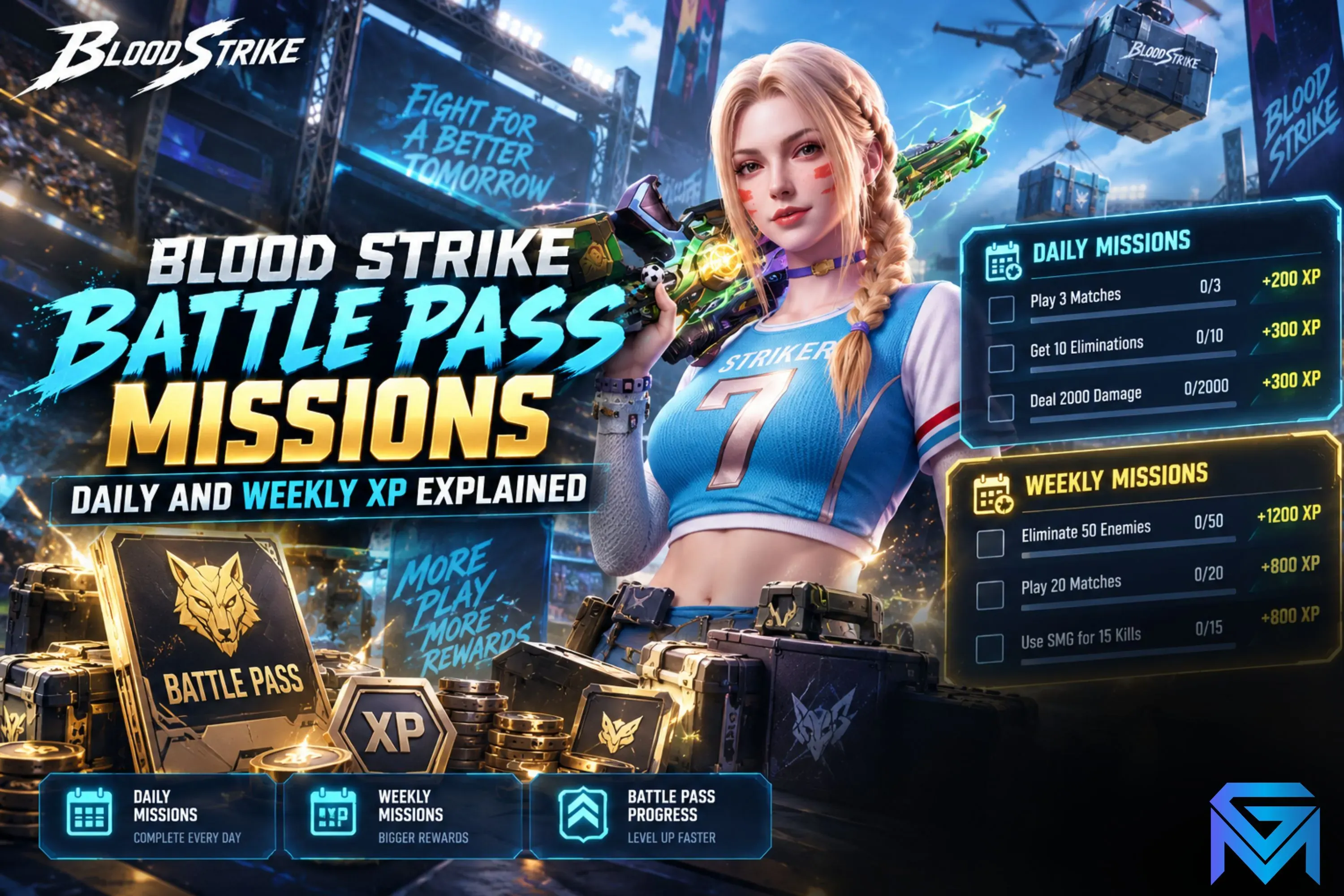 |
| Hot Zone Farming | Multi-objective matches | 450–600 Gold per week | Stacks kills, zone captures, and damage into single matches | U7BUY Guide | 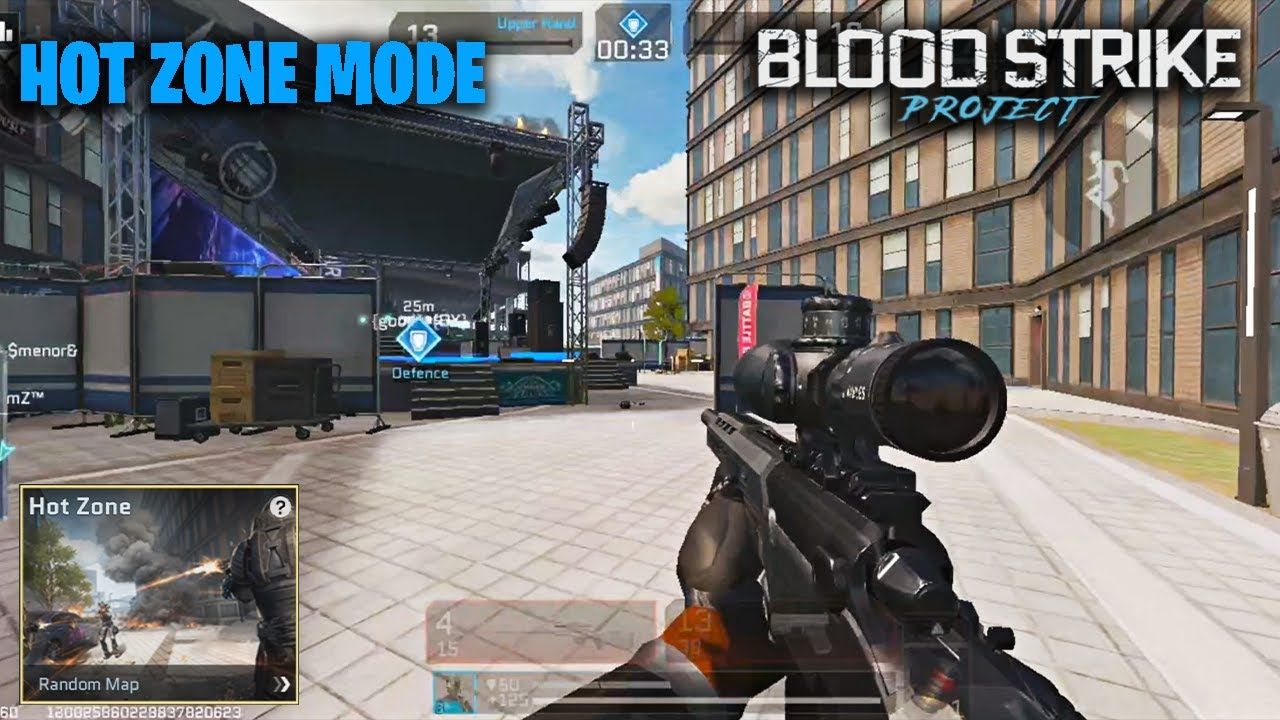 |
| Free Strike Pass | Passive play across season | ~520 Gold per season | Unlocked via match play and standard challenge completion | U7BUY Guide | 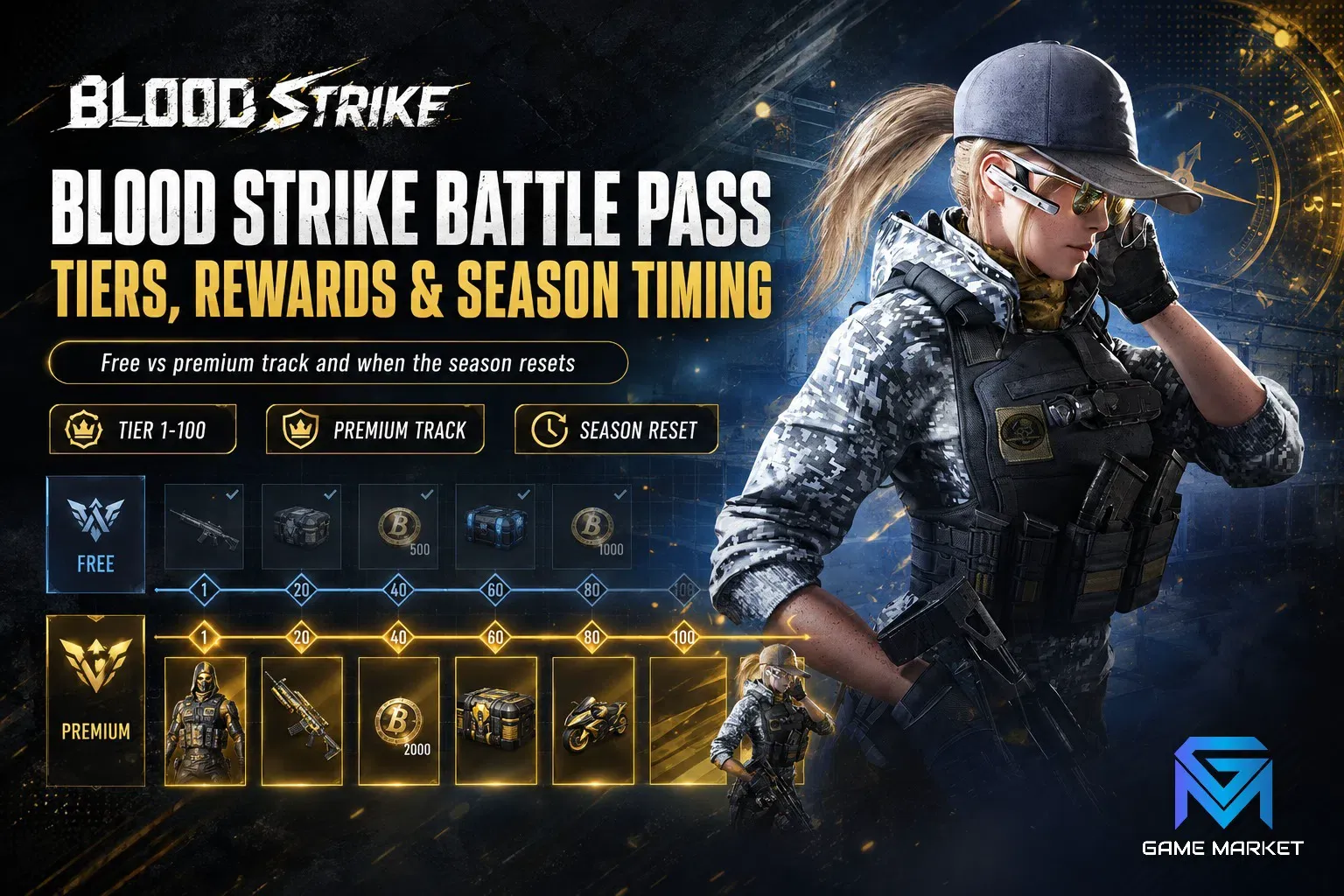 |
| Elite Strike Pass | Reaching Tier 50 (4–6 weeks) | 520 Gold rebate at Tier 50 | Costs 520 Gold upfront; refunds full price upon maxing the pass | TOPUPlive Strike Pass Overview | 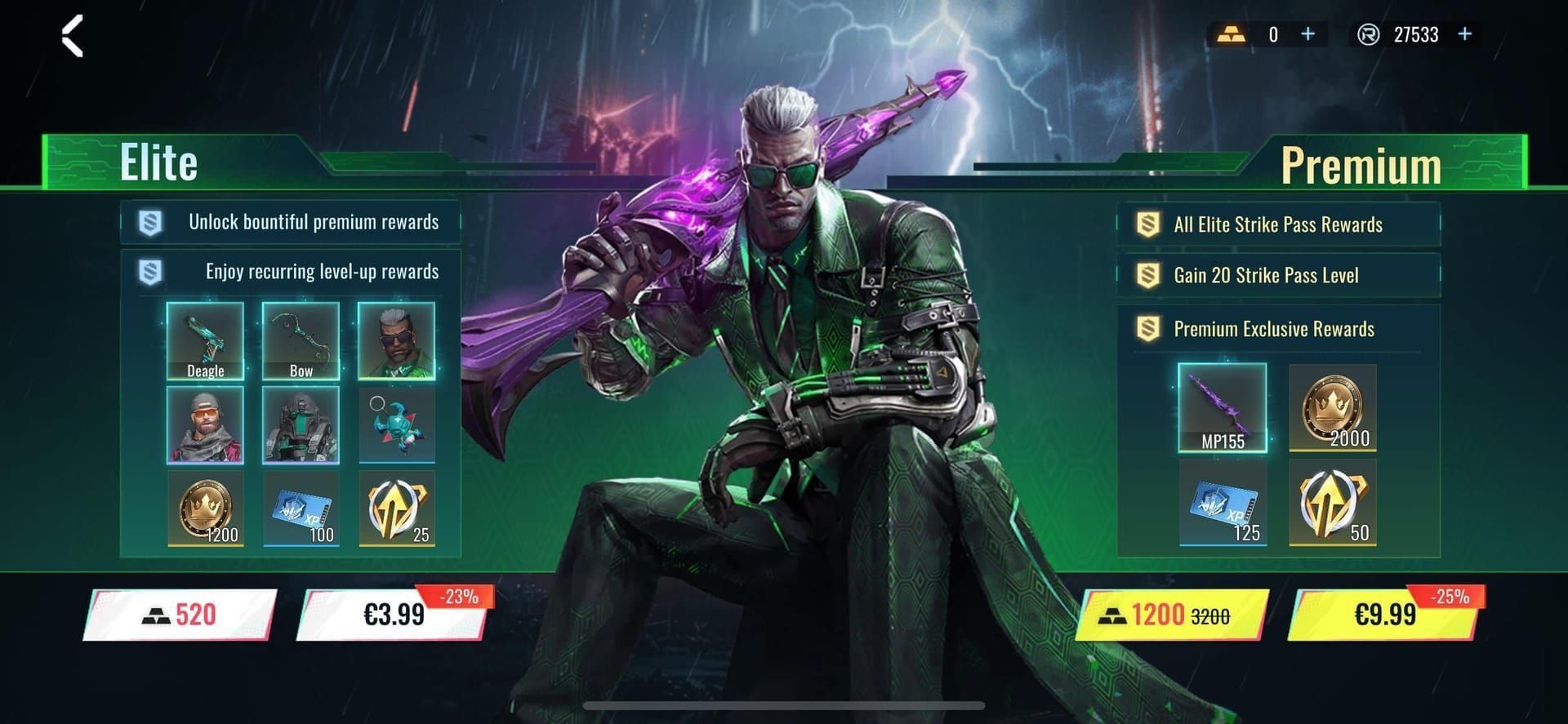 |
| Premium Strike Pass | Tier 1 to 20 skip + play | Instant Tier 20 + Ultra skins | Costs 1,040 Gold upfront; offers immediate cosmetic access and partial rebates | TOPUPlive Strike Pass Overview | 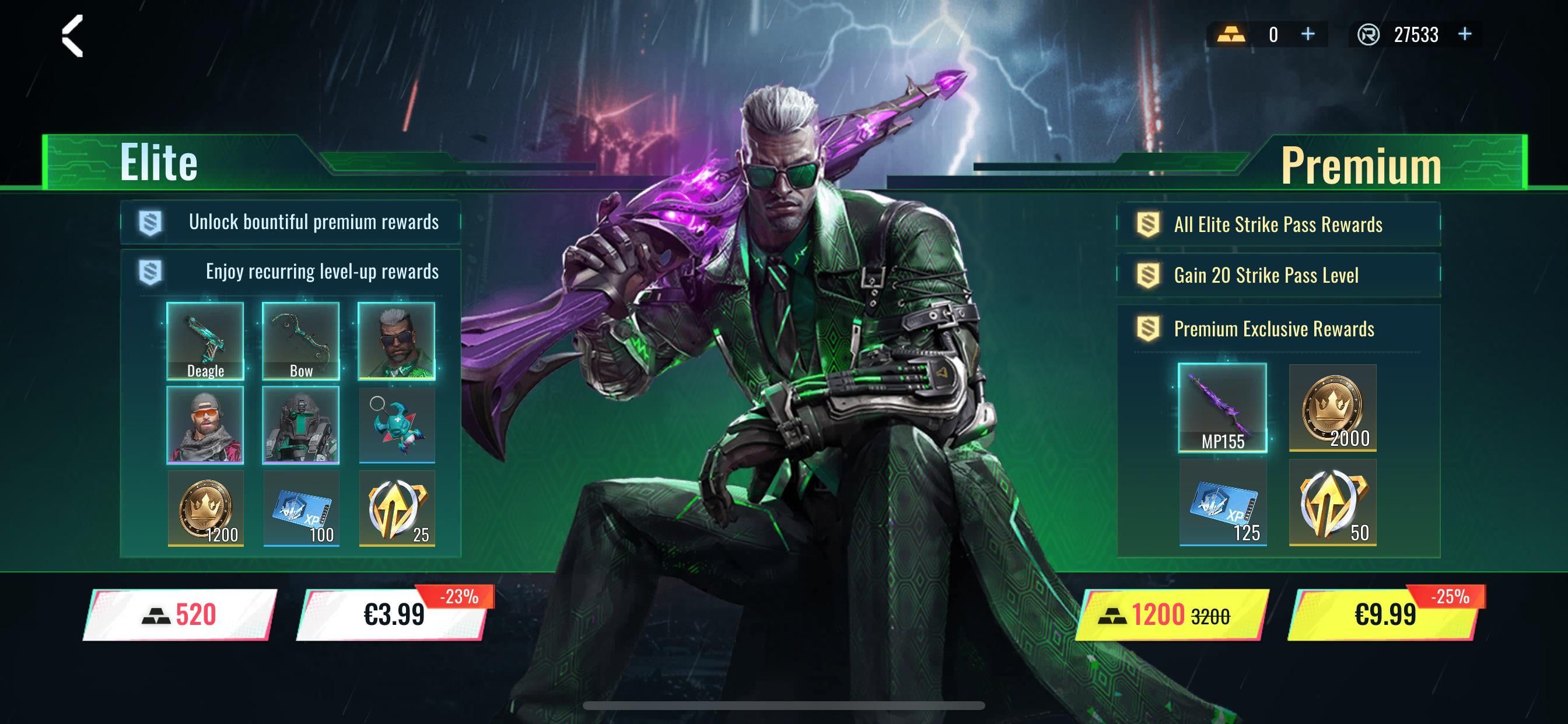 |
Because verified live documentation does not list specific, date-locked calendar event names for the current period, progression strategy relies on the recurring seasonal frameworks: daily mission tracks, limited-time mode challenges, collaborative invite milestones, and the Strike Pass.
Farming mission tokens rapidly in Hot Zone mode
Hot Zone stands out as the most efficient game mode for clearing multi-objective event criteria. In standard Battle Royale, players spend extensive stretches of match time looting supply caches, traversing open terrain, and rotating through circles. This creates dead time between combat encounters.
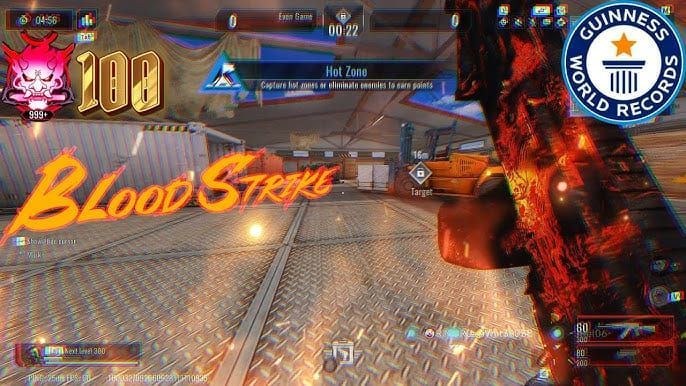
Hot Zone concentrates opposing squads into tight, rotating capture points. This setup produces three key mission benefits:
- Simultaneous Milestone Progress: Firefights happen inside capture areas, allowing you to tally kills, weapon damage, and objective control ticks simultaneously.
- Reduced Match Downtime: Instant respawns remove the elimination penalty found in survival modes, keeping your gun in action.
- Weekly Bonus Accumulation: According to U7BUY's resource breakdown, consistent Hot Zone play clears enough overlapping criteria to secure weekly event bonuses worth 450 to 600 Gold.
If an event mission asks for shotgun kills, sniper headshots, or grenade damage, bring those loadouts directly into Hot Zone instead of waiting for random ground drops in Battle Royale.
Funding and recycling the Elite Strike Pass
The seasonal Strike Pass offers two main tracks: a Free track and a paid upgrade. Players relying strictly on free progression accumulate approximately 520 Gold across a standard seasonal cycle by completing matches and weekly challenges, as documented by U7BUY.
For players targeting character skins and weapon blueprints, the Elite Strike Pass operates as a zero-net-cost loop. Purchasing the Elite track costs 520 Gold upfront. Leveling the pass to Tier 50 over its 4 to 6 week lifecycle returns an exact 520 Gold rebate, according to TOPUPlive. Players who finish Tier 50 can re-invest that rebate directly into the next season's pass.
| Pass Tier Option | Gold Cost | Milestone Cap | Primary Contents & Rebates | Source Attribution |
|---|---|---|---|---|
| Free Pass Track | 0 Gold | Tier 50 | Basic camos, consumables, ~520 total Gold across seasonal milestones | U7BUY |
| Elite Strike Pass | 520 Gold | Tier 50 | Full premium character outfits, weapon blueprints, full 520 Gold rebate at Tier 50 | TOPUPlive |
| Premium Strike Pass | 1,040 Gold | Tier 50 (+20 skip) | Instant unlock to Tier 20, exclusive Ultra cosmetics, partial Gold rebate | TOPUPlive |
(Note on terminology: Documentation varies across sources. While TOPUPlive classifies the tracks as Free, Elite [520 Gold], and Premium [1,040 Gold], other analyses label the top tier as Elite+ Strike Pass.)
If you lack the opening balance to initiate the cycle, purchasing an initial balance of Blood Strike Golds gives you the 520 Gold threshold required to launch the recurring rebate loop.
The manual claim requirement: avoiding expired reward traps
Unlocking an event tier in Blood Strike does not automatically deposit items into your inventory. Players must collect every milestone by hand.
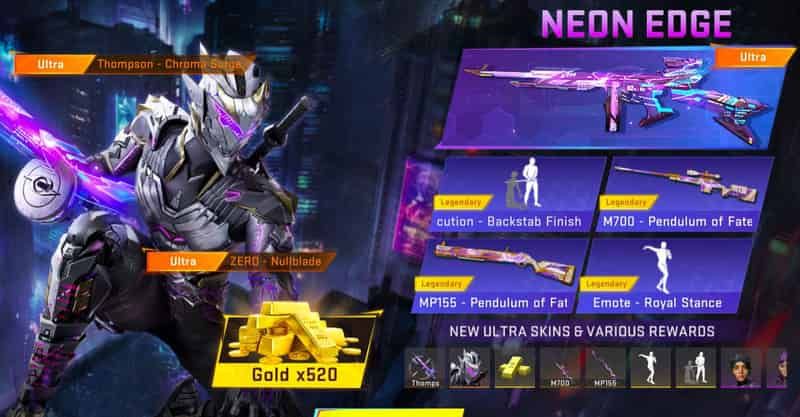
According to GameMarket.gg's battle pass report, rewards left unclaimed when the season clock hits zero are permanently forfeited. Unclaimed items do not transfer into an in-game mailbox, nor do they carry forward into the next season's inventory. Players who clear all 50 tiers during active play lose their skins, blueprints, and the 520 Gold rebate if they fail to press the claim button before the season closes.
Collaborative tasks face a similar timing trap. Event tracks regularly feature Friend Support mechanisms or team-up invite milestones. U7BUY notes that attempting to clear Friend Support goals in the final hours of an event frequently leads to missed rewards. These missions require reciprocal confirmations or actions from teammates, which cannot be forced on short notice. Begin collaborative objectives as soon as the event opens.
Unlocking event code menus and managing session limits
Promotional codes and event vouchers offer instant supplies, weapon camos, and currency, but the redemption interface remains hidden on new or reinstalled accounts until introductory requirements are met.
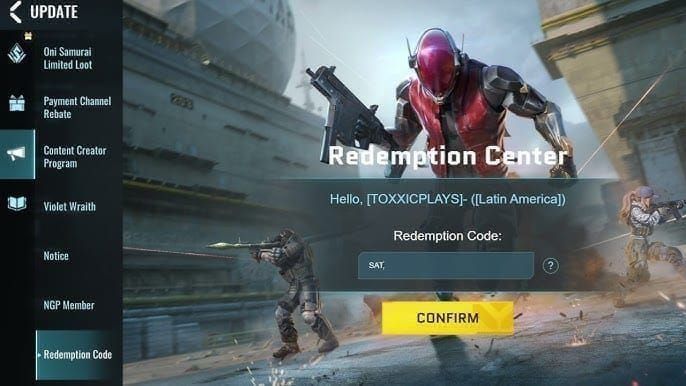
As verified by GamsGo, the system keeps the redemption screen locked behind introductory gameplay. You must complete the initial tutorial match (taking 10 to 15 minutes) followed by one complete match in Battle Royale mode. Once both matches register, the lobby interface displays the Event tab on the left, where the megaphone icon houses the code entry field.
| Redemption Issue | Root Cause | Documented Solution | Verified Source |
|---|---|---|---|
| Megaphone menu missing | Tutorial or first BR match incomplete | Finish tutorial (10–15 min) plus one full Battle Royale match | GamsGo |
| Session redemption lockout | Inputting 3 to 5 codes back-to-back | Restart the game client or wait for daily server refresh | GamsGo / ScreenRant |
| Expired reward track | Rollover timer elapsed without claiming | Manual claim required prior to reset; lost items cannot be recovered | GameMarket.gg |
| Failed Friend Support task | Leaving team tasks to the final day | Start buddy milestones early to allow response time from squadmates | U7BUY |
When redeeming multiple codes, be aware of client rate limits. Entering several codes sequentially triggers an error after 3 to 5 attempts. Sources describe two recovery conditions: GamsGo reports that closing and restarting the game client clears the session block, while separate community reporting suggests some account blocks enforce a cooldown until the following day. Enter codes in batches of two or three to avoid tripping the lock.
Frequently asked questions
Why is the event code redemption menu missing from my game lobby?
The redemption button remains hidden until your account clears the initial tutorial and one complete Battle Royale match, taking about 10 to 15 minutes total. Once finished, open the Event tab on the left side of the screen and select the megaphone icon to access the redemption input window, as detailed by GamsGo.
Do unclaimed seasonal rewards get delivered automatically to my in-game mailbox when an event ends?
No. Unlocked rewards must be claimed by hand inside the event or Strike Pass screen before the timer expires. Unclaimed cosmetics and Gold rebates do not transfer to your mailbox or roll over into subsequent seasons, according to GameMarket.gg.
What should I do if the game blocks me from entering more redeem codes in one sitting?
Blood Strike restricts users to roughly 3 to 5 code redemptions per session. If you hit this limit, exit and restart the game client. If the lockout persists, wait until the next day's server refresh before entering additional vouchers, as documented by GamsGo.

Community
Comments