

To redeem an Indonesian Google Play gift card, your Google payments profile country must be set to Indonesia, your store currency must reflect Indonesian rupiah (IDR), and you must connect from an Indonesian IP address.
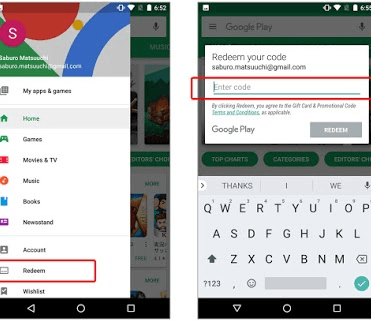

Google Play Gift Card (ID)
Google Play Gift Card Rp 5,000 ID
Buy NowUSD 0.36
Google Play Gift Card Rp 10,000 ID
Buy NowUSD 0.73
Google Play Gift Card Rp 20,000 ID
Buy NowUSD 1.45
Google Play Gift Card Rp 50,000 ID
Buy NowUSD 3.62
Google Play Gift Card Rp 100,000 ID
Buy NowUSD 7.26
Google Play Gift Card Rp 150,000 ID
Buy NowUSD 10.88
Google Play Gift Card Rp 300,000 ID
Buy NowUSD 21.75
Google Play Gift Card Rp 500,000 ID
Buy NowUSD 36.27
Why Indonesian Google Play Codes Reject Foreign Accounts
Google enforces a strict geographic policy on gift cards. Under Google Play's regional terms, play gift cards may only be redeemed and spent in the country and currency where they were purchased. The Google Play account country must match the country where the code is officially issued.
If you hold a Google Play Gift Card (ID), the underlying balance consists of Indonesian rupiah (IDR). Official IDR fixed denominations include 5,000 IDR, 20,000 IDR, 50,000 IDR, 100,000 IDR, 150,000 IDR, and 500,000 IDR per Google Play support. Because these codes are intended purely for the domestic Indonesian ecosystem, any mismatch between your account profile, IP address, and currency causes Google's fraud filters to trip immediately.
Common Redemption Errors and Sourced Fixes
When cross-border restrictions block your voucher, Google returns specific errors. The table below outlines documented causes and the required recovery actions.
| Error / Message | Contextual Visual | Root Cause & Documented Resolution | Source Citation |
|---|---|---|---|
| We need more information to redeem your gift card | 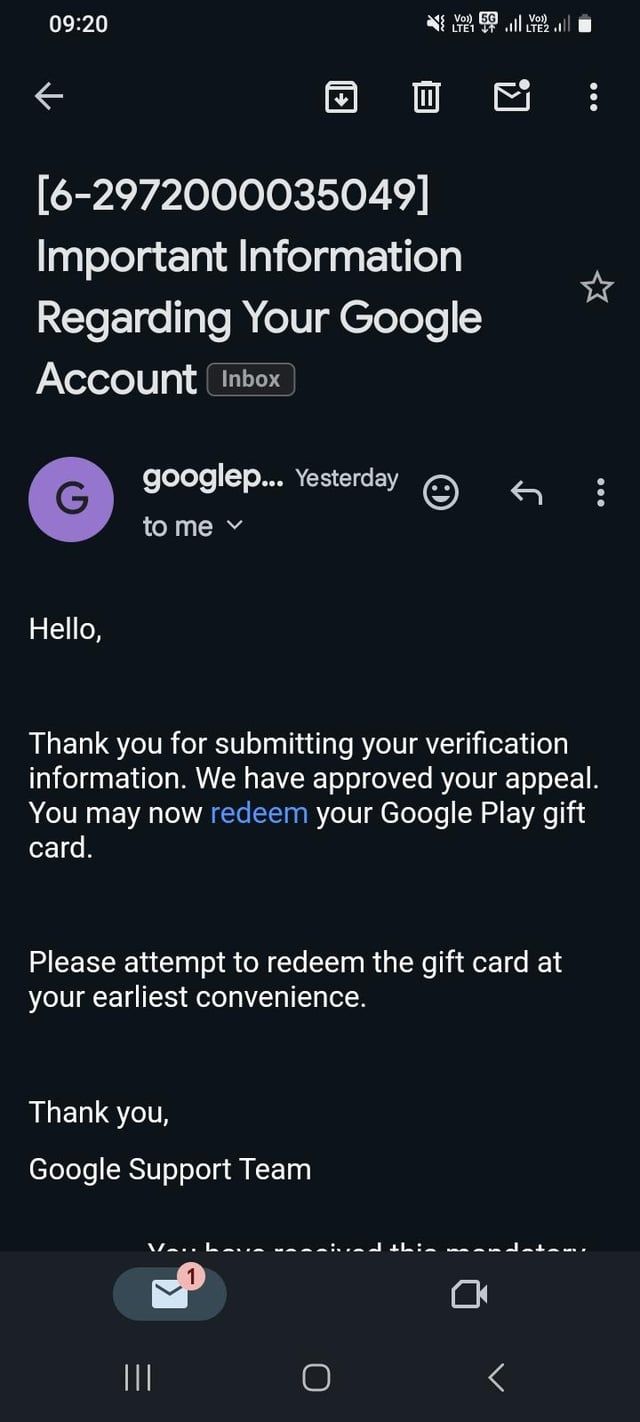 | Triggered by automated fraud checks. Must submit Google's appeal form with receipt proof; enter "Online" for digital city fields. | Bitrefill Help |
| Play balance can only be used in [country] | 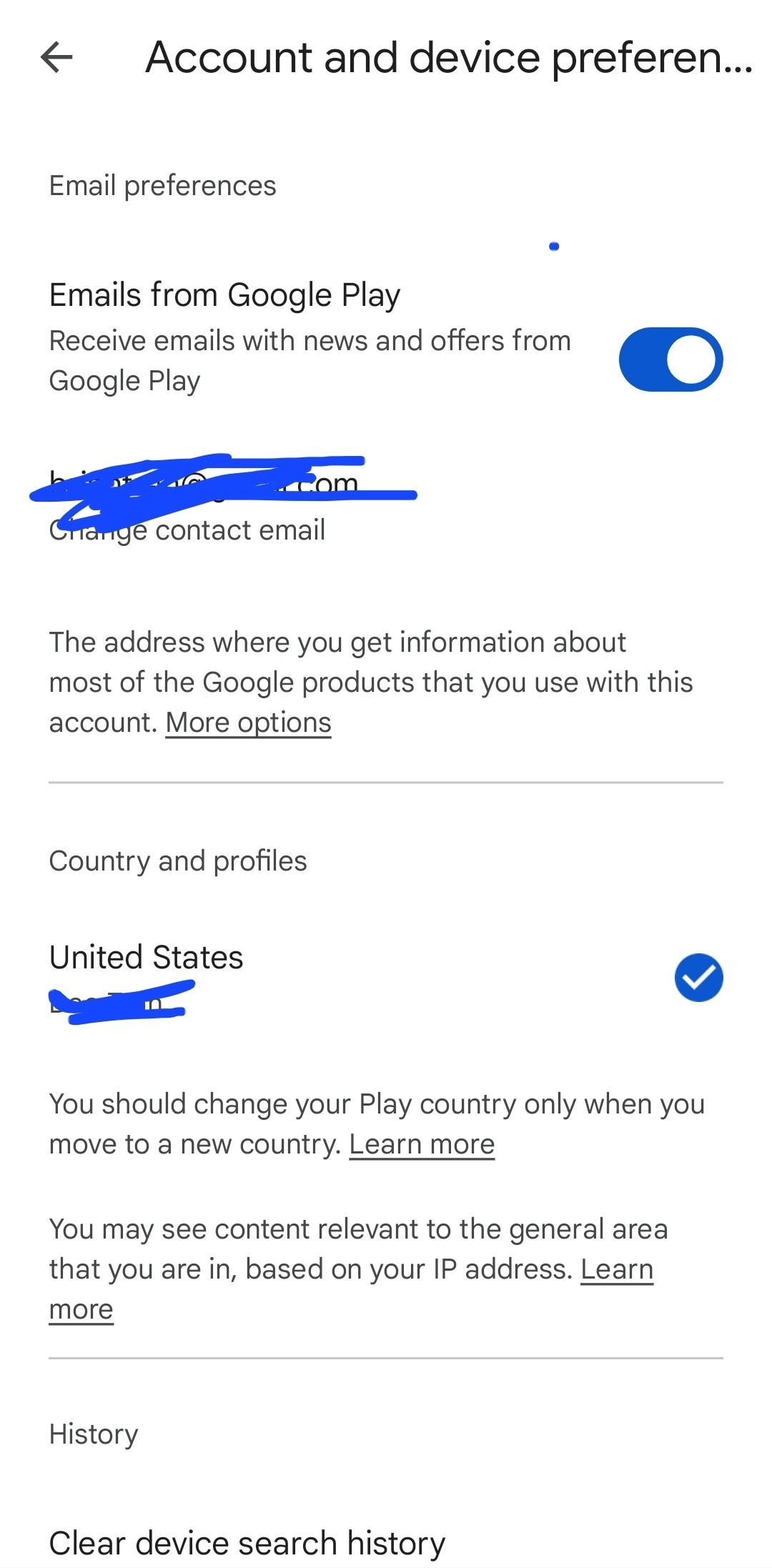 | Redeemed IDR funds remain locked to the Indonesian profile and do not transfer across country changes. | MyGiftCardSupply |
Changing Your Google Payments Profile to Indonesia
Attempting to enter a code on an account tied to another nation guarantees failure. To align your profile, you cannot simply edit the billing country on an active payments record.
According to Google Payments Center documentation, each payments profile is limited to exactly one country due to tax regulations. You cannot change the country for an existing profile; instead, you must create a new profile designated for Indonesia.
Keep the following limitations in mind before making profile changes:
Switching your account country commits you to that territory for a full year. * Sync delay: A new or selected country profile can take up to 48 hours to update across all Google Play services, according to iSumsoft. Do not delete profiles or retry codes repeatedly if the store retains your old region right after switching. * Balance separation: Any funds previously redeemed in your native currency will not convert or transfer to IDR. The balance stays anchored to the original country profile per Google Help.
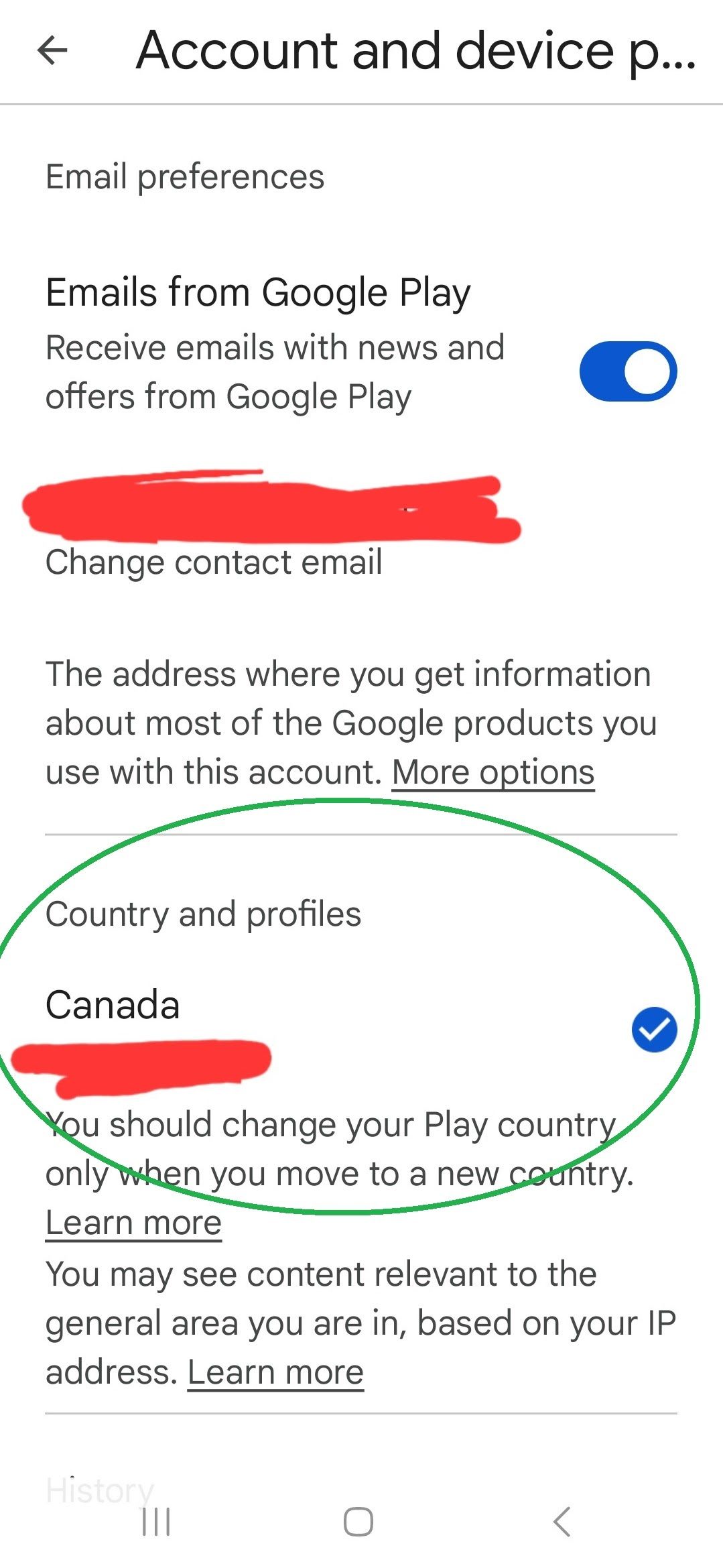
The VPN Contradiction: What Third-Party Platforms Report
Retailers disagree on whether VPN connections allow successful redemption outside Indonesia. The table below compares verified distributor claims against Google's official policies.
| Platform / Entity | Position on Cross-Border Redemption & IP Checks | Cited Policy Details |
|---|---|---|
| Google Official Support | Physical presence in the purchase country is required. | Users must be present where the card was bought (Google Help). |
| SEAGM | Strict local requirements; VPNs strictly forbidden. | Account registration, app installation, and IP must originate in Indonesia (SEAGM). |
| MyGiftCardSupply | Claims IP is unchecked if the account country matches IDR. | States worldwide redemption is possible if the account profile is set to Indonesia (MyGiftCardSupply). |
| Cardgoal | Claims VPN bypasses the regional restrictions. | Suggests changing IP via VPN to complete foreign redemption (Cardgoal). |
SEAGM warns that Google detects account settings, game accounts, and IP addresses during redemption. If the system flags proxy or VPN activity, it blocks the transaction or stops the IDR balance from funding in-app purchases. Conversely, Cardgoal claims a VPN suffices, while MyGiftCardSupply asserts that physical location is unmonitored. Given Google's terms and SEAGM's strict warnings, relying on a VPN carries a high risk of code rejection.
Step-by-Step: Redeeming an Indonesian Voucher Code
Follow this sequence to apply your code without triggering automated holds:
- Verify your profile currency: Open Google Play, tap your profile icon, and navigate to Settings > General > Account and device preferences. Confirm the country displays "Indonesia".
- Wait for propagation: If you recently added an Indonesian payments profile, wait out the 48-hour synchronization window documented by iSumsoft.
- Access the redemption menu: In the Play Store app, tap your profile icon, select Payments & subscriptions, then tap Redeem code.
- Input the voucher: Carefully enter your digital code. Denominations correspond to official IDR tiers (5,000 IDR up to 500,000 IDR).
- Confirm balance: Confirm the prompt. The credits will apply directly to your Indonesian Google Play balance.
Appealing Redemption Holds ("We Need More Information")
If Google intercepts the transaction with the error "We need more information to redeem your gift card", the code becomes locked until reviewed manually.
Per resolution procedures documented by Bitrefill and Google Support, you must click the "Send us details" link directly from the error prompt. This opens Google's investigation form.
When filling out the dispute: * Upload a clear screenshot or PDF of your digital purchase receipt. * Provide the name of the store where the code was acquired. * In the form's "City" field, type "Online" if the voucher came from a digital retailer.
Submitting these details allows Google's verification team to validate that the code is legitimate, releasing the funds to your profile.

Community
Comments