

If your Mango TV membership is not showing after recharge, check your account region, entered mobile number, and tier selection: top-ups for Mango TV Member 芒果TV全屏会员 (CN) only apply to Mainland China (CN) accounts, while smart TVs will reject VIP playback if you mistakenly bought a standard Mobile Membership instead of Full Screen VIP. You can confirm whether the transaction finalized by opening the Mango TV account center on the official app or website to inspect your validity date, and logging out and back in to force a status sync.
Mango TV Member 芒果TV全屏会员 (CN)
芒果TV全屏会员(月卡)
Buy NowUSD 4.87
芒果TV全屏会员(季卡)
Buy NowUSD 13.57
芒果TV全屏会员(年卡)
Buy NowUSD 48.08
芒果TV移动PC端会员(月卡)
Buy NowUSD 1.91
芒果TV移动PC端会员(季卡)
Buy NowUSD 5.24
芒果TV移动PC端会员(年卡)
Buy NowUSD 18.73
芒果TV全屏会员(月卡)
Buy NowUSD 4.87
芒果TV全屏会员(季卡)
Buy NowUSD 13.57
芒果TV全屏会员(年卡)
Buy NowUSD 48.08
芒果TV移动PC端会员(月卡)
Buy NowUSD 1.91
芒果TV移动PC端会员(季卡)
Buy NowUSD 5.24
芒果TV移动PC端会员(年卡)
Buy NowUSD 18.73
Is It an Activation Delay or a Tier Mismatch?
You paid for a subscription, received payment confirmation, but your TV screen still demands a VIP pass. Before assuming your payment vanished into the void, check which tier you actually bought.
Mango TV operates distinct membership classes with strict hardware boundaries. A Mobile Membership (移动会员) covers strictly mobile phones and personal computers. It does not carry playback rights on television screens or streaming set-top boxes. To watch on a smart TV, your account must carry Full Screen Membership (全屏会员).
| Membership Tier | Supported Screens | Device Exclusions | Visual Guide | Sourced Reference |
|---|---|---|---|---|
| Full Screen Membership (全屏会员) | TV, PC, and Mobile | None (covers all standard client types) |  | NXPGame Product Details |
| Mobile Membership (移动会员) | PC and Mobile | Smart TV and TV box playback strictly excluded | 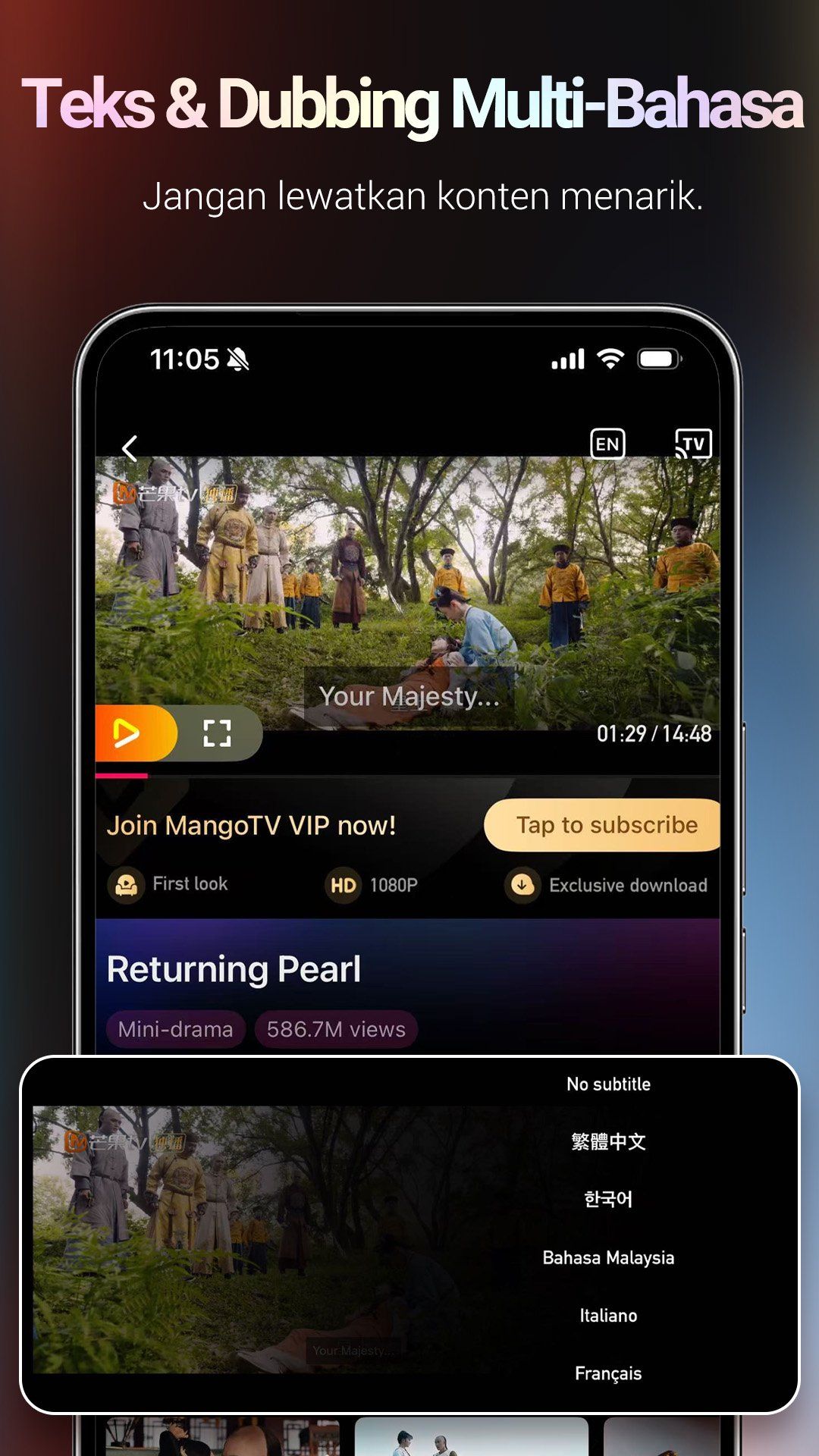 | NXPGame Product Details |
Here is the catch: if your mobile app reflects VIP status while your television continues serving paywalls, you do not have an activation delay. You have a tier limitation. A mobile subscription will never unlock the TV client, no matter how many times you restart your television.
When a recharge seems missing, do not trust third-party notifications alone. Head straight to the source.
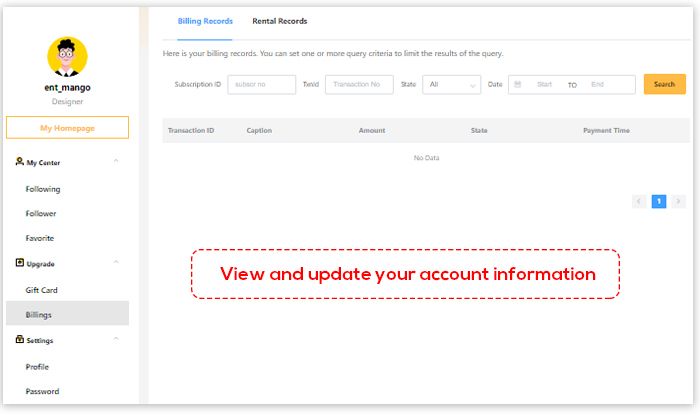
Open the Mango TV mobile app or desktop portal, sign in, and head straight to your account center. Direct top-ups credit validity straight to your registered profile. Check the exact VIP expiration date on your dashboard right away.
- If your expiration date extended into the future, the recharge succeeded. Any playback block on your TV points to a local device session cache or a tier clash.
- If your expiration date still shows as expired, the payment either failed to clear, was credited to a different account ID, or is stuck in processing.
To force the client to fetch your newest privileges, log out of your profile entirely, close the app completely, relaunch it, and sign back in.
Typos at checkout trigger most uncredited orders. Because direct recharges push subscription time straight to the mobile number or account ID you submit, there is no voucher code buffer to protect you against an input error.
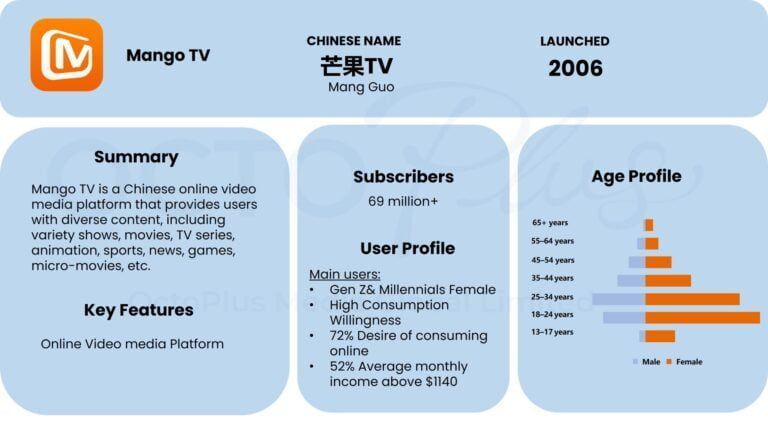
If you mistyped even one digit of your phone number, the subscription was delivered instantly to someone else's account. Double-check your payment receipt against the exact login mobile number registered on your device.
Account stability matters just as much during fulfillment. Never change login credentials, passwords, or linked phone numbers while an order is processing, or you risk interrupting the automated crediting routine mid-delivery.
Region locks are strictly enforced. Packages for Mango TV Member 芒果TV全屏会员 (CN) work solely on Mainland China (CN) accounts. If you registered your profile under an international region code, CN VIP privileges will not apply. Confirm your profile region is set to China before paying for a CN recharge.
| Diagnostic Check | Root Cause Trigger | What to Verify / Action to Take | Sourced Condition |
|---|---|---|---|
| Account Region Mismatch | Account registered outside Mainland China (CN) | Confirm your registered account profile is set to Mainland China; non-CN accounts cannot accept CN top-ups. | NXPGame Product Details |
| Identifier Error | Wrong login mobile number or account ID entered | Check the submitted phone number or user ID against the Mango TV account center. Avoid credential modifications during processing. | NXPGame Product Details |
| Tier Limitation | Mobile Membership purchased for TV screen use | Check if your tier is Full Screen Membership (全屏会员) rather than Mobile Membership (移动会员). | NXPGame Product Details |
| Stream / Device Thresholds | Concurrent stream limits reached | Check active logged-in devices across TV, PC, and mobile per official Mango TV platform operational limits. | NXPGame Product Details |
Even with a confirmed Full Screen VIP subscription, televisions can lag behind mobile profiles.
TV operating systems frequently cache old authorization tokens. If your payment succeeded but the television still displays a paywall, take these steps in order:
- In the TV app settings, locate the account profile and select Log Out.
- Force quit the Mango TV television app or power-cycle your smart TV.
- Open the TV app and generate a fresh login QR code.
- Scan the code using your mobile Mango TV app while signed into the VIP-credited account.
- Confirm the connection and verify that the TV display updates to reflect the Full Screen VIP badge.
Keep device caps in mind. Even though a single Full Screen VIP account logs into TV, PC, and mobile clients, simultaneous streams and logged-in device limits remain bound by official Mango TV operational rules. If multiple family members stream simultaneously on different screens, the service can block playback on additional devices regardless of active membership status.
Frequently Asked Questions
Why is my Mango TV membership not working on my smart TV after recharge?
Smart TVs require a Full Screen Membership (全屏会员). If you recharged a Mobile Membership (移动会员), it only covers PC and mobile devices and will not unlock VIP privileges on a television screen, as confirmed in the NXPGame Product Details.
Can I recharge a non-China Mango TV account with the CN Full Screen VIP product?
No. The Mango TV Member 芒果TV全屏会员 (CN) is strictly for Mainland China (CN) region Mango TV accounts, per NXPGame Product Details.
Where can I verify if my direct recharge has taken effect?
You can verify your VIP validity status directly within the Mango TV account center on the official app or website, as noted in the NXPGame Product Details.
Check your account region and exact tier before opening a support ticket. Most missing VIP problems boil down to a mobile-only plan running on a TV client or an off-by-one typo in your phone number at checkout.
Follow NXPGame for more Mango TV Member 芒果TV全屏会员 (CN) news~

Community
Comments