

Master your Nintendo Switch Online JP top up with this step-by-step guide covering eShop code redemption, Japanese account setup, and error troubleshooting.
A Japanese Nintendo Switch Online subscription unlocks region-exclusive Famicom titles, regional matchmaking servers, and the full Japanese retro catalog. Because the Japanese eShop rejects foreign credit and debit cards at checkout, digital prepaid cards and subscription vouchers are the primary payment method for international players.
This guide details how to configure your console, redeem your 16-character code, and resolve regional account conflicts.
Nintendo Switch Online Membership (JP)
Why Account Region Configuration Matters
Nintendo locks digital purchases, eShop storefronts, and membership vouchers to the country set on your Nintendo Account. A Japanese subscription code cannot be redeemed on an account registered to the United States, Europe, or Australia; doing so triggers an immediate regional rejection code.
While you can technically change your existing profile's country, creating a dedicated secondary Japanese profile on your console is much safer.
[Console Home Screen] -> [System Settings] -> [Users] -> [Add User] -> [Create New User] -> [Link Japanese Nintendo Account]
Nintendo blocks region changes whenever an account holds unspent eShop wallet funds, active software pre-orders, or an active auto-renewing pass. The eShop does not wipe your balance—it outright blocks the country transfer until the remaining wallet balance reaches zero. A separate Japanese profile circumvents these restrictions entirely.
Japanese Subscription Tiers and Baseline Pricing
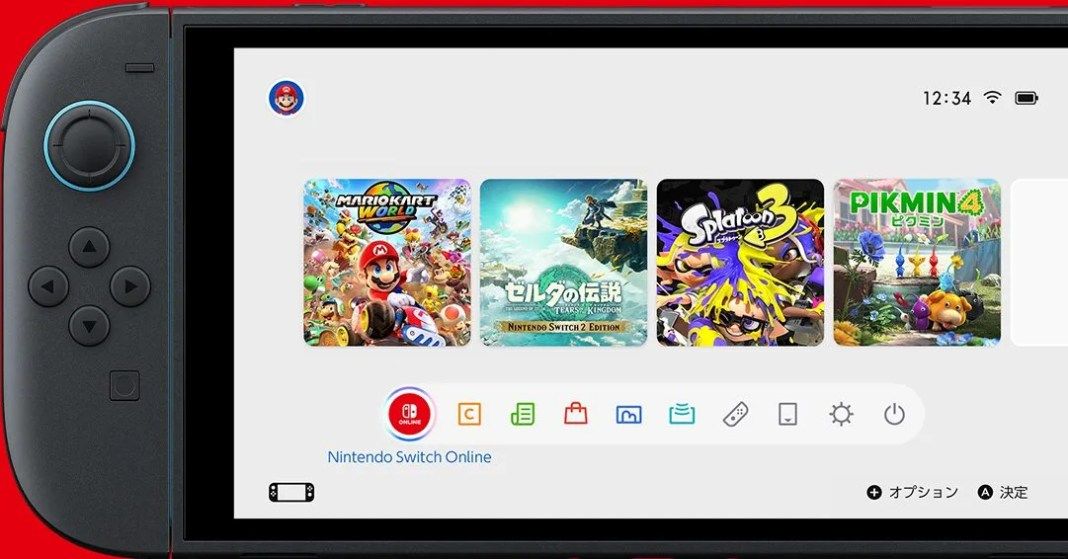
Japanese NSO access splits into two main tiers: standard base and Expansion Pack. Both come as single-user Individual plans or multi-user Family plans.
Individual base memberships sell in 1-month (30 days), 3-month (90 days), or 12-month (365 days) increments. Family plans and Expansion Pack memberships are available only as 12-month passes.
The table below outlines the standard membership structure and baseline pricing reference points across individual and family tiers.
| Membership Tier | Duration | US Baseline Price | Core Features Included |
|---|---|---|---|
| Individual Base Plan (1 Month) | 30 Days | N/A (Short-Term) | Online play, cloud saves, NES, SNES, Game Boy, Nintendo Music |
| Individual Base Plan (3 Months) | 90 Days | N/A (Mid-Term) | Online play, cloud saves, NES, SNES, Game Boy, Nintendo Music |
| Individual Base Plan (12 Months) | 365 Days | $19.99 / year | Online play, cloud saves, NES, SNES, Game Boy, Nintendo Music |
| Individual + Expansion Pack | 365 Days | $49.99 / year | Adds N64, GBA, Sega Genesis, GameCube support, and select DLCs |
| Family Plan Base (12 Months) | 365 Days | $34.99 / year | Base tier perks for up to 8 accounts across separate consoles |
| Family + Expansion Pack (12 Months) | 365 Days | $79.99 / year | Full Expansion Pass benefits for up to 8 linked family accounts |
Takeaway: If you only need individual access for a full year, the base 12-month pass gives the best baseline value, while the Family Expansion Pass offers the lowest cost per person when split across multiple accounts.
When you are ready to purchase a digital card, you can buy a Japanese NSO membership and receive your digital voucher instantly.
How to Activate Japanese NSO Code on Console
Redeeming your digital code directly through the Nintendo Switch hardware is the most reliable method. It eliminates browser caching glitches and guarantees you apply the voucher to the right active profile.
Follow these steps on your console:
- Turn on your Nintendo Switch and select the Nintendo eShop shopping bag icon from the Home menu.
- Pick your dedicated Japanese user profile when prompted.
- Scroll down the left-hand navigation sidebar to the bottom option: 番号の入力 (Enter Code / Enter Number).
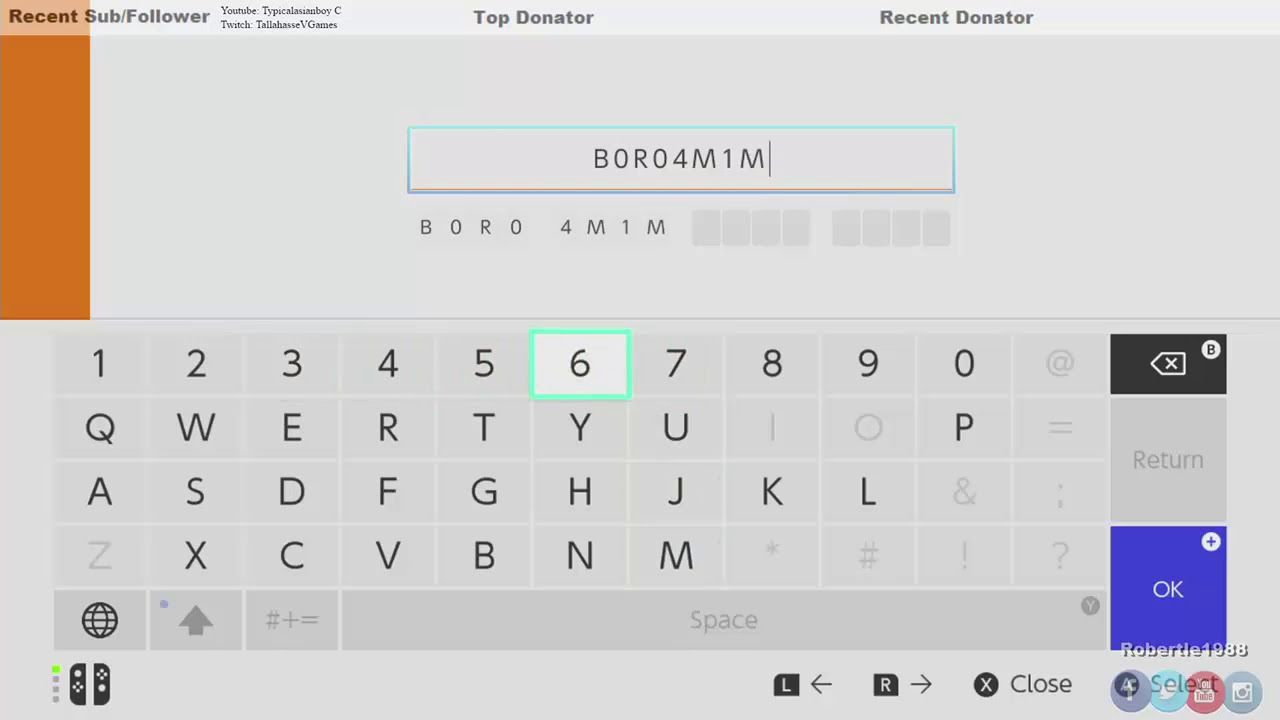
- Enter your 16-character digital code using the on-screen keyboard.
- Press the OK button or the + button on your right Joy-Con to confirm.
- Select the green confirmation button on the right side of the summary screen to finalize activation.
[eShop Icon] -> [Select JP User Profile] -> [Left Sidebar: 番号の入力] -> [Type 16-digit Code] -> [Confirm (+)]
Valid digital prepaid codes always consist of 16 characters and typically start with the letter B. They contain no hyphens. A code starting with S and separated by hyphens is a merchant invoice reference, not a redeemable key.
The Switch on-screen keyboard disables invalid input characters automatically. Letters like O, I, Z, commas, and hyphens remain grayed out to prevent mistypes.
If you prefer using a web browser at ec.nintendo.com/redeem, your Japanese account must have logged into the eShop on a physical Switch console at least once before the web portal will accept redemptions.
Features and Exclusive JP Retro Libraries Compared
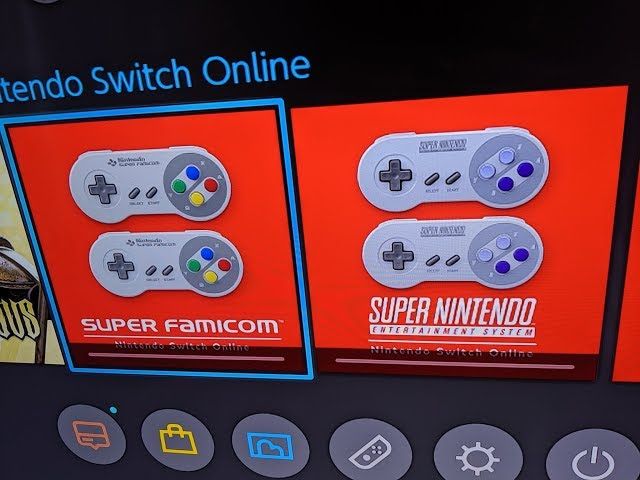
Subscribing through the Japanese storefront unlocks access to the Japanese Famicom and Super Famicom applications. These regional apps feature different game selections, original untranslated scripts, and regional audio tracks that differ from the Western NES and SNES apps.
Standard memberships grant access to the Nintendo Music mobile streaming application, cloud data backups for compatible save files, and online matchmaking. The Expansion Pack adds legacy catalogs for the Nintendo 64, Game Boy Advance, and Sega Genesis, along with packaged DLC for major first-party titles.
The table below details how catalog sizes and features differ between the base subscription and the Expansion Pack.
| Feature / Library | Base Membership | Expansion Pack Tier |
|---|---|---|
| Online Multiplayer & Cloud Saves | Full Access | Full Access |
| Nintendo Music App Access | Included | Included |
| NES / Famicom Library | 70+ to 78 Titles | 70+ to 78 Titles |
| SNES / Super Famicom Library | 60+ to 72 Titles | 60+ to 72 Titles |
| Game Boy / Game Boy Color | Included | Included |
| Game Boy Advance Library | Not Included | Included |
| Nintendo 64 Library | Not Included | Over 30 Titles Included |
| Sega Genesis / Mega Drive | Not Included | Included |
| Mario Kart 8 Deluxe Booster Course Pass | Not Included | Included |
| Animal Crossing: Happy Home Paradise | Not Included | Included |
| Splatoon 2: Octo Expansion | Not Included | Included |
Takeaway: Upgrading to the Expansion Pack is required if you want N64, GBA, or first-party DLC expansions, whereas the base tier covers standard online play and 8-bit/16-bit retro catalogs.
Different source databases list slight variations in retro counts (such as 70+ versus 78 NES games, and 60+ versus 72 SNES games). These discrepancies stem from regional library differences between the Japanese Famicom releases and Western releases, alongside rolling game additions over time.
To begin exploring these regional apps, pick up Nintendo Switch Online JP digital codes that match your chosen subscription tier.
Upgrades, Prorated Credits, and Family Sharing Rules
When upgrading an active individual membership to an Expansion Pack or Family plan, Nintendo does not forfeit your unused time. The eShop automatically calculates a prorated daily credit and applies it as a checkout discount.
[Remaining Active Base Days] x [Daily Prorated Credit] = [Total Discount Applied to Upgrade]
Family plans support up to 8 separate Nintendo Accounts under a single membership. Group members do not need to share the same physical console, nor do they need to live in the same household.
The table below outlines daily proration rates and family sharing boundaries.
| Plan Transition / Policy | Rate / Allowance | Operational Rule |
|---|---|---|
| Standard Individual Upgrade Credit | ~$0.09 / day remaining | Applied automatically as a discount at eShop checkout |
| Family Plan Upgrade Credit | ~$0.17 - $0.19 / day remaining | Based on remaining days of active Family tier |
| Family Account Capacity | Up to 8 Accounts | Distinct Nintendo Accounts linked via admin portal |
| Household Restrictions | None | Members can reside in different locations and regions |
| eShop Wallet & Gold Point Sharing | Strictly Blocked | Funds and points remain isolated to individual profiles |
| Virtual Game Card Lending | 14 Days Maximum | Allows local sharing of eligible digital games and DLC |
Takeaway: Prorated discounts lower the entry cost when upgrading mid-cycle, and Family plans provide full access to 8 separate users without pooling wallet funds or reward balances.
Player Spending Recommendations
Subscription selection should reflect your actual play schedule rather than the longest duration available.
Casual / F2P Tier
If you only log in for occasional seasonal events, test the waters with a 30-day or 90-day base individual voucher. It gives you online multiplayer and cloud saves for minimal expense. Nintendo also provides a 7-day free trial for individual memberships, which is useful for checking ping times on Japanese servers before buying a code.
Dedicated Solo Gamer
If you regularly play online titles and enjoy retro catalogs, buy the 12-month Individual Base Membership. It provides the lowest monthly average cost for solo players. If you want N64 classics and the Mario Kart 8 DLC, buy the Individual Expansion Pack pass instead.
Household & Group Organizers
If you share games with friends or family, avoid buying multiple individual passes. The 12-Month Family Plan covers up to 8 individual accounts across different consoles. Even with just two or three active players, a shared Family pass cuts per-person costs dramatically compared to standalone subscriptions.
Verification and Avoiding Common Top-Up Scams
High international demand for Japanese eShop cards leads gray-market sellers to distribute invalid, used, or stolen keys. Understanding basic storefront mechanics keeps your account secure.
A safe transaction follows simple operational standards: - What legitimate services ask for: Only your payment for the product code. The store delivers a 16-character alphanumeric key. - What scam operations ask for: Your Nintendo Account login email, password, or two-factor authentication codes under the guise of "direct top-up services." Never provide account passwords to third parties.
Prepaid Nintendo eShop wallet balance funds and official digital card funds do not expire. Once added to your balance, you can keep the funds indefinitely.
Accounts registered to users under 18 cannot turn on automatic renewal. For accounts registered to users aged 18 and older, automatic renewal turns on by default upon redeeming a subscription code. You can turn auto-renewal off at any time in your eShop account settings under your user profile icon.
If you are ready to top up safely, secure a Japanese eShop prepaid subscription card from a verified source.
FAQ
Why does my Japanese Nintendo Switch Online code give Error 2813-6561?
Error Code 2813-6561 indicates that your Nintendo Account's registered country does not match the regional origin of the code, or that the code was typed incorrectly. Verify that your active eShop profile is set to Japan and check for character typos.
Can I use an international credit card on the Japanese eShop?
No, the Japanese eShop rejects credit and debit cards issued outside of Japan. International users must redeem digital prepaid Japanese eShop cards or regional NSO subscription vouchers.
Do I need to switch my main Nintendo Account region to Japan?
No, you do not need to alter your main profile. Creating a secondary user profile on your Switch linked to a Japanese Nintendo Account is simpler and prevents issues with unspent wallet balances blocking region changes.
Why cannot I redeem my code on the web browser portal?
The browser portal at ec.nintendo.com/redeem requires the linked Nintendo Account to have opened the eShop on a physical Nintendo Switch console at least once. If you see an error in your browser, enter the 16-character code directly inside the console eShop app.
Can members in a Family Plan share eShop wallet funds?
No, eShop wallet balances and My Nintendo points are strictly tied to individual accounts and cannot be pooled across a family group. Only online play access, retro catalogs, and shared subscription benefits are distributed among the 8 members.
What happens to my remaining subscription time if I upgrade to the Expansion Pass?
Nintendo calculates a prorated daily credit for your remaining base subscription days (roughly $0.09 per remaining day) and applies it as an instant discount toward the 12-month Expansion Pass. Your new full-year Expansion Pass starts immediately upon completing the transaction.
Do Japanese Nintendo eShop digital codes expire?
Official Nintendo prepaid cards and wallet balance funds do not have an expiration date. Once successfully redeemed into your Japanese eShop balance, the credit remains available until you use it.
Final Buying Advice
Getting a Japanese Nintendo Switch Online membership is simple once you configure a secondary Japanese user account on your console. Do not bother trying overseas credit cards on the Japanese eShop storefront; they will fail. Instead, buy a dedicated 16-character digital Japanese NSO code, open the Japanese eShop on your Switch, and redeem it under the 番号の入力 menu option. This setup gives you direct access to Japanese retro libraries, stable cloud saves, and multiplayer servers without regional billing errors.

Community
Comments