

Which region should I buy?
Buy the PIN for the region and currency of your Razer Gold wallet. Razer says a PIN reloads wallets in the same region it was purchased from.
Find your wallet currency: sign in to Razer Gold and open View Account Summary. Your wallet currency and balance are shown there.
Currency is fixed: Razer says the currency of a wallet cannot be changed once it is set. Another currency needs a new wallet.
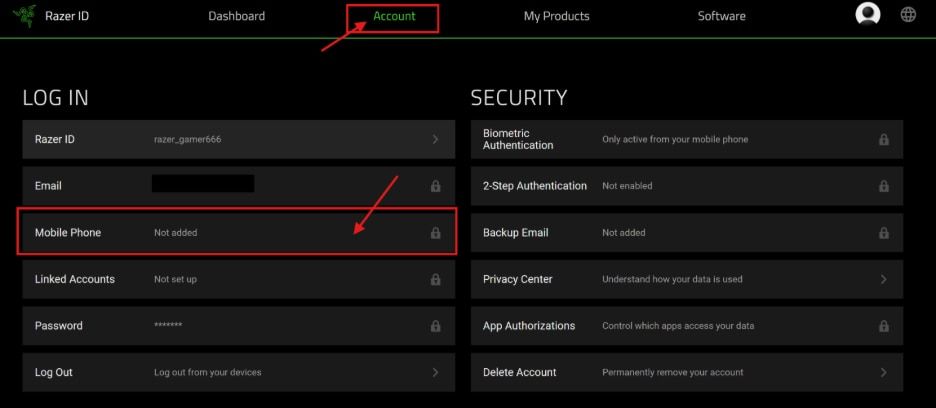
Phone number: Razer says your phone number must match the region of your wallet to complete a transaction.
Two US dollar products? Read the product page and make sure it names your wallet region before you pay.
How to reload with a Razer Gold PIN
Sign in at gold.razer.com.
Choose to reload and select Razer Gold PIN as the payment method.
Enter the PIN in full. Do not enter the serial number.
Complete the two-step authentication.
FAQ
Can I use a PIN from another region?
No. A PIN only reloads wallets in its own region. Using it on the wrong wallet region causes a “Failed to reload” error.
Does Razer Gold expire?
Razer says the wallet balance does not expire, but bonus Razer Gold from promotions expires within 30 days. Inactivity fees apply to accounts that stay dormant for a long time.
Can I get a refund?
No. Razer says exchanges, returns and refunds do not apply to Razer Gold PINs.
What does “Wallet region is not accepted” mean?
It means the merchant does not support your wallet currency. You can use your Razer Gold on other games or content in the catalog.
What is the cross-currency policy error?
Some content can only be bought with a wallet in the same currency as the product. Choose a product in your wallet currency, or use a wallet that has the product's currency.
What if I bought the wrong region?
Check the region and currency before you pay. Under our Return Policy, digital codes are non-refundable once delivered unless a code is proven defective. If you are unsure, ask NXPGame support before you buy.