

Redeeming an Apple Gift Card in the United Kingdom credits an individual Apple Account balance using a 16-digit code that begins with the letter X. Once added to an account configured for the UK storefront, these funds deduct automatically for App Store downloads, Apple Arcade, Apple Music, and iCloud+ storage before any backup payment method is charged.

Apple Gift Card (UK)
- -5%
Apple Gift Card 500 UK
Buy NowUSD 694.12
USD 728.83
- -5%
Apple Gift Card 5 UK
Buy NowUSD 7.18
USD 7.54
- -5%
Apple Gift Card 10 UK
Buy NowUSD 14.50
USD 15.23
- -5%
Apple Gift Card 20 UK
Buy NowUSD 28.83
USD 30.27
- -5%
Apple Gift Card 50 UK
Buy NowUSD 72.37
USD 75.99
- -5%
Apple Gift Card 100 UK
Buy NowUSD 144.27
USD 151.49
- -5%
Apple Gift Card 200 UK
Buy NowUSD 277.65
USD 291.53
Redeeming Your UK 16-Digit Code
Redemption requires the 16-digit alphanumeric code printed on the back of the physical card or included in your digital receipt email. This code always begins with an X.
Do not confuse the redemption code with the card's serial number. Serial numbers typically start with prefixes such as GCA, PBH, or EPY and will result in an invalid code error if entered. According to Apple Support's redemption guide, you can redeem via the following steps:
- Open the App Store, Apple Wallet, Apple Music, or Apple TV app on your iOS, iPadOS, macOS, or Windows PC device.
- Tap your profile icon or sign-in avatar at the top of the interface.
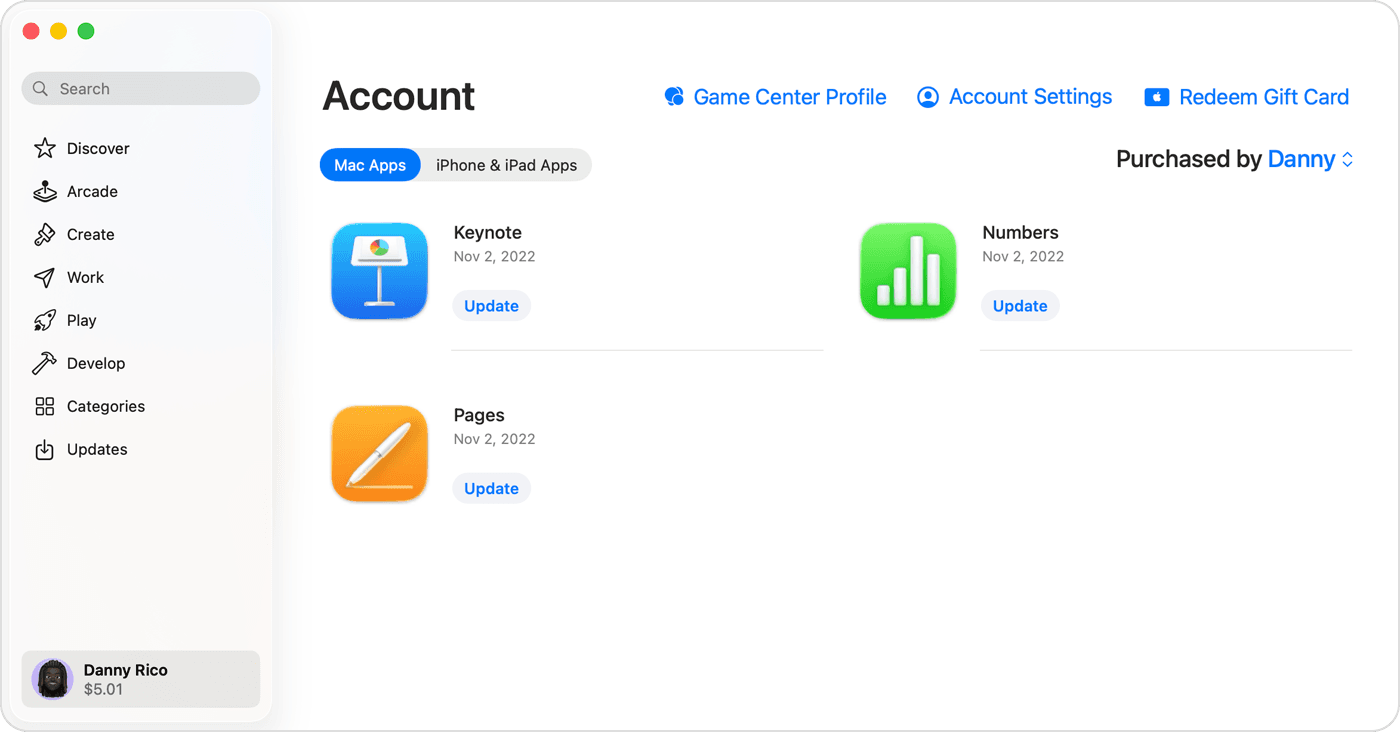
- Select Redeem Gift Card or Code.
- Choose Use Camera to capture the code automatically, or select Enter Code Manually to type the 16-digit sequence starting with X.
- Confirm the redemption to apply the credit to your Apple Account balance.
UK Storefront and Region Restrictions
Apple Gift Cards purchased in the United Kingdom carry strict geographical enforcement. Under the Apple UK Gift Card Terms, cards and content codes purchased in the UK can only be linked to an Apple Account registered in the United Kingdom and used exclusively for purchases on the UK storefront.
If you attempt to redeem a UK voucher while your Apple Account is set to another region—such as the United States or an EU country—the process will halt immediately. The storefront returns an error stating that the code must be redeemed in a different country or region. You cannot transfer the balance across borders or convert the funds to an alternate currency storefront.
What Your Associated Balance Unlocks
When redeemed, your funds enter what Apple terms the Associated Balance. This balance acts as the primary payment instrument across Apple Media Services. Eligible services include:
- App Store apps, games, and in-app consumable items
- Subscriptions to Apple Arcade, Apple TV+, and Apple Music
- iCloud+ storage upgrades
- Digital media purchases through the Apple TV app and iTunes Store
As outlined in Apple's UK legal terms, any transaction you initiate will deduct first from the Associated Balance. If an order total exceeds your existing balance, Apple bills the remaining portion to another authorized payment method on file. However, if you use the Apple Online Store for hardware, gift cards cannot be combined with Apple Pay, PayPal, or split across multiple credit cards.
The Credit Card Requirement Discrepancy
Apple and third-party distributors outline conflicting rules regarding whether a credit card is mandatory:
- Official Apple Documentation: Apple Support notes that certain purchases or recurring subscriptions may still require a valid credit card on file as a fallback, even if the primary charge draws entirely from your Associated Balance.
- Third-Party Retail Observations: Independent distributor storefronts like NXPGame state that users can recharge their account balance directly with prepaid cards to make App Store purchases without linking a personal credit card to their Apple ID.
If you plan to maintain recurring services such as iCloud+ purely on prepaid vouchers, ensure your account carries sufficient balance ahead of billing cycles to prevent service interruption if no credit card is linked.
Card Types and Account Restrictions
Apple issues different card formats under distinct spending rules, and account balances have strict boundaries.
| Card or Account Feature | Functional Scope | Policy Source |
|---|---|---|
| Modern Apple Gift Card (UK) | Redeemable to Apple Account Associated Balance for App Store, iTunes, iCloud+, Apple subscriptions, Apple Retail Stores, and apple.com | Apple UK Gift Card Terms |
| Legacy Apple Store Gift Card | Usable only at Apple Retail Stores, apple.com/uk, or telephone orders; cannot be used for App Store, iTunes, or Mac App Store | Apple Store Gift Card UK Terms |
| Family Sharing Balance Allocation | Individual user only; cannot be spent by family group members | Apple Support Balance Guidelines |
Family Sharing and Gifting Limits
Funds linked to your Apple Account are personal property. If you belong to an Apple Family Sharing group, other family members cannot draw against your Associated Balance, as documented by Apple Support. The family organizer's payment method typically covers group spending unless the individual account making the purchase holds its own balance.
Associated Balance funds cannot be used to purchase gifts for other accounts or to buy secondary gift cards.
Troubleshooting Common Redemption Errors
Redemption failures generally stem from three distinct scenarios:
- Character Confusion: Manual entry frequently fails due to visually similar characters. Apple's scanner and manual system often reject entries confusing the letters B and 8, D and O, E and 3, G and 6, O and 0, S and 5, U and V, or Z and 2 (Apple Support). Check each character against your physical card voucher or email carefully.
- Unactivated Retail Vouchers: Physical cards bought at retail outlets must be scanned and activated at the register. If a card was not activated at point of sale, redemption fails, requiring the recipient to present the receipt back to the original selling retailer.
- Legacy Card Mismatch: Older Apple Store Gift Cards featuring solid white, silver, gold, or gray faces cannot be redeemed in the App Store or iTunes Store. These legacy cards remain restricted to hardware checkouts online or at physical Apple Store locations.

Community
Comments