

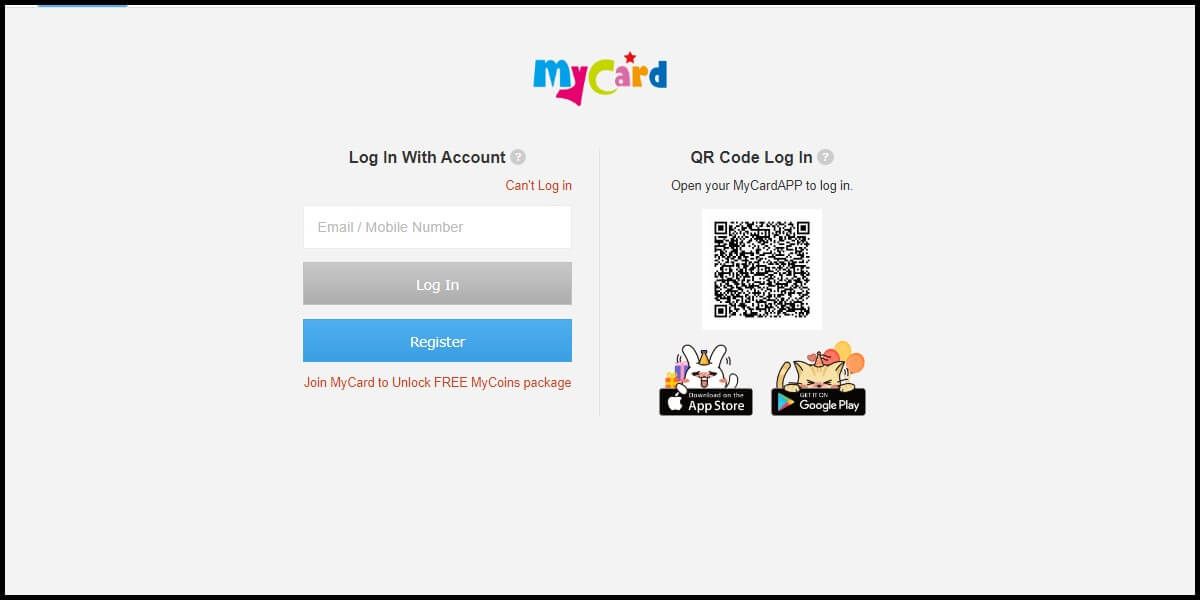
A MyCard TW login error typically stems from unformatted international country codes, carrier-level commercial SMS blocks, or third-party filtering apps intercepting one-time passwords. Since Soft-World introduced mandatory mobile authentication on 22 August 2016, accessing a member account or spending stored MyCoins requires an active verified phone number; if your bound mobile line is disconnected, recovery requires a manual application through customer service rather than an automated SMS reset.

MyCard (TW)
- -40%
MyCard 50 Points TW
Buy NowUSD 1.67
USD 2.34
- -40%
MyCard 90 Points TW
Buy NowUSD 3.02
USD 4.23
- -40%
MyCard 150 Points TW
Buy NowUSD 5.05
USD 7.07
- -40%
MyCard 170 Points TW
Buy NowUSD 5.43
USD 7.60
- -40%
MyCard 300 Points TW
Buy NowUSD 10.10
USD 14.14
- -40%
MyCard 350 Points TW
Buy NowUSD 11.19
USD 15.66
- -40%
MyCard 400 Points TW
Buy NowUSD 12.78
USD 17.90
- -40%
MyCard 450 Points TW
Buy NowUSD 14.38
USD 20.13
- -40%
MyCard 500 Points TW
Buy NowUSD 17.05
USD 23.87
- -40%
MyCard 750 Points TW
Buy NowUSD 25.30
USD 35.43
- -40%
MyCard 1000 Points TW
Buy NowUSD 34.92
USD 48.90
- -40%
MyCard 1150 Points TW
Buy NowUSD 36.74
USD 51.44
- -40%
MyCard 1490 Points TW
Buy NowUSD 49.85
USD 69.79
- -40%
MyCard 1690 Points TW
Buy NowUSD 53.99
USD 75.58
- -40%
MyCard 2000 Points TW
Buy NowUSD 66.79
USD 93.51
- -40%
MyCard 2500 Points TW
Buy NowUSD 79.86
USD 111.80
- -40%
MyCard 3000 Points TW
Buy NowUSD 100.46
USD 140.64
- -40%
MyCard 3290 Points TW
Buy NowUSD 105.09
USD 147.12
- -40%
MyCard 5000 Points TW
Buy NowUSD 167.25
USD 234.15
- -40%
MyCard 10000 Points TW
Buy NowUSD 334.50
USD 468.30
Step-by-Step Fix for Missing SMS Verification Codes
Missing security codes halt login or registration immediately on MyCard (TW) accounts. Soft-World provides a systematic diagnostic sequence to isolate carrier blocking, local software interference, and handset compatibility issues in its MyCard SMS Support Guidelines.
Execute these troubleshooting steps in sequence:
- Re-enter the mobile number and country prefix. Refresh the login window and submit your number again. Overseas players must confirm the international dialing code is present and formatted without unnecessary leading zeros.
- Contact your mobile carrier to disable commercial SMS blocking. Automated one-time passwords (OTPs) sent by Soft-World are often classified as enterprise broadcasts. Ask your telecom customer support whether "commercial text message blocking" is active on your line, and request its deactivation.
- Clear your phone storage and SMS inbox. A full message memory prevents new SMS reception. Free up space and delete older text threads.
- Turn off device-level blacklist and Do Not Disturb modes. Built-in screening features—notably Do Not Disturb profiles on devices such as Red Mi or Nokia Lumia handsets—can silently suppress shortcode SMS alerts.
- Disable third-party call and text screening apps. Security software frequently routes corporate verification texts straight to spam. Temporarily turn off or uninstall tools including WhosCall, SMS Blocker, Blacklist, App-Island, FREEdi, Lianyun Firewall, GBlocker, or Handcent SMS.
- Swap the SIM card into a secondary mobile phone. Hardware and operating system quirks can stop OTP texts from reaching your inbox. Placing your SIM card into a different handset isolates phone-specific reception failures.
Troubleshooting Authentication Failures
The table below summarizes standard authentication roadblocks and the required operational fix.
| Failure Type | Root Cause | Resolution Action | Source Reference |
|---|---|---|---|
| Overseas SMS Failure | Missing or malformed international prefix | Re-enter number with correct international country code | MyCard SMS Verification Support |
| Carrier-Level Drop | Automated commercial broadcast filter active | Request telecom support disable commercial SMS blocking | MyCard SMS Verification Support |
| Local App Blocking | Third-party firewalls sorting OTPs to junk | Suspend WhosCall, SMS Blocker, FREEdi, or Lianyun Firewall | MyCard SMS Verification Support |
| Handset Incompatibility | Hardware or OS-specific reception error | Move SIM card into a different mobile device | MyCard SMS Verification Support |
| Inactive Registered Number | Bound phone number lapsed or changed | Submit account modification form via customer service | MyCard Mobile Account Binding Rules |
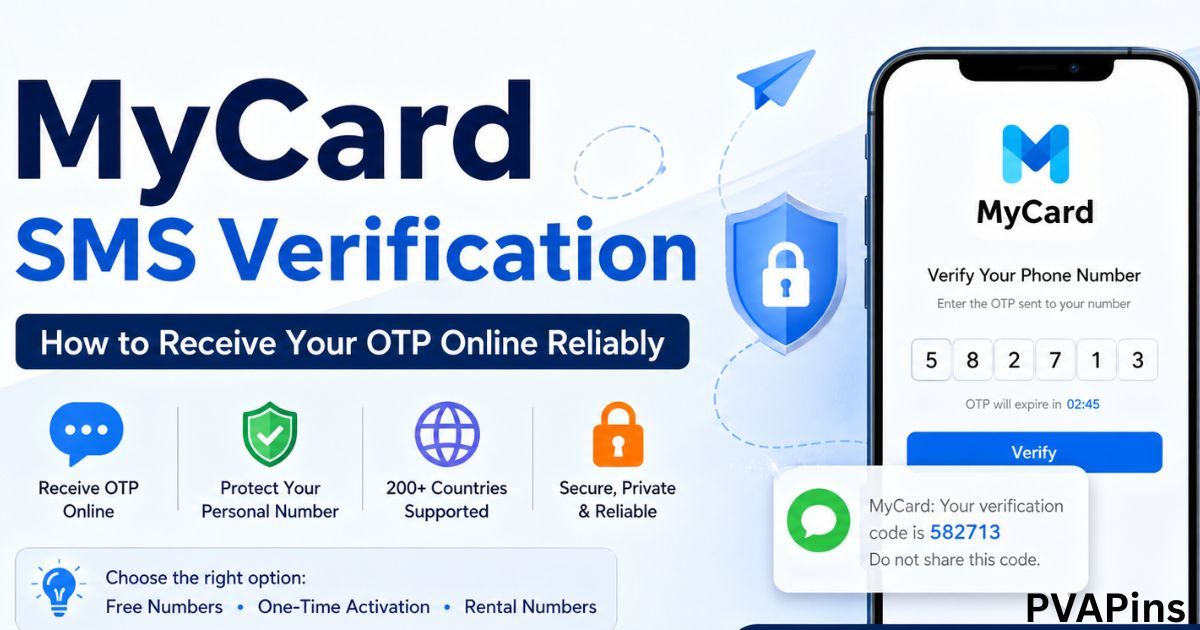
MyCard Taiwan Account Login Overseas
Regional formatting errors cause most authentication drops outside Taiwan. Taiwan login forms frequently misinterpret numbers when international dialing codes are missing or accidentally entered twice.
Ensure that you select your regional territory from the dropdown menu before typing your mobile number. Do not enter duplicate country codes inside the local phone field if the form already provides the prefix. If the SMS still fails to arrive within several minutes, your local mobile network provider might be silently rejecting corporate routing from Taiwanese gateways. In this scenario, testing the SIM in an alternate device or contacting your local telecom regarding international automated SMS blocks remains the standard recovery path documented by Soft-World Support.
Australian bank cards bearing the "MyCard" label (such as those issued by National Australia Bank) have no connection to Soft-World's Taiwan digital entertainment points platform.
Unlocking Accounts Bound to Inactive Phone Numbers
On 22 August 2016, Soft-World overhauled account security protocols to align with regulatory requirements and prevent fraud. Under this policy, mobile number verification is strictly mandatory for all members. New users must verify their phone line during initial registration. Existing members who created credentials prior to that date must complete phone verification upon login before they can access member services or spend stored MyCoins.
[Login Attempt]
       │
       ▼
[Bound Phone Active?] ─── YES ───► [Receive OTP & Authenticate]
       │
       NO
       ▼
[Self-Reset Blocked]
       │
       ▼
[Submit Modification Application to Customer Service]
       │
       ▼
[Support Clears Old Number] ───► [Log In & Bind New Phone Number]
Because authentication relies entirely on SMS verification, you cannot bypass the check independently if your registered mobile line is cancelled or lost. Soft-World requires users to submit an application through the official customer service center to modify a bound phone number, as detailed in the MyCard Mobile Account Guide. Once support updates the record, you can log in, verify a new phone number, and regain full access to your profile and accumulated MyCoins without losing account standing.
Platform Outages and Account Feature Suspensions
Sometimes an authentication loop or interface failure is not an issue with your device. When the central platform undergoes scheduled updates or unannounced fixes, member utilities shut down globally.
According to Soft-World's Platform Maintenance Documentation, live maintenance periods automatically suspend the following core account services:
- Top Up functions
- Member Deduction services
- Buy Online checkouts
- MyCard shopping mall transactions
During scheduled maintenance, dashboard functions can return generic error codes or fail to establish session logins. Soft-World posts announcements for temporary maintenance directly on its service portal. If your handset settings and phone credentials are verified yet account actions remain unresponsive, check the platform's service notices before submitting repeated support tickets.
Frequently Asked Questions
What should overseas users check if they are not receiving the MyCard SMS verification code?
Overseas users should confirm the international dialing prefix matches their region, clear their mobile phone's SMS storage space, and contact their local carrier to verify commercial automated text blocking is disabled, according to Soft-World SMS Troubleshooting.
How can I access MyCoins if my registered MyCard phone number is no longer active?
You cannot bypass verification independently. You must file an application through the MyCard customer service center to modify the registered number; once support completes the change, log in and bind a new active line without forfeiting account rights or stored MyCoins as outlined in MyCard Account Policies.
Why are MyCard account deductions and points services disabled even after logging in?
Platform-wide scheduled or temporary maintenance automatically suspends Deduction, Top Up, Buy Online, and shopping mall operations, as confirmed by MyCard Service Notices. Access resumes once platform maintenance concludes.

Community
Comments