

Find out if you can earn Steam Wallet balance watching official streams in 2026, how drop sales work on the market, and the exact limits on free wallet cash.
Every time an esports tournament or publisher showcase goes live, gaming forums ask the same question: can you earn Steam Wallet funds just by leaving a stream open? The short answer is no. The practical answer is yes—with an extra step.
Valve does not deposit cash into your profile for sitting through a broadcast. You will never see rubles, dollars, or euros tick up while watching a match. Instead, official broadcasts drop inventory items: crates, weapon skins, player cards, and event cosmetics. Converting those drops into store credit requires listing and selling them on the Steam Community Market.
Understanding this mechanic separates viewers who earn steady store credit during majors from those who waste hours on unlinked channels.

Steam Top-up Russia
- -40%
Steam Russia 100 Rubles
Buy NowUSD 1.74
USD 2.44
- -40%
Steam Russia 50 RUB
Buy NowUSD 0.87
USD 1.22
- -40%
Steam Russia 200 RUB
Buy NowUSD 3.48
USD 4.87
- -40%
Steam Russia 300 RUB
Buy NowUSD 5.23
USD 7.32
- -40%
Steam Russia 400 RUB
Buy NowUSD 6.97
USD 9.76
- -40%
Steam Russia 500 RUB
Buy NowUSD 8.70
USD 12.18
- -40%
Steam Russia 600 RUB
Buy NowUSD 10.44
USD 14.62
- -40%
Steam Russia 700 RUB
Buy NowUSD 12.18
USD 17.05
- -40%
Steam Russia 800 RUB
Buy NowUSD 13.92
USD 19.49
- -40%
Steam Russia 900 RUB
Buy NowUSD 15.66
USD 21.92
- -40%
Steam Russia 1000 RUB
Buy NowUSD 17.39
USD 24.34
- -40%
Steam Russia 1200 RUB
Buy NowUSD 20.88
USD 29.23
- -40%
Steam Russia 1500 RUB
Buy NowUSD 26.09
USD 36.52
- -40%
Steam Russia 2000 RUB
Buy NowUSD 34.79
USD 48.70
- -40%
Steam Russia 3000 RUB
Buy NowUSD 52.19
USD 73.07
- -40%
Steam Russia 5000 RUB
Buy NowUSD 86.96
USD 121.74
- -40%
Steam Russia 4000 RUB
Buy NowUSD 69.58
USD 97.41
The Reality of Official Stream Watch Rewards in 2026
Direct watch-to-earn cash does not exist on Steam. Any third-party site or extension promising hourly dollar deposits for viewing streams is an inventory-hijacking scam designed to steal your credentials.
Official rewards run entirely through inventory drops. Valve and partnered publishers coordinate with streaming platforms like Twitch to track viewer watch time. When you watch an eligible broadcast, you receive in-game crates, weapon skins, player cards, or cosmetic loot.
Market value depends strictly on item rarity and circulating supply. A scarce tournament crate can fetch hundreds of rubles on the Community Market within minutes of dropping. Common items might only net a few cents. Once sold, the proceeds clear directly into your Steam Wallet balance, ready to spend on games, DLC, or Community Market listings.
How Item Drops Convert into Steam Wallet Balance
Monetizing watch time follows a four-step pipeline: watch the stream, claim the drop on the broadcast platform, verify receipt in your Steam inventory, and list the item for sale.
Major esports tournaments yield the highest-value items. The International 2026 (scheduled for August 13 to August 23, 2026, in Shanghai) broadcasts across Twitch, YouTube, DouYu, Huya, and Bilibili, featuring drops like digital souvenirs, compendium items, and tournament chests.
Publisher promotions operate on identical mechanics. Events like the PUBG Xeno Point Streamer Challenge grant crates and skins to viewers on partner channels. Once these items clear any initial trade cooldowns, you can list them on the Steam Community Market.
When a buyer purchases your listing, Steam takes its marketplace transaction fee and deposits the net funds into your Steam Wallet as usable store currency. On accounts configured for rubles, proceeds arrive directly in rubles.
Review the breakdown below to compare payout formats across different reward channels.
| Reward Channel | Payout Format | Direct Wallet Credit? | Liquidation Required? |
|---|---|---|---|
| Official Esports Broadcasts (e.g. The International 2026) | Tournament chests, cosmetics, digital cards | No | Yes (Sell on Community Market) |
| Publisher Streamer Challenges (e.g. PUBG Events) | Event crates, character skins, weapon wraps | No | Yes (Sell on Community Market) |
| Steam Points Shop | Avatars, frames, stickers, Deck themes | No | No (Non-marketable/Non-transferable) |
| Digital Reward Portals | 16-digit Steam Wallet gift codes ($5 to $50) | Yes (Upon code redemption) | No (Direct account credit) |
Except for gift code vouchers, every reward method requires selling items on the Community Market to extract spendable balance.
The One-Channel Rule and Drop Progression Rules
You cannot game drop tracking by opening twenty tabs. Streaming platforms count progress on exactly one active stream at a time—specifically, whichever eligible channel loaded first. The second channel yields zero progress.
Keep these tracking mechanics in mind:
- Drop progress accumulates only on live broadcasts, never on VODs or past replays.
- You can mute the video player without stalling progress.
- Drops must be claimed manually in your platform dashboard before transferring to Steam.
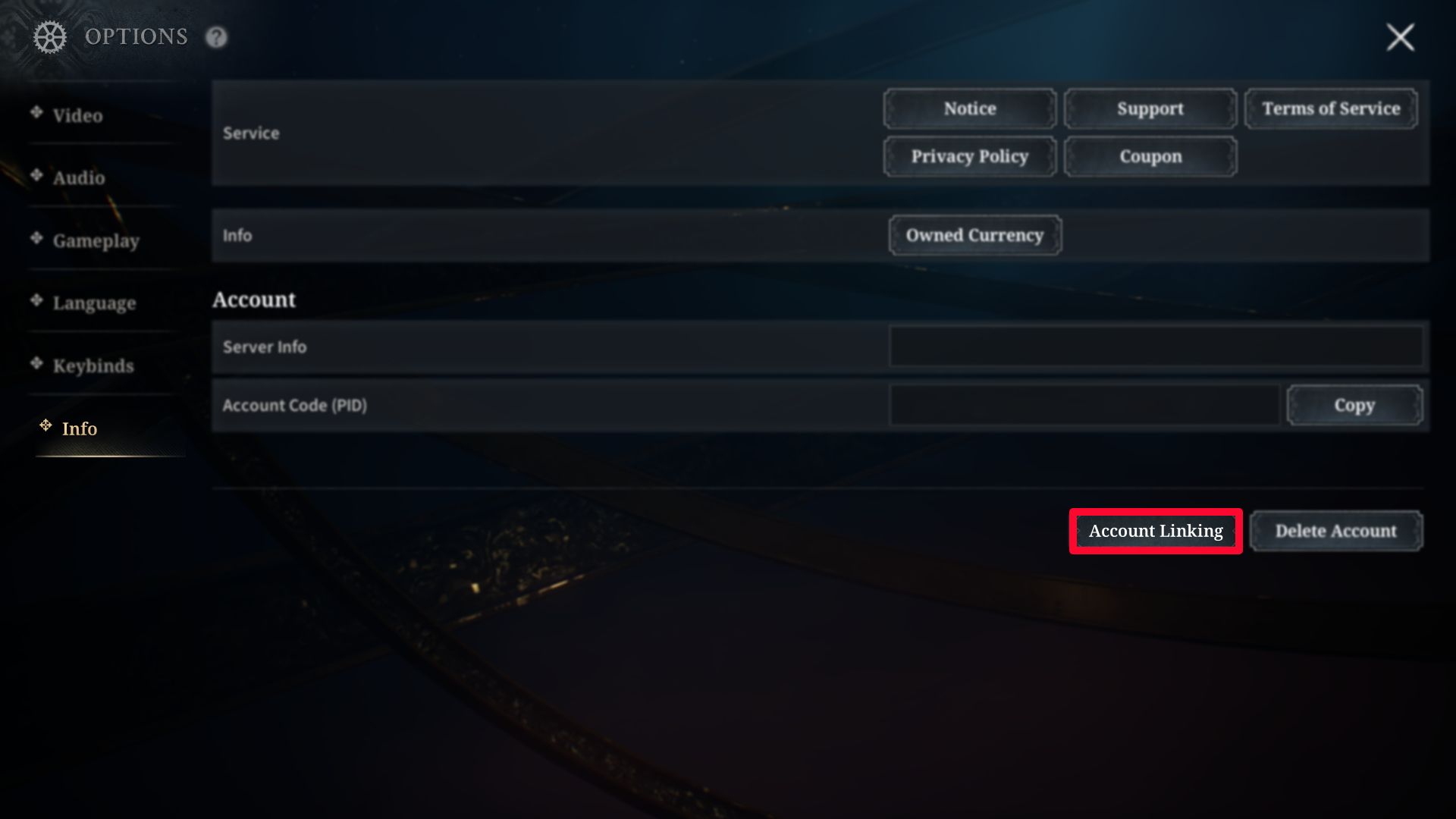
- Your Steam account must be connected to the streaming platform before claiming.
- Certain campaigns require owning the base game within 180 days; otherwise, unclaimed drops expire permanently.
That 180-day rule catches players off guard. If you claim drops for a title you do not yet own, you have six months to activate the base game on Steam before the item entitlement vanishes permanently.
Steam Points vs. Steam Wallet Balance: The Major Difference
Steam Points and Steam Wallet balance are completely separate systems. Valve grants 100 Steam Points per $1 spent in the store, but points carry zero monetary value.
Points cannot be converted into wallet funds, exchanged for rubles, or applied as store checkout discounts. They exist solely for profile flair: animated avatar frames, mini-profile backgrounds, chat stickers, and Steam Deck startup themes.
Unlike items acquired through gameplay or trade cards, every cosmetic bought in the Points Shop is permanently bound to your account. You cannot trade them, list them on the Community Market, or turn them into store credit.
Do not waste time attempting to flip Points Shop items into wallet cash. They remain locked to your profile forever.
The $5 Account Restriction Trap for New Viewers
If you created a fresh Steam profile specifically to farm drops and flip them on the marketplace, Valve has a built-in barrier: the Limited User Account status.
To prevent bot networks and automated spam, Valve locks core community features on any account that has not spent at least $5 equivalent in the Steam Store. Until your account clears this threshold, you face heavy restrictions:
- You cannot list or buy items on the Steam Community Market.
- You cannot send friend invites or open community group chats.
- You do not receive standard Steam Trading Card drops from playing games.
- Your profile level remains locked at zero.
Because of this rule, a brand-new account that collects valuable tournament drops cannot sell them. The items will sit in your inventory, completely illiquid, until the account adds and spends the required $5.
Direct Steam Wallet deposits inside the native client also enforce a mandatory $5 minimum threshold. You cannot deposit smaller amounts like $1 or $2 through official native client deposit options to bypass the restriction.
Review the functional differences between account tiers in the comparison below.
| Account Status | Spending Requirement | Community Market Access | Can Liquidate Stream Drops? |
|---|---|---|---|
| Limited Steam Account | $0 spent (Fresh account) | Blocked | No (Items stuck in inventory) |
| Unlocked Steam Account | $5 minimum deposited or spent | Full access | Yes (Instant market listing) |
| Third-Party Gift Funded | $5+ redeemed via digital voucher | Full access | Yes (Removes limited status) |
Clearing the five-dollar barrier is mandatory if you want to turn free broadcast drops into real market rubles.
If your regional payment methods make funding that initial threshold difficult, using an external top-up solves the problem immediately. For accounts held back by the $5 market restriction, choosing a direct Steam Russia balance reload lifts the cap so you can sell inventory freely.
Digital Voucher Codes and Third-Party Tasks
Online reward platforms offer an alternative route to wallet funds through task completion: watching ads, testing apps, or filling out questionnaires in exchange for site points.
Reaching cashout thresholds (typically $5 to $50) allows you to redeem standard 16-digit Steam Wallet codes. Entering these codes under Account Details deposits direct funds into your balance without touching the Community Market.
The catch is time efficiency. Micro-tasks and video views pay fractions of a cent, frequently demanding weeks of effort for a single $5 card.
All funds deposited into Steam Wallet—via vouchers, market sales, or reloads—remain non-refundable to outside bank accounts. Wallet credit stays locked to Steam purchases, DLC, Community Market items, or hardware. Standard game refund terms apply: under two hours of playtime within 14 days of purchase.
Valve also bars third-party event organizers on Steam from charging developer placement fees or embedding external storefront links, keeping the commercial ecosystem strictly internal.
Comparing Free Watch Earning Methods and Direct Top-Ups
Earning wallet funds through drops requires balancing your available time against the actual market return. Watching thirty hours of tournament gameplay might yield a single souvenir package worth 150 rubles, or it might grant a high-tier drop worth significantly more.
If you have an active broadcast running in the background while working or studying, claiming drops is essentially free money. If you are actively staring at a screen for hours solely to make twenty rubles on the market, your time is being spent inefficiently.
The table below outlines the real-world return, time investment, and caps associated with each method.
| Earning Method | Average Payout Potential | Time Investment Needed | Key Restrictions and Caps |
|---|---|---|---|
| Major Tournament Drops | 50 to 1,500+ rubles per drop | 2 to 10 hours per campaign | Limited by tournament schedules and drop RNG |
| Regular Game Drops (Twitch) | 5 to 50 rubles per cosmetic | 1 to 4 hours per item | Drops often flood the market, dropping item prices |
| Task & Video Portals | $5 to $20 voucher codes | 15 to 40+ hours of micro-tasks | High cashout minimums, slow task validation |
| Direct Wallet Top-Up | Exact amount purchased | Instant | Requires personal payment funds |
Broadcast drops offer great passive value when major tournaments are live, but they cannot replace a reliable wallet balance when you need a specific amount for an active store sale.
When a publisher discount goes live with only 48 hours left on the clock, waiting on an item drop to sell at your target price is a gamble. If you need funds right away without waiting on market bids, you can get a Steam Russia top-up through nxpgame to credit your balance instantly.
Step-by-Step: Linking Your Account and Liquidating Drops
To ensure you receive your broadcast rewards without technical hitches, follow this verified setup procedure.
Step 1: Link Your Streaming Profile
Open your streaming platform account settings and locate the Connections tab. Find Steam in the list of supported integrations and click Connect. A secure Steam OpenID login prompt will appear. Authenticate your account to establish the data link.
Step 2: Track an Active Campaign
Check the platform's active drops directory to confirm which channels have drops enabled. Look for tags like "DropsEnabled" on live channels. Select a single stream and keep the tab open. Remember that muting the video player is fine, but closing the tab or switching to a VOD halts your progress.
Step 3: Claim and Verify the Reward
When your progress bar reaches 100%, open your platform drops inventory and click Claim. Launch Steam, open your personal inventory, and confirm that the item appears under the specific game tab. If the item does not appear immediately, give the inventory server a few minutes to sync.
Step 4: Check Market Holds and List the Item
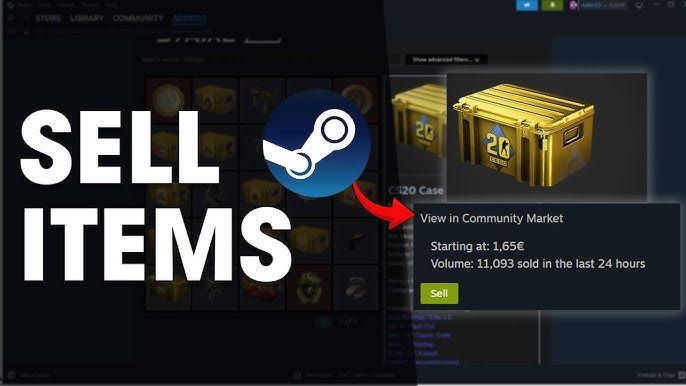
Click on the new item in your Steam inventory to view its market status. If the item is marked as tradable and marketable, click the Sell button at the bottom of the description panel. Check the current price graph to see what other players are paying. Price your item competitively to ensure a quick sale, confirm the listing via your mobile authenticator, and wait for the buyer's funds to land in your wallet balance.
When Free Watch Rewards Fall Short of Your Budget
Farming drops is a fun side activity, but it has hard financial ceilings. Tournament schedules are seasonal, drop rates for ultra-rare items are low, and common crate prices tend to slide downward as more viewers dump their inventory onto the market simultaneously.
If you are aiming to buy a major release or take full advantage of seasonal sale discounts, item drop profits will rarely cover the full cart total. Building up 3,000 rubles for an anticipated launch purely through stream drops could take an entire competitive season.
When a major seasonal sale hits and drops won't cut it, grabbing a Steam account wallet deposit covers the difference so you never miss a sale window.
FAQ
Can you earn Steam Wallet balance directly by watching official streams?
No, official game broadcasts and Twitch drops award cosmetic in-game items rather than direct Steam Wallet funds. You must sell eligible dropped items on the Steam Community Market to convert them into wallet credit.
How do you link your Steam account to earn broadcast drops?
Go to the connections settings on your streaming platform, such as Twitch, and authenticate your Steam account. Drops will automatically route to your Steam inventory once claimed.
Can you convert Steam Points earned during sales into Steam Wallet funds?
No, Steam Points cannot be exchanged for Steam Wallet balance or used to purchase games. Points can only be spent on digital profile decorations, stickers, and Deck customizations in the Points Shop.
Why can't a new account sell stream drops on the Steam Market?
New or limited Steam accounts must spend at least $5 in the Steam Store or add $5 to their wallet to unlock Community Market selling privileges. Accounts below this threshold remain restricted from market trading.
Can watching multiple qualifying streams simultaneously earn drops faster?
No, streaming platforms only track progress on a single active live channel at any given time. Opening multiple streams in separate tabs will not increase drop acquisition rates.
How do you redeem a Steam Wallet gift card code earned from reward websites?
Open the Steam client, click Account Details under your profile name, and select Redeem a Steam Wallet Code. Enter the 16-digit code to instantly credit the balance to your account.
Do claimed stream drops expire if you do not own the game?
Yes, certain publisher campaigns require you to own the base game on Steam within 180 days of claiming the drop. If you do not add the game to your account within that window, the unclaimed inventory transfer expires.
Final Verdict on Stream Farming
Treat official stream drops as a convenient bonus rather than a primary funding strategy. Liquidating tournament crates and promotional cosmetics on the Community Market is an easy way to pick up free rubles for small indie titles or DLC packs. However, because Valve does not pay direct cash per minute and market prices fluctuate rapidly, relying on broadcasts to fund major game purchases will leave you waiting on slow sales.

Community
Comments