

If your Google Play gift card code has not arrived, delivery times depend directly on the purchase channel: while direct Google Play gifts typically arrive within the hour, automated security reviews can hold delivery for up to 24 hours. Third-party retailers often deliver within minutes once payment clears, but manual fraud checks can cause temporary stalls. If you already redeemed a code but see an empty balance, interface caching delays update display totals by 1 to 5 minutes, or funds landed on a secondary Google profile signed in on your device.

Google Play Gift Card (KR)
How Long Does a Digital Google Play Card Take to Arrive?
Delivery windows differ between official stores and third-party marketplaces. When you send a digital card directly through Google, processing usually finishes within an hour, though Google Support notes that fulfillment can take up to 24 hours.
Independent digital storefronts operate on different verification queues. Orders placed for a Google Play Gift Card (KR) on NXPGame typically deliver to your email address and account order dashboard instantly or within minutes, provided payment verification passes without flags. Other merchants, such as MyGiftCardSupply, cite turnaround times between 1 and 3 minutes.
| Merchant / Platform | Stated Delivery Window | Source and Dispatch Method |
|---|---|---|
| Google Play Direct Gifting | Within 1 hour (up to 24 hours) | Google Play Support; dispatched from [email protected] or SMS |
| NXPGame (Google Play Gift Card KR) | Instant to several minutes | NXPGame; delivered via account order page and email |
| MyGiftCardSupply | 1 to 3 minutes | MyGiftCardSupply; delivered via email |
If your transaction exceeds these documented windows, the order has likely encountered an automated processing snag or email delivery barrier.
Why Your Gift Card Email Stalls (And Where to Find It)
When a digital order shows as complete but your inbox remains empty, local email filters and account storage limits are usually responsible.
- Search the official sender address. Direct gifting emails originate exclusively from
[email protected], as documented by Google Play Help. Search that exact address across your Spam, Junk, Promotions, and Updates tabs. - Check your inbox storage quota. If your cloud storage or local device memory is full, incoming mail servers will bounce messages without alerting you. This also applies to SMS deliveries if your handset storage has reached its capacity limit.
- Inspect the retailer order portal. If you purchased a third-party voucher, do not rely solely on email dispatch. Log into your store account directly. Platforms like NXPGame post the unmasked digital code to your order history page as soon as verification completes.
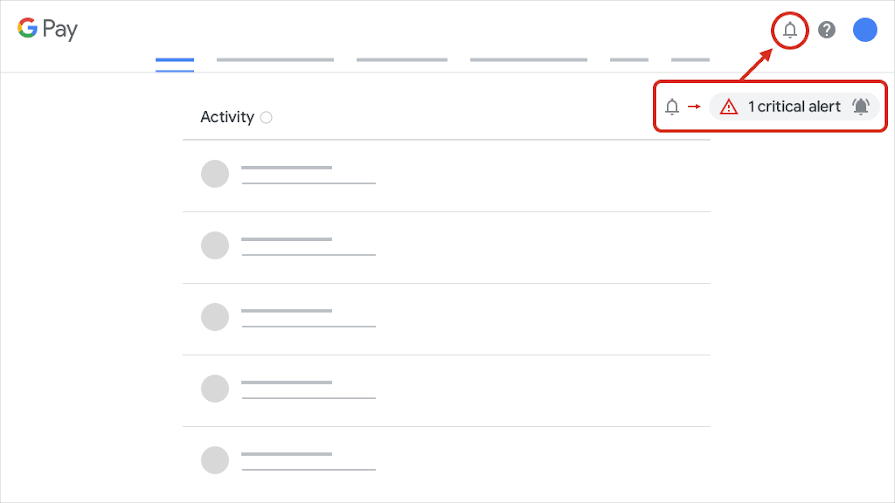
- Trigger the official resend tool. If a direct Google gift was purchased on your behalf and failed to arrive, the purchaser must locate the order ID within their receipt or Google Payments center, then submit the official gift card resend form on Google's support portal.
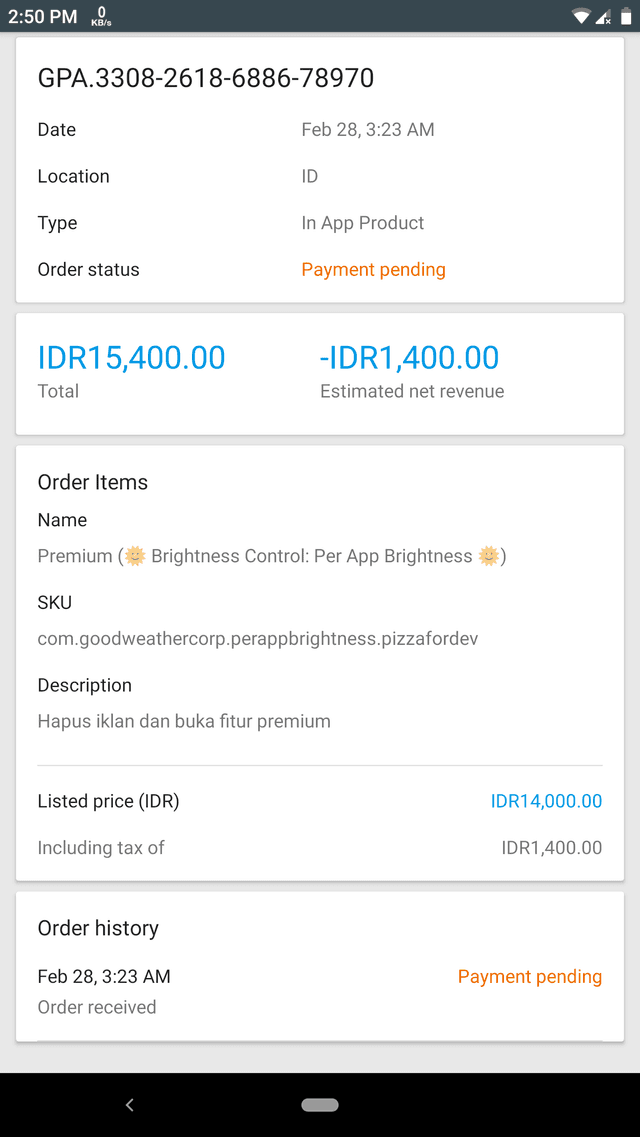
Google Play Gift Card Pending Verification
Payment processors freeze orders when billing details fail automated risk scoring. During this fraud-prevention check, delivery pauses while the merchant confirms payment authorization.
If Google flags an activated card or demands an appeal during redemption, you will be prompted to submit proof of purchase. According to Bitrefill's redemption documentation, when completing Google's gift card appeal form for a digital product:
- Upload the clear digital invoice or receipt provided by your seller.
- Type Online into the required City field, since no physical retail store location exists for digital delivery.
Submitting incorrect merchant details or physical store guesses will stall review processing indefinitely.
Why Your Balance Is Not Showing After Redeeming
Seeing a "Successfully Redeemed" confirmation banner followed by a zero balance is a known client-side synchronization issue. It rarely means your funds vanished.
The 1-to-5 Minute Cache Delay
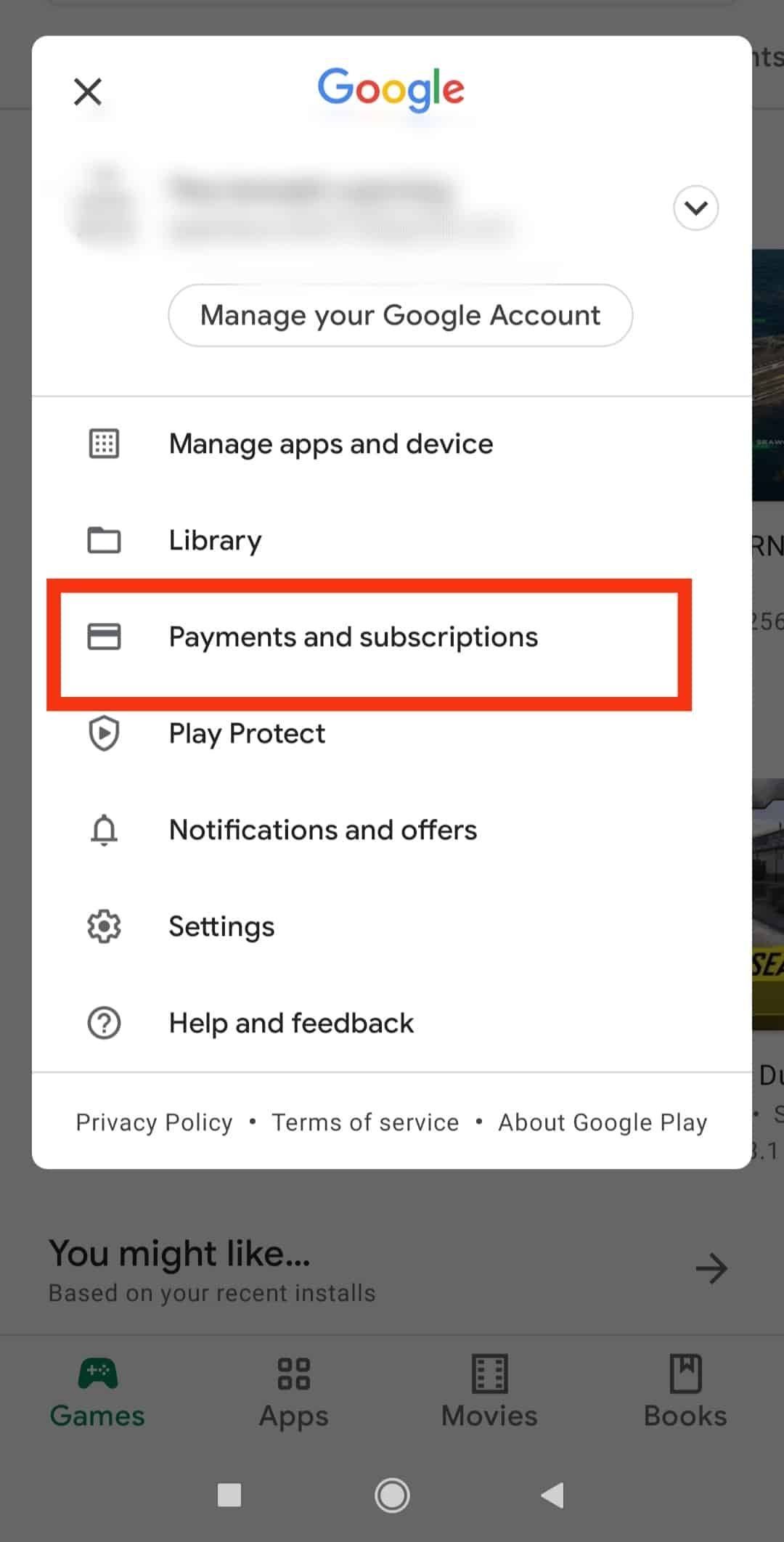
Google Play's interface does not always update stored wallet totals instantaneously. As noted by Marix, balances typically appear within 1 to 5 minutes after activation. Force-closing the Play Store app, clearing its local cache, or refreshing payments.google.com in an external browser forces the server to return current ledger values.
Multi-Account Device Traps
If you maintain more than one Google account on your phone, redemptions route to whichever profile was actively selected in the Play Store at the exact second the code was submitted. Funds credit to that specific profile and cannot be transferred between accounts. Switch profiles using the avatar icon in the top right corner of the Google Play app to verify if the credit landed on an alternate inbox.
Refreshing Stale In-App Checkout Sheets
If you redeemed a card while inside a game or application, returning to the in-app purchase window often displays the old cached total. As outlined by Reviewify, you can fix this by changing the payment method away from Google Play balance to another option on the checkout sheet, then switching back to Play balance. This toggle forces the transaction sheet to query Google servers for the updated total.
Regional Lockouts and Account Caps
If a digital code simply refuses to redeem, the issue often stems from hard regional rules or account balance ceilings rather than delivery errors.
South Korea Region Enforcement
A Google Play Gift Card (KR) is strictly region-locked to Google Play profiles configured for South Korea. Attempting to redeem a KRW code on an account registered to another country triggers an immediate country-mismatch rejection. Digital vouchers are non-refundable and non-returnable once issued, so your Play Store account country must match the voucher region before you buy.
Daily and Total Balance Caps
Google imposes strict country-specific balance limits. Per Google Support documentation, an account cannot redeem any code or promotional balance if that credit pushes the total past the daily or maximum balance cap for that country. If you hit this ceiling, redemption blocks completely until you spend existing funds and wait for the 24-hour limit window to reset.
Character Length Discrepancies
Check the formatting of your raw code if an error claims it is invalid. Documentation across retail sources contains conflicting reports regarding standard code lengths: certain merchant databases describe Google Play codes as 16 characters or digits, whereas other platforms reference 20-character strings. If your code appears incomplete or truncated in an automated delivery email, copy the code directly from the merchant's web order dashboard to prevent character drop-off caused by HTML formatting bugs.

Community
Comments