

Choosing between an A-Cash prepaid voucher and direct digital checkout on PlayMall depends primarily on your access to Thai banking infrastructure and account region status. Redeeming an A-Cash (TH) voucher bypasses the need for local bank credentials or credit cards by using a serial and PIN, whereas direct channels like PromptPay and TrueMoney offer automated in-portal checkout for residents with domestic payment accounts. Both methods deposit credit into your PlayMall wallet, where unspent balances remain valid for 365 days before expiring.
A-Cash (TH)
Core Differences Between A-Cash and Direct PlayMall Channels
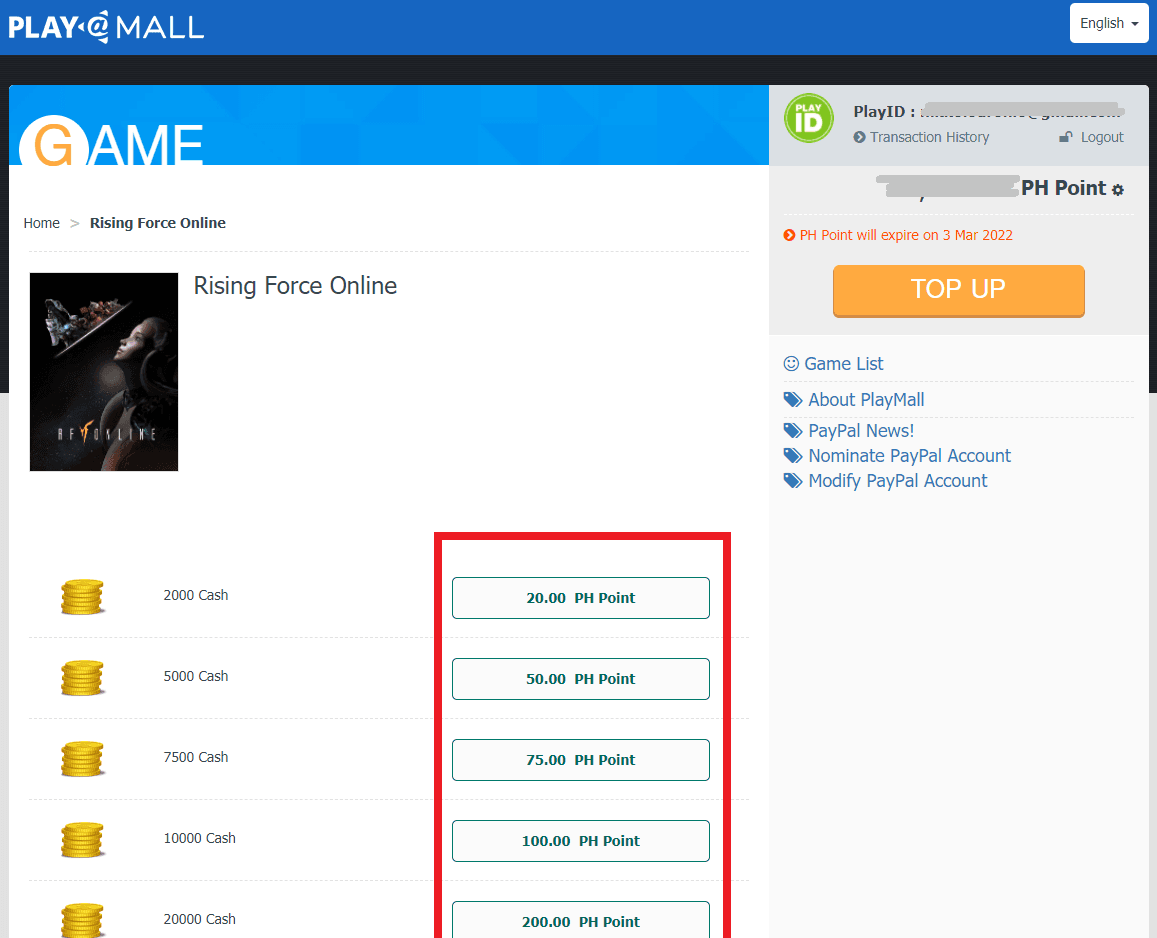
PlayPark distributes services across Southeast Asia through country-specific portals. PlayMall adjusts its available payment methods based directly on your selected wallet currency, meaning a Thai account displays different checkout channels than an account configured for another territory.
| Feature | A-Cash (TH) Voucher | Direct PlayMall Checkout |
|---|---|---|
| Payment Mechanism | Prepaid digital serial and PIN redemption | Direct digital gateway (PromptPay, TrueMoney, cards) |
| Account Region Restriction | Strictly Thailand PlayPark / Asiasoft accounts (source) | Channel selection locked to current wallet currency (source) |
| Credit Card Requirement | None (source) | Required only if selecting card processing channels |
| Balance Validity | 365 days from top-up date (source) | 365 days from top-up date (source) |
| Post-Conversion Refund Policy | Non-refundable once converted to game points (source) | Non-refundable once converted to game points (source) |
A-Cash (TH) serves as the official digital currency voucher issued by Asiasoft for Thailand accounts. If your account is registered outside Thailand, A-Cash (TH) codes will fail during redemption (source). Direct checkouts enforce a similar geographical boundary: the PlayMall portal only reveals domestic payment channels when the wallet is actively set to that country's currency.
Banking Prerequisites: PromptPay, TrueMoney, and Cards
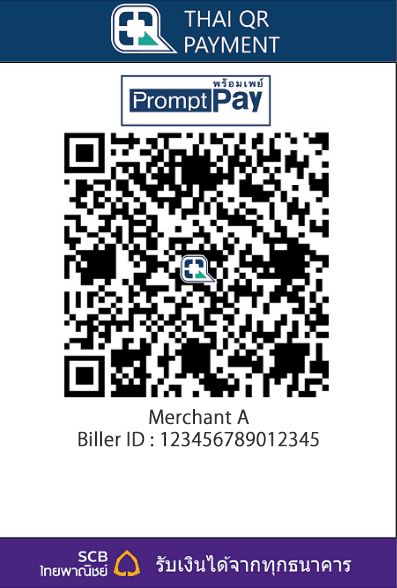
Direct digital payments in Thailand rely heavily on domestic mobile ecosystems. TrueMoney accounts for over 52% of mobile wallet traffic in Thailand with an active base exceeding 32 million users, while PromptPay operates as the national government-backed QR standard (source).
Each payment channel carries distinct prerequisites:
- PromptPay QR: Requires a mobile banking app linked to a Thai bank account to scan and execute the transfer.
- TrueMoney: Requires a registered Thai account subject to standard holding limits (source).
- Credit Cards: While accessible internationally, processing payments via foreign cards commonly incurs 3% to 5% foreign transaction fees compared to direct local channels (source).
For players residing outside Thailand or those playing on Thai servers without domestic banking accounts, direct methods like PromptPay are functionally inaccessible. A-Cash eliminates this barrier. Purchasing a code through an online seller lets you fund the account without passing through Thai identity verification or domestic payment gateways.
PlayMall Wallet Rules: Currency Lockouts and Expiration
Managing your PlayMall wallet requires planning around system-enforced timers. Whether you top up via an A-Cash serial or a direct gateway, the resulting wallet balance is valid for 365 days from the date of the recharge (source). Points remaining inactive past this period expire.
Changing the account currency carries an operational constraint. When you confirm your wallet currency in PlayMall, the system initiates a mandatory 60-day lockout period, preventing another currency switch for two months (source, source). If you accidentally set an unintended currency, direct local options and specific voucher inputs will not appear until that timer concludes.
Once your points reflect in the PlayMall balance, you must convert them into game-specific currency for your title. Take caution during this phase: once wallet points convert into specific game cash, the transaction is irreversible and strictly non-refundable (source).
How to Redeem an A-Cash Serial and PIN
Redeeming an A-Cash code bypasses payment processor pages entirely. Follow these steps to apply a voucher:
- Log into the official PlayPark PlayMall top-up portal using your account credentials.
- Confirm that your account is registered as a Thailand PlayPark or Asiasoft profile (source).
- Select the A-Cash top-up channel from the available recharge menu.
- Input the alphanumeric serial number and the corresponding security PIN provided with your voucher.
- Confirm the submission. The value credits instantly to your PlayMall points balance.
- Convert the credited points into the specific game currency required for your title (source).
Which Method Fits Your Situation?
Choose PromptPay or TrueMoney direct top-up if you already hold a domestic Thai bank account or an active TrueMoney mobile wallet. These channels complete transactions inside the portal without entering long voucher codes, while avoiding the 3% to 5% foreign transaction surcharges linked to cross-border credit cards (source).
Choose an A-Cash voucher if you play on Thai servers from abroad, do not own a Thai bank account, or prefer to avoid entering card information on gaming portals. Verify that your PlayPark profile is registered under the Thailand service region before purchasing, as foreign region profiles cannot accept Thai A-Cash codes (source).

Community
Comments