

If your Golden Spatula top up is not received after paying, close and restart the game app completely to force a server-side balance refresh, as credits usually arrive within minutes under normal conditions according to TOPUPLive. When funds leave your banking app but tokens remain missing, your money may be sitting in an unfinalized card authorization hold that takes 1 to 3 business days to settle or reverse per Blackcat. If restarting fails, verify whether your purchase was sent to the exact numeric Player ID (UID) found on your in-game Mini Profile and confirm that your account is registered on the Southeast Asia server before escalating with your transaction order number.

Golden Spatula (SEA)
- -70%
Golden Spatula 205 RP
Buy NowUSD 0.40
USD 0.67
- -70%
Golden Spatula 420 RP
Buy NowUSD 0.81
USD 1.38
- -70%
Golden Spatula 700 RP
Buy NowUSD 1.25
USD 2.13
- -70%
Golden Spatula 1,400 + 25 RP
Buy NowUSD 2.41
USD 4.10
- -70%
Golden Spatula 2,110 + 50 RP
Buy NowUSD 3.50
USD 5.95
- -70%
Golden Spatula 2,800 + 100 RP
Buy NowUSD 4.93
USD 8.38
- -70%
Golden Spatula 4,230 + 150 RP
Buy NowUSD 7.06
USD 12.00
- -70%
Golden Spatula 5,600 + 250 RP
Buy NowUSD 9.53
USD 16.20
- -70%
Golden Spatula 8,470 + 350 RP
Buy NowUSD 14.14
USD 24.03
- -70%
Golden Spatula Top Up 12,000 + 550 RP
Buy NowUSD 20.16
USD 34.27
- -70%
Golden Spatula 21,200 + 1,000 RP
Buy NowUSD 35.18
USD 59.81
- -70%
Golden Spatula 35,340 + 1,800 RP
Buy NowUSD 58.46
USD 99.38
- -70%
Golden Spatula 70,000 + 4,000 RP
Buy NowUSD 109.18
USD 185.60
Immediate Checks: Refreshing the Client and Balance
Direct UID top-ups for Golden Spatula (SEA) typically deliver stored-value credits automatically within minutes of payment confirmation. When an expected credit does not show up on your home screen, the game client may simply be running a stale cache.

Do not immediately place a duplicate order. Follow this basic verification sequence:
- Exit the Golden Spatula application.
- Open your device app switcher and force-close the app to clear active session memory.
- Relaunch the app, log in, and check your currency counter at the top of the screen.
TOPUPLive notes that restarting the client forces a balance resync. If your currency counter still shows no change after relaunching, check whether the transaction actually finalized or remains caught in payment processing.
| Issue Type | Documented Delivery / Recovery Window | Diagnostic Requirement | Reference & Visual |
|---|---|---|---|
| Standard UID Delivery | Instant to within a few minutes | Check currency counter after restarting game client | 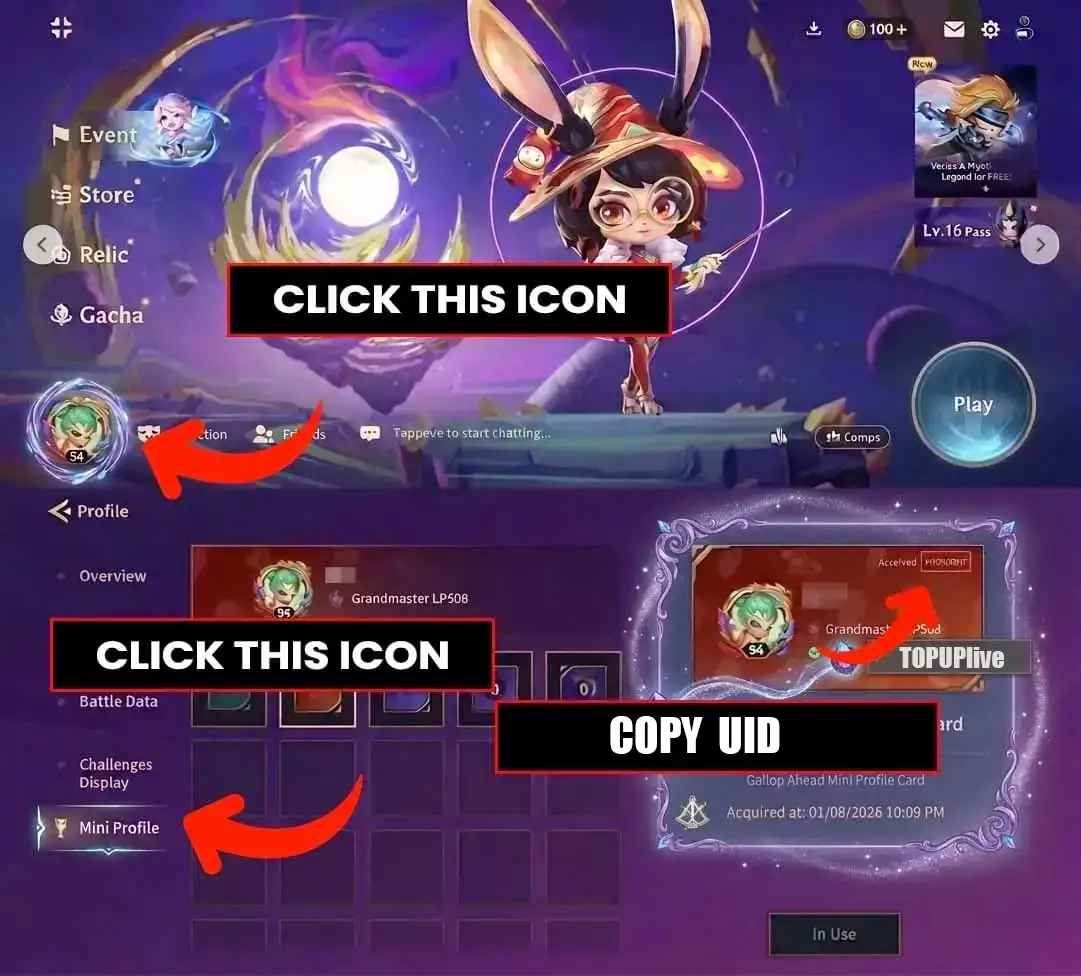 TOPUPLive TOPUPLive |
| Storefront Maintenance | Temporary processing delay | Monitor storefront alert banners or verification triggers | 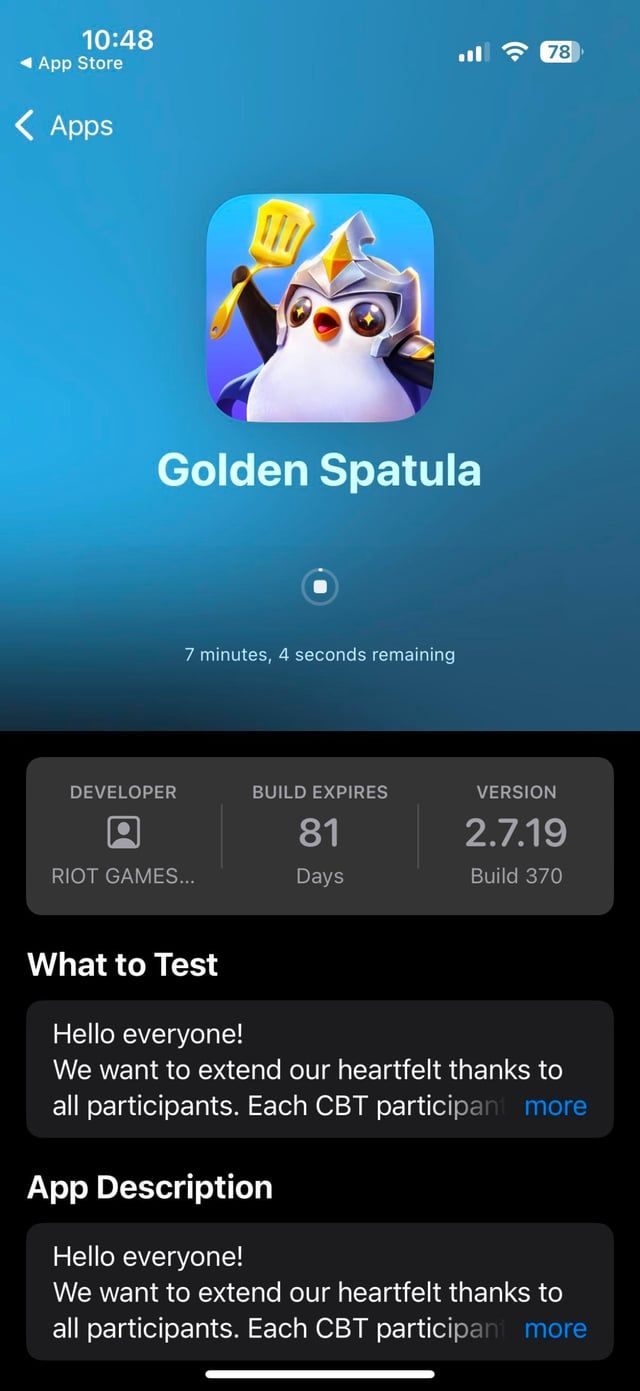 NXPGame NXPGame |
| Bank Authorization Hold | 1 to 3 business days (up to 7 to 10 days for long holds) | Check whether card charge is "Pending" or "Settled" | 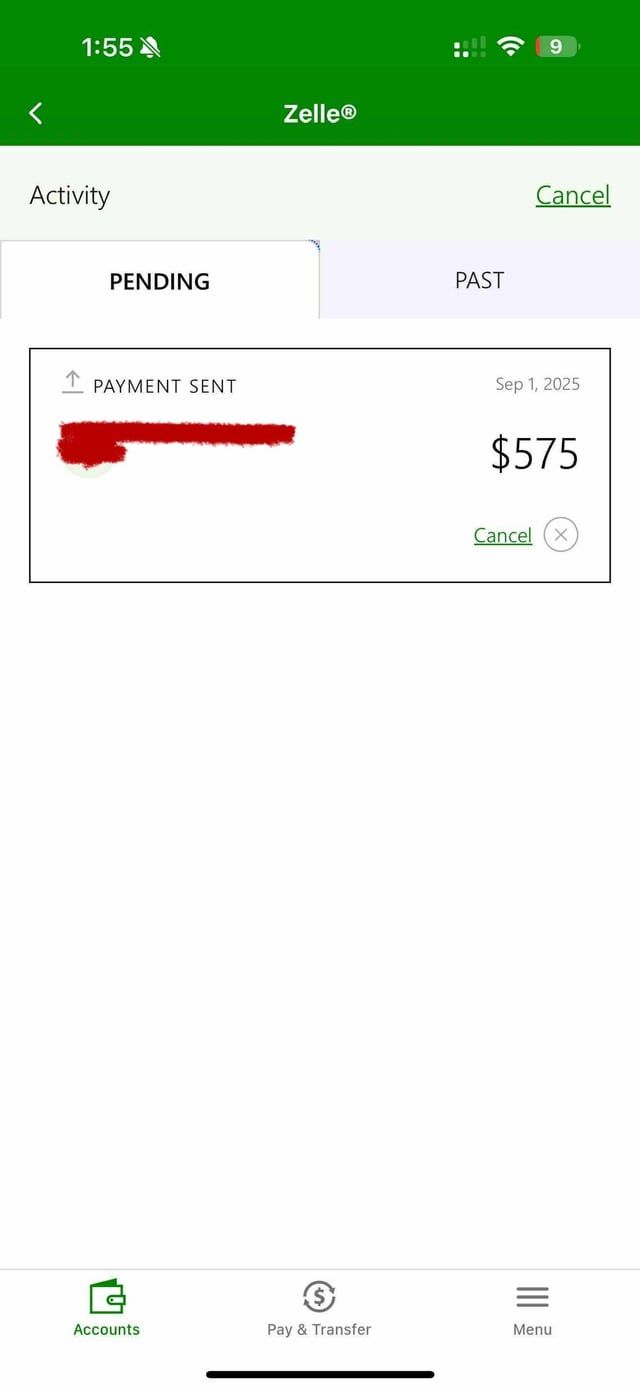 Blackcat Blackcat |
| Wrong Player ID (UID) | Non-deliverable / Delivered to wrong account | Compare receipt recipient against Mini Profile UID | 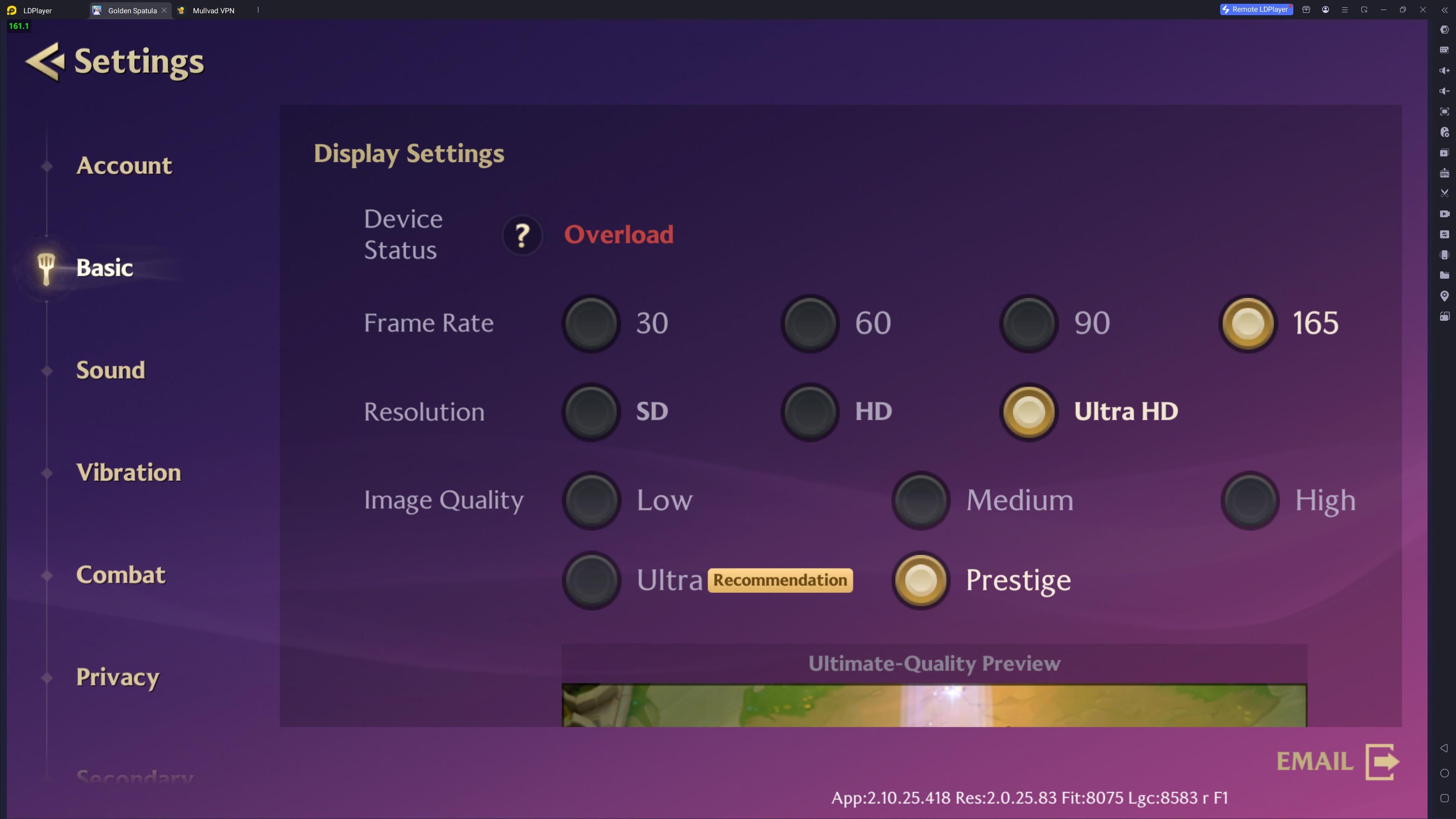 TOPUPLive TOPUPLive |
| Cross-Region Incompatibility | Complete delivery failure | Verify Golden Spatula account server matches SEA | 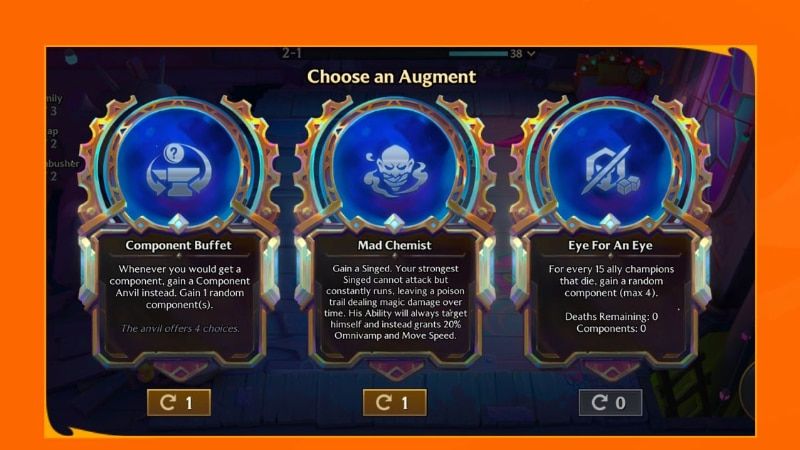 NXPGame NXPGame |
Settled Charge or Bank Hold: How Payment Processing Works
An undelivered top-up does not necessarily mean a merchant took your money and withheld items. In many instances, the storefront has not received settled payment at all.
When you buy RP or in-game credits using a credit or debit card, the banking network places an authorization hold on the requested amount. The transaction displays as "Pending" in your banking app. Per Blackcat documentation, card networks like Visa and Mastercard generally require merchants to settle transactions within 1 to 3 business days. If pre-authorizations or verification checks stall the checkout handshake, the hold can linger up to 7 to 10 days before releasing back to your available balance.
If your merchant order status shows processing or pending, the third-party storefront cannot credit your account because payment settlement never finalized. Contacting game support while an order is pending will result in an instruction to wait for banking clearance. Check your bank statement first: if the transaction vanished or reverted, the payment failed before reaching the storefront.
Locating Your Mini Profile UID to Catch Typo Errors
Direct top-ups for Golden Spatula rely strictly on the numeric Player ID (UID). These recharges do not require your account password, making the process secure but sensitive to typos. A single wrong digit sends credits to another player or causes the recharge system to reject the batch.
To cross-reference your order receipt with your actual account:
- Open Golden Spatula on your mobile device.
- Tap your Profile Icon in the bottom-left corner of the main lobby.
- Open the Mini Profile screen.
- Read the numeric UID displayed on this page.
Compare every character of this UID with the recipient identifier listed on your purchase receipt or storefront order confirmation. TOPUPLive identifies typographical errors in the UID input field as a leading cause of undelivered credits. If the numbers match and tokens remain missing after a client restart, you have confirmed a genuine fulfillment delay.
Server Compatibility and Cross-Game Separation
Two structural compatibility barriers can cause a top-up to fail even when your payment goes through smoothly.
The SEA Server Restriction
Storefronts providing Golden Spatula (SEA) recharge services explicitly note that these top-ups are restricted to accounts registered on Southeast Asian servers. If your game profile was registered outside the SEA region, the recharge system cannot deliver the stored-value currency to your account. Both NXPGame and TOPUPLive confirm that non-SEA accounts cannot process or receive these packages.
Golden Spatula vs. Teamfight Tactics Mobile
Golden Spatula is an auto-battler set in the Teamfight Tactics universe, but it runs on an entirely distinct mobile architecture. According to Uptodown, Teamfight Tactics Mobile is a portable build for PC audiences, whereas Golden Spatula is designed specifically for mobile players with exclusive content and modes.
There is no cross-play and no cross-purchase between the two titles. Currencies, passes, arenas, Booms, or Little Legends bought for TFT Mobile do not transfer to Golden Spatula. If you purchased RP on a storefront for TFT expecting it to credit your Golden Spatula account, the balance will never appear.
| Verification Dimension | Golden Spatula (SEA) Requirement | Potential Error State | Verification Source |
|---|---|---|---|
| Account Region | Southeast Asia (SEA) server registration | Credits fail to deliver to global/non-SEA accounts | NXPGame |
| Game Universe | Golden Spatula standalone client | Currencies bought for TFT Mobile cannot cross over | Uptodown |
| Account Identifier | Numeric UID from bottom-left Mini Profile | Tokens credited to incorrect player account | TOPUPLive |
| Client State | Clean app restart forced | Stale cached display hides delivered balance | TOPUPLive |
| Merchant Settlement | Finalized charge confirmation | Pending bank hold releasing in 1 to 3 business days | Blackcat |
How to Open an Effective Support Ticket
If your UID is correct, your account is confirmed on the SEA server, and the charge has settled rather than sitting in a pending card authorization, escalate directly with the storefront.
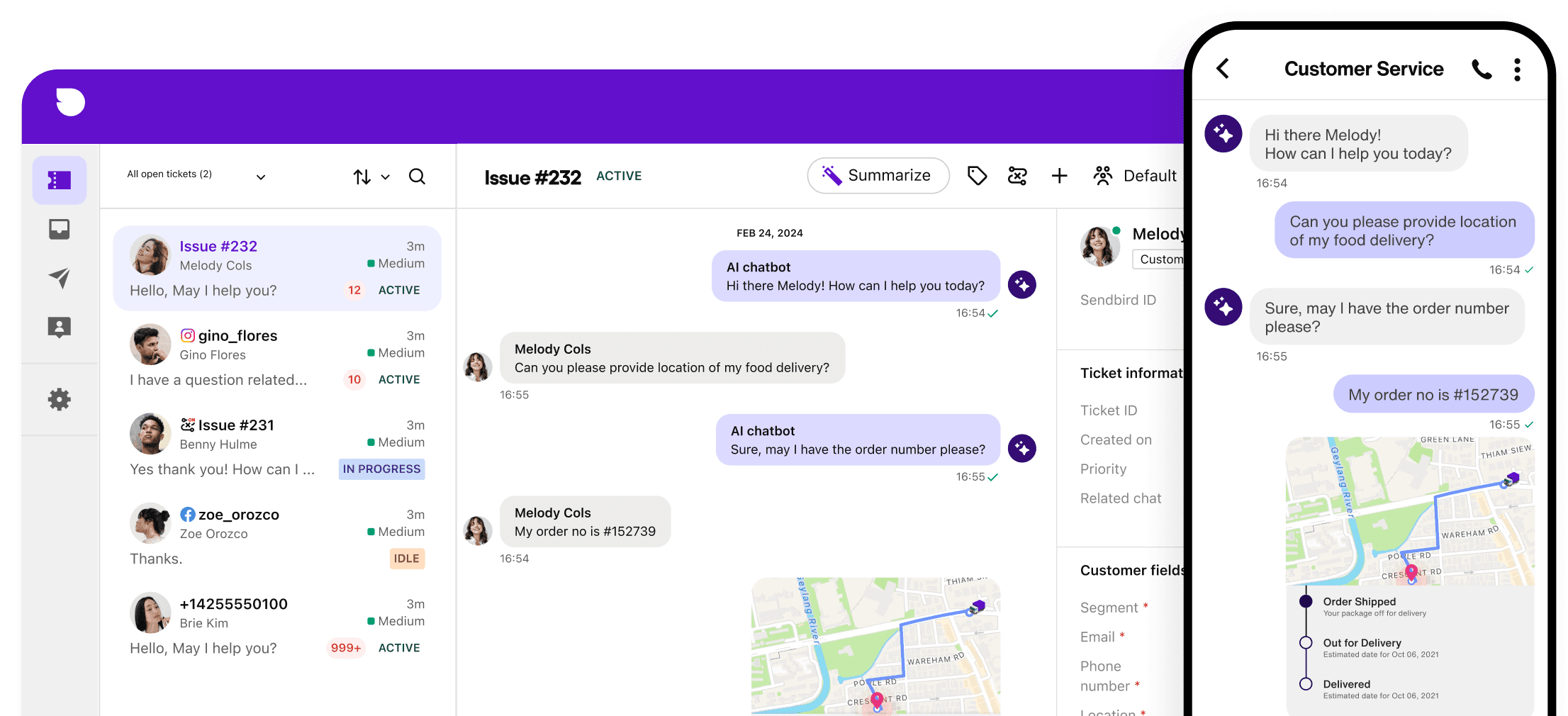
Storefront platforms such as NXPGame provide 24/7 customer support, and platforms like TOPUPLive accept escalations via Live Chat, WhatsApp, or email. Avoid sending a vague message stating only that your items are missing. Provide the following verifiable details in your initial ticket to prevent back-and-forth delays:
- Order Number: The exact transaction ID generated by the merchant at checkout.
- Recipient Player ID (UID): The numeric UID copied directly from your Mini Profile.
- Proof of Payment: A screenshot showing a settled transaction from your payment provider (with sensitive card numbers masked).
- In-Game Balance Screenshot: A capture of your current currency counter showing the tokens have not arrived.
Platform maintenance or automated identity verification can occasionally delay deliveries beyond the normal window of a few minutes. Supplying your order number and profile details allows the support agent to trace dispatch logs and manually push the credit if automated fulfillment stalled.

Community
Comments