

Completing UniPin reward quests requires balancing account loyalty tasks with campaign-specific payment rules. Members accumulate loyalty points through actions like sharing referral links for 30 points, earning 60-point bonuses on birthdays or tier promotions, and spending loyalty balances on digital credits or gaming accessories. Meanwhile, lucky spin attempts require entering valid transaction numbers from qualifying top-ups on dedicated event pages, though certain campaigns disqualify checkouts funded via UniPin Vouchers or UniPin Credits.

UniPin Voucher ID
Completing portal loyalty quests and referral missions
UniPin groups registered accounts into four loyalty tiers: Casual, Legendary, Challenger, and Immortal. Advancing through these tiers unlocks point bonuses alongside regular transaction accrual. Account missions award non-transferable reward points linked to your account's country profile, as detailed in UniPin's loyalty program overview.
Portal missions follow set point allocations:
- Referral links: Distribute your referral code. Each newly registered user generates 30 reward points for your balance.
- Social media onboarding: Connect with UniPin across official platforms. Following official Facebook and Instagram channels grants promotional completion credits.
- Tier progression: Crossing from Casual into Legendary, Challenger, or Immortal provides a flat 60-point promotion bonus per milestone.
- Annual birthday grant: Accounts receive 60 bonus points during the registered birthday period.
| Loyalty tier | Milestone reward | Maintenance rule |
|---|---|---|
| Casual | Base tier entry | Earns standard points when completing transactions using UniPin Credits (UniPin Tier Guide). |
| Legendary | 60 bonus points | Make at least one UniPin Credits transaction every 6 months to prevent a downgrade (UniPin Tier Guide). |
| Challenger | 60 bonus points | Maintain designated transaction volume; points clear every Dec 31 while tier status carries over (UniPin Tier Guide). |
| Immortal | 60 bonus points | Access prioritized VIP customer service, cashback alerts, and targeted weekly promotions (UniPin Tier Guide). |
Entering Spin & Win events without invalidating tickets
Seasonal Spin & Win campaigns run on separate logic from daily account loyalty points. Instead of drawing from your point balance, mini-game hubs require active transaction codes from qualifying top-ups.
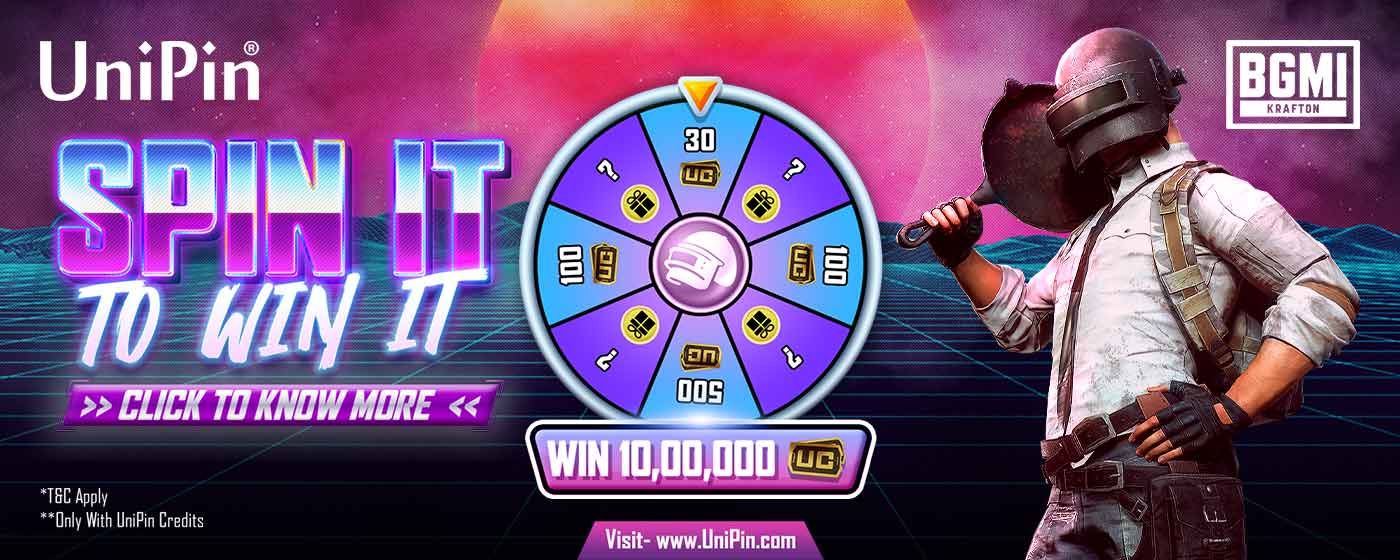
To redeem an event entry:
- Finalize an eligible top-up for your title, such as Mobile Legends: Bang Bang, Free Fire, or Genshin Impact.
- Locate the alphanumeric transaction number generated on your checkout confirmation or payment receipt.
- Go to the active event portal, such as the UniPin Lucky Spin event page, or follow the direct event prompt displayed on your transaction screen.
- Enter the receipt transaction number to unlock your spin attempts.
Receipt tracking errors happen when users check out while logged out of their portal profile. If your transaction fails to link to your event counter, retrieve your game user ID and record the approximate purchase timestamp. Submit these records to customer support to recover the missing transaction code.
Watch for payment channel exclusions
Promotional lucky draws often reject wallet balances entirely, even though regular loyalty point accrual accepts UniPin Credits. Check your payment method before completing an event checkout.
Promotional terms in selected recharge campaigns explicitly state that transactions paid via UniPin Credits or UniPin Vouchers are excluded from earning raffle tickets or spin attempts, as shown in UniPin's reload terms. In these events, only direct external payment methods qualify. Check the promotional rules page before funding your wallet if your primary goal is collecting spin attempts.
Spending quest points before annual expiration
UniPin reward points follow a strict calendar reset. Every year on December 31, all unspent reward points expire automatically, and point balances drop to zero (UniPin Rewards Terms).
Tier ranks behave differently. While points clear on December 31, your achieved membership tier carries into the subsequent year. To protect higher levels such as Legendary, Challenger, or Immortal from dropping down, complete at least one transaction using UniPin Credits every 6 months while satisfying your rank's transaction threshold.
To redeem your quest earnings before the December cutoff:
- Sign in to your profile on the portal.
- Open your account dashboard and head to the UniPin Rewards catalog.
- Review your claimable items. Points cannot convert to physical cash, but you can swap them for UniPin Credits balance or gaming hardware, including headsets, keyboards, mice, and novelty keycaps.
- Select your item and hit Redeem or Claim to confirm your selection (UniPin Support Guide).
Regional restrictions on voucher redemptions
Quest balances and voucher redemptions cannot cross geographic borders. If you hold an Indonesian account, redeeming a UniPin Voucher ID credits your balance with local UniPin Credits for titles like Valorant and PUBG Mobile. Attempting to enter an Indonesian voucher SKU into an account registered under another region causes an immediate rejection.
Match your account's registered country with your voucher currency. If regional settings conflict, mission rewards, tier upgrades, and checkout receipts will fail to reflect on your dashboard.

Community
Comments