

To pay on the Hong Kong Nintendo eShop without a local credit card, the direct verified workaround is redeeming a 16-character Hong Kong digital gift card directly to a Hong Kong Nintendo Account. Foreign cards are systematically declined by Nintendo regional processing filters, but regional prepaid codes bypass credit card verification entirely to fund Switch games, DLC, and Nintendo Switch Online memberships.
Nintendo eShop Gift Card (HK)
Why Foreign Cards Fail on the Hong Kong Store
Checkout attempts on the Hong Kong storefront with an international debit or credit card trigger error code 2813-2470.
Nintendo explicitly restricts payment cards by issuing country. According to official Nintendo troubleshooting documentation, if a Nintendo Switch eShop exists in your home territory, cards issued there cannot be processed by an eShop assigned elsewhere. Cards issued in North America or Europe will not process on an Asian storefront, even when the card issuer allows international transactions.
While community posts sometimes suggest cards enabled for international billing work, Nintendo's regional processing rules block the transaction at the gateway level.
| Payment Channel | Hong Kong eShop Status | Operational Notes |
|---|---|---|
| Foreign Credit / Debit Card | Declined / Region Blocked | Rejected with error 2813-2470 or regional incompatibility warnings (Nintendo Support). |
| Hong Kong Web Store Alipay | Supported on Web Store Only | Available exclusively via web browsers; yields a download code for console redemption (GoNintendo). |
| Regional Prepaid Card | Supported on Switch & Web | 16-character digital codes fund wallet balances directly without card requirements (NXPGame). |
| Apple Pay / Google Pay | Not Supported Directly | Neither mobile wallet operates natively in checkout; requires buying third-party prepaid cards (Baxity). |
Paying with Regional Prepaid Cards
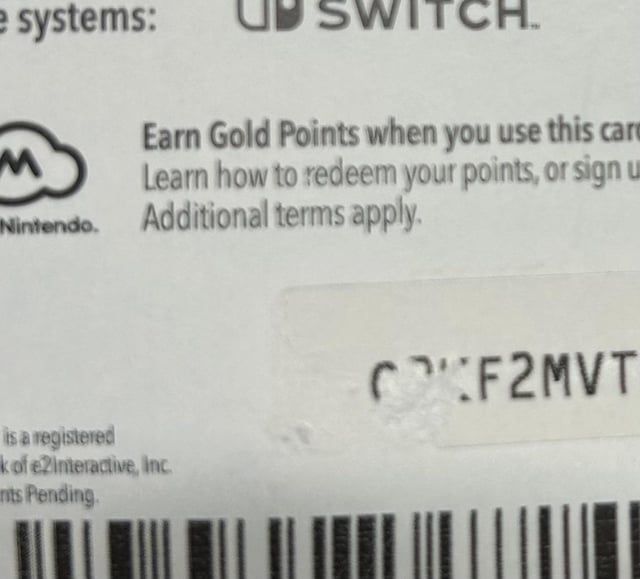
A 16-character Nintendo eShop Gift Card (HK) sidesteps local billing address checks and regional banking rules. Redeeming this prepaid code (預付序號) deposits Hong Kong Dollar credit into your balance, covering base games, DLC, expansion passes, and Nintendo Switch Online memberships.
How to Redeem on the Console
- Wake your Nintendo Switch and select the user profile linked to your Hong Kong account.
- Open the Nintendo eShop from the home menu.
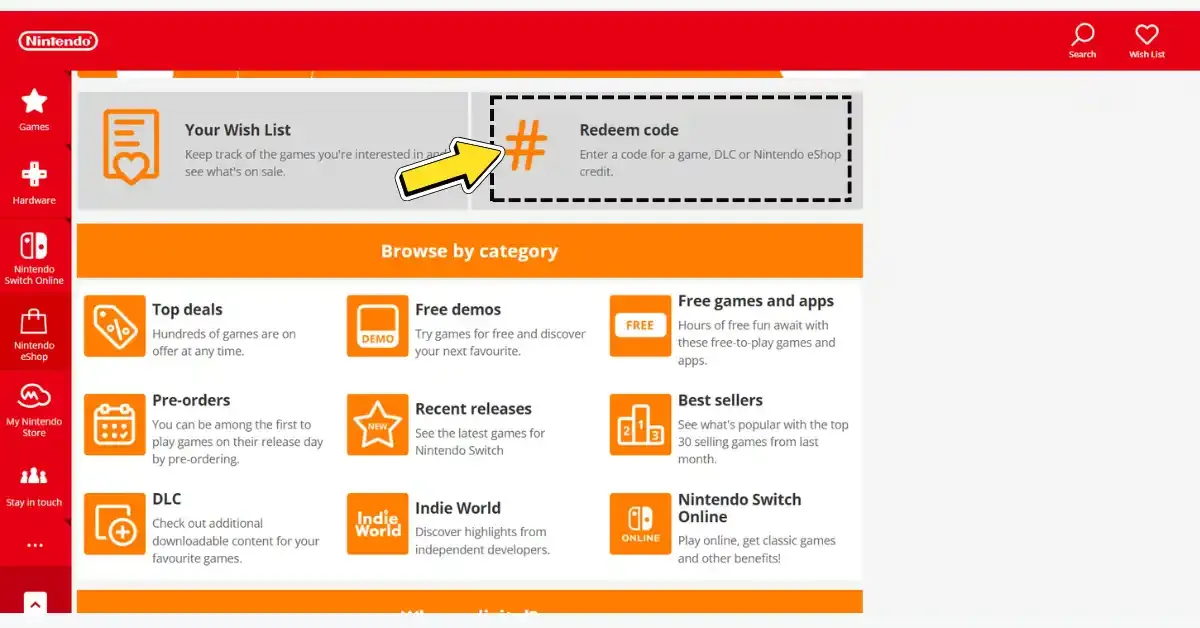
- Scroll down the left sidebar to the code redemption icon ("Enter Code" or 預付序號).
- Type your 16-character voucher code into the input field.
- Confirm the addition of funds to finish topping up your wallet balance.
Type the code carefully. Nintendo prepaid cards omit several letters and symbols to reduce input errors, as noted by Zekivo. Letters such as O, I, and Z, along with hyphens and commas, never appear in genuine 16-digit vouchers.
How to Redeem via Web Browser
- Visit the official browser portal at
ec.nintendo.com/redeem. - Sign in with the credentials for your Hong Kong Nintendo Account.
- Enter the 16-character code and submit.
Web redemption requires one initial step: as documented by MyGiftCardSupply, your target account must have accessed the Nintendo eShop on a physical Switch console at least once. If you just created the account and have not opened the eShop on your console, the web portal rejects the code until you do.
Web eShop Purchases with Alipay
Alipay is an option for web purchases rather than direct on-console checkout. GoNintendo reports that Nintendo added Alipay support directly to the Hong Kong Web eShop interface.
This payment route does not appear in the Switch console eShop app. You must log into the web store through a desktop or mobile browser.
Web purchases do not automatically start a console download. Instead, Zhihu user documentation explains that buyers receive a digital download code upon checkout. You then take that code, open the eShop on your Switch console, and redeem it to start the download.
Account Switching Rules and Regional Balance Traps
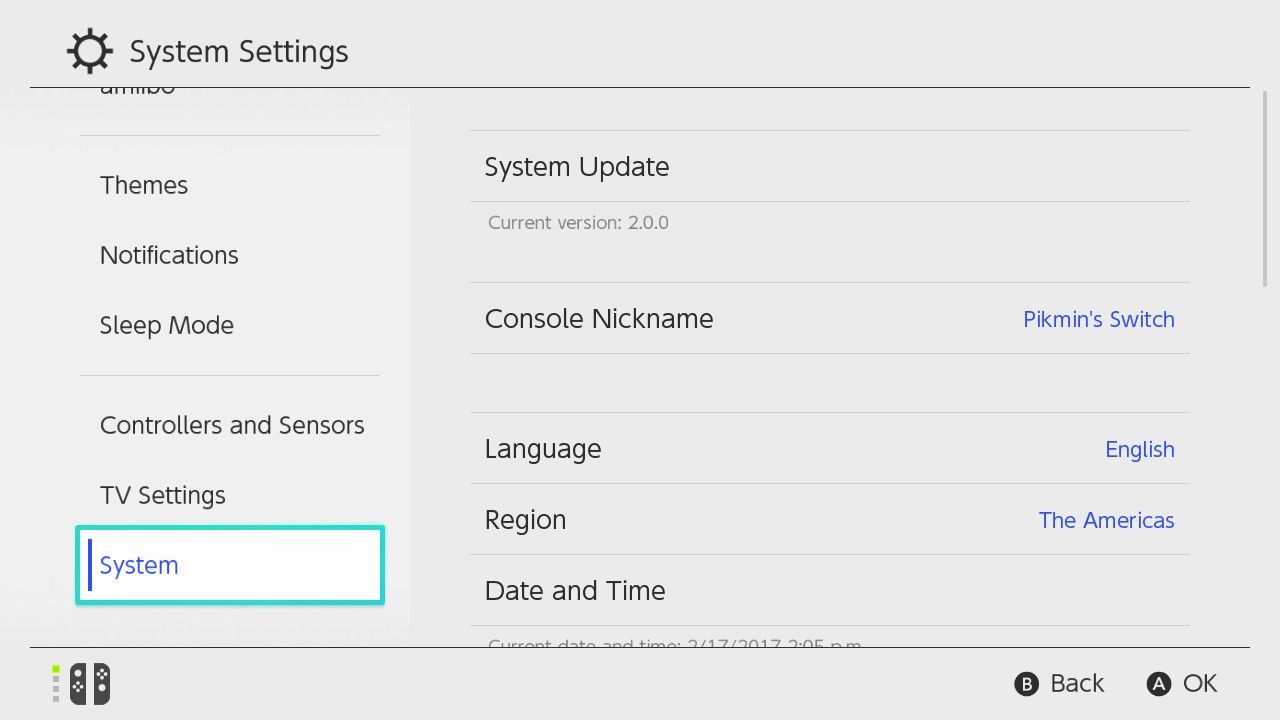
Switching a single account between regions creates a specific balance issue: Nintendo blocks country changes whenever an account holds unspent funds. According to Qisahn documentation, your balance must sit at exactly zero before the platform permits changing regions. Any leftover fractional amount traps the account in that territory until spent.
A dedicated secondary profile avoids this issue. The Switch operating system supports up to 8 user profiles on one console. Keeping one user permanently set to Hong Kong leaves your primary account untouched, prevents stranded balances, and lets all other profiles on the primary console play the downloaded games.
Mobile Wallets and Digital Payment Services
Apple Pay and Google Pay are not available during checkout on the eShop. As documented by Baxity, accepted payment channels on official storefronts are limited to compatible credit or debit cards, regional PayPal, and prepaid gift cards. If you use Apple Pay balance, you must purchase a Hong Kong eShop code through a third-party seller that accepts mobile wallets.
Frequently Asked Questions
Can I change my account to Hong Kong if I have money left in another currency?
No. Nintendo requires your remaining wallet balance to sit at exactly zero before the platform allows changing country settings (Qisahn). If you have leftover credit in another currency, use a separate profile assigned to Hong Kong instead.
Will a Hong Kong prepaid card work on an American or European account?
No. Nintendo eShop cards are strictly locked to their corresponding territory (NXPGame). A card purchased for Hong Kong will only activate on an account configured specifically to the Hong Kong region.
Why does ec.nintendo.com/redeem throw an error for my new profile?
Web redemption fails if the account has never initialized the store on hardware. You must open the Nintendo eShop on your Switch console with that profile at least once before the browser redemption page becomes functional (MyGiftCardSupply).

Community
Comments